Control Station Duetto Web interface – Device
2.0/0518 49
Digital Outputs > Add-on Output
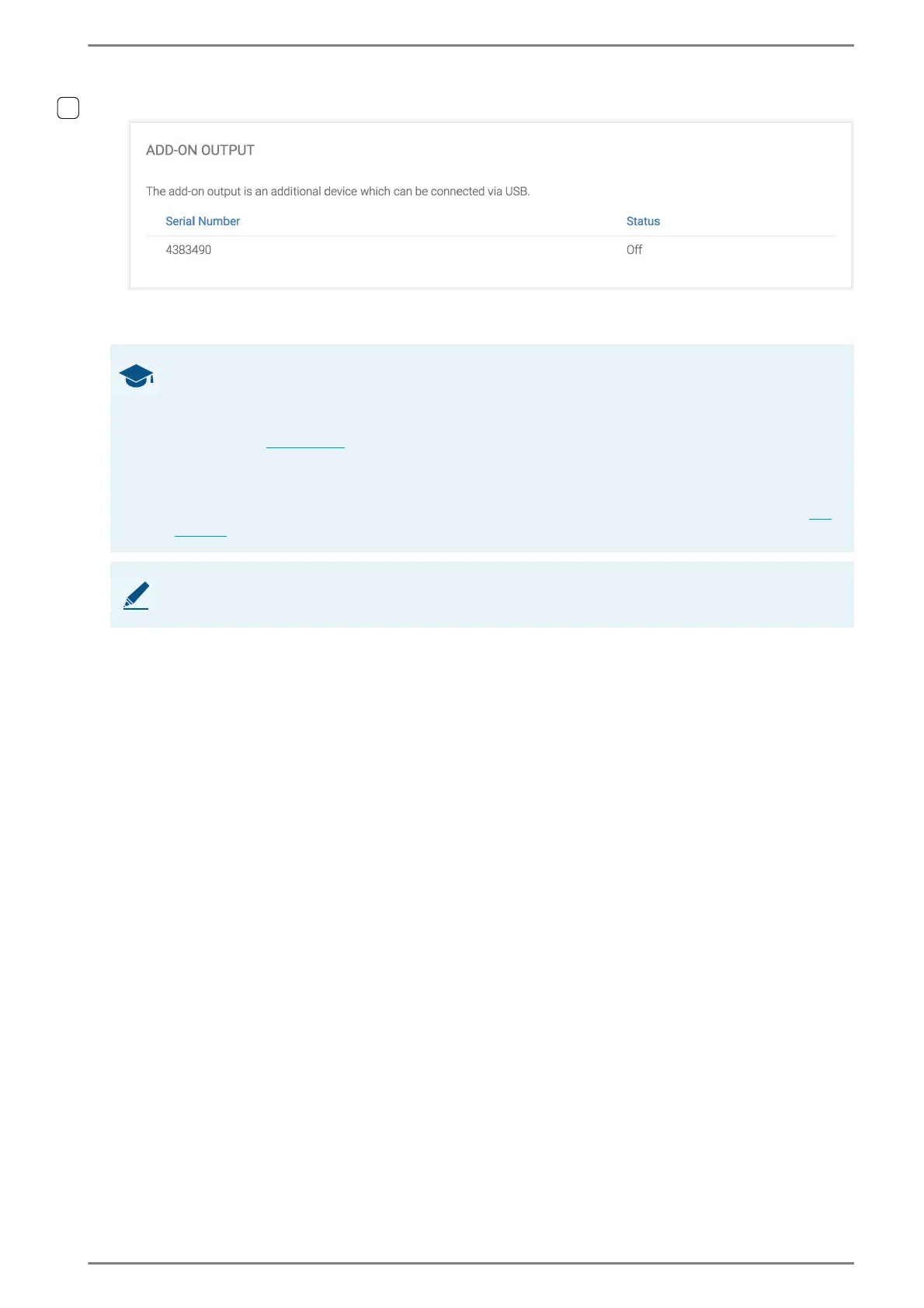
The optional USB output module EB1A provides an additional relay output for the DUETTO device.
It can only be controlled with logic rules.
Status: Shows the current status of the relay output.
➥ Click on the button Save to save the settings.
GOOD TO KNOW: How to use the add-on output?
Connect the USB output module to an available USB port of the DUETTO device.
Go to: Device > USB in the web interface.
Make sure that the status “Plugged” is indicated for the USB port to which the USB output module
is connected (see page 46
). If the USB output module is recognised by the device, the section “Add-
on Output” is indicated at Device > I/Os in the web interface.
Go to: Customization > Logic Rules in the web interface.
To create or edit an existing logic rule, select the action “Digital Output” and the entry “Add-on
Output” in the drop-down list Output in order to control the relay output with any event (see
page 74).
NOTE: Further information
For further information, see datasheet “EB1A”.



 To Next Page