Control Station Duetto Web interface – Customization
2.0/0518 51
General > Main Menu
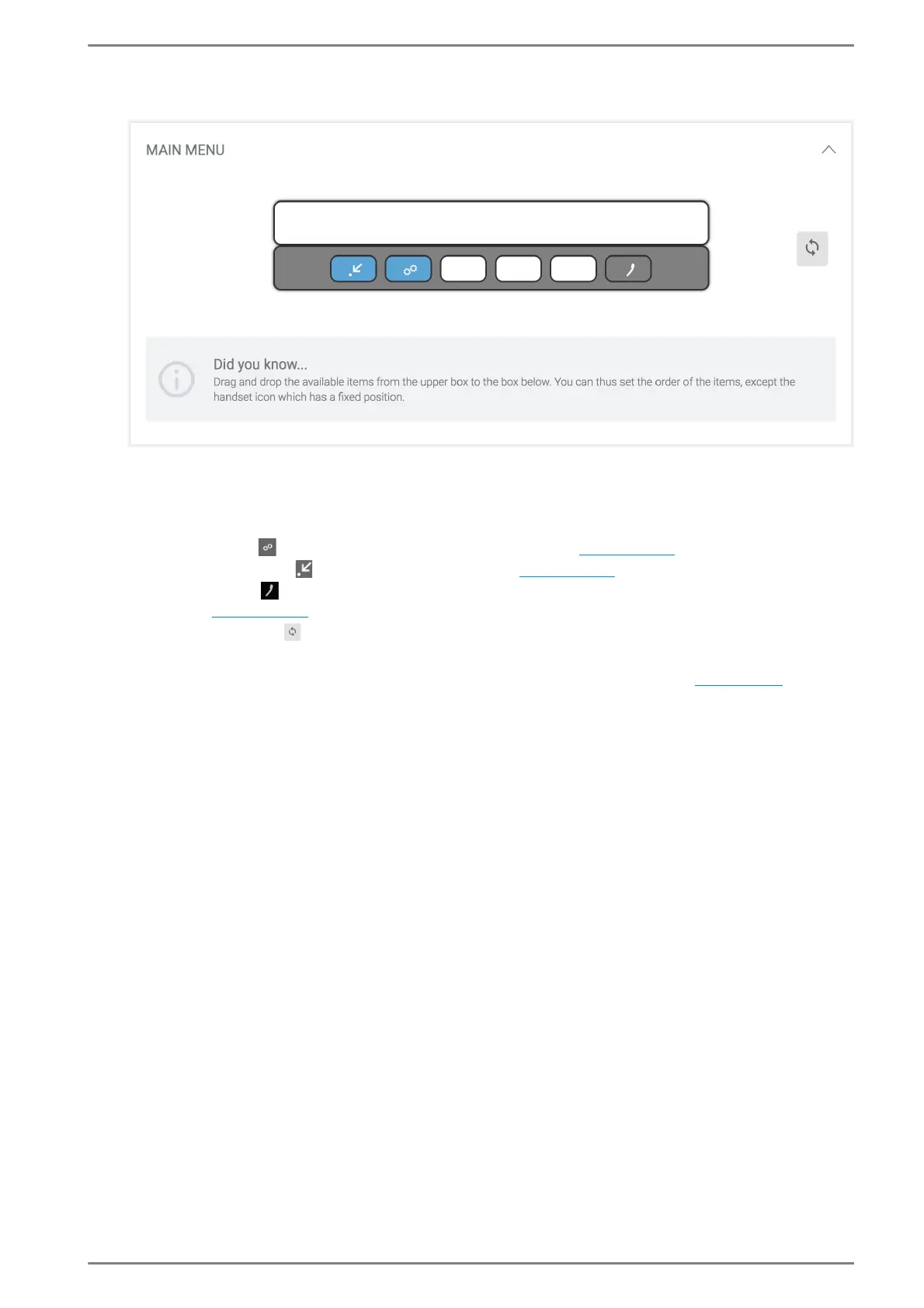
Drag and drop the menu bar buttons from the upper box to any free position in the box below (the
box represents the main menu bar of DUETTO).
Tap on the button on the touch screen of the DUETTO device to open the desired screen. The fol-
lowing menu bar buttons are available:
Settings button : Displays the device information screen (see page 100).
Screen menu button : Displays the screen menu (see page 111).
Handset button : Displays the call app screen (the handset button cannot be removed or
replaced; see page 104).
Click on the button to reset to default settings.
➥ Click on the button Save to save the settings. The buttons will be indicated in the
“main menu” bar at the bottom of the home screen of DUETTO (
see page 94).



 To Next Page