Program interface Control Station Duetto
112 2.0/0518
Full screen
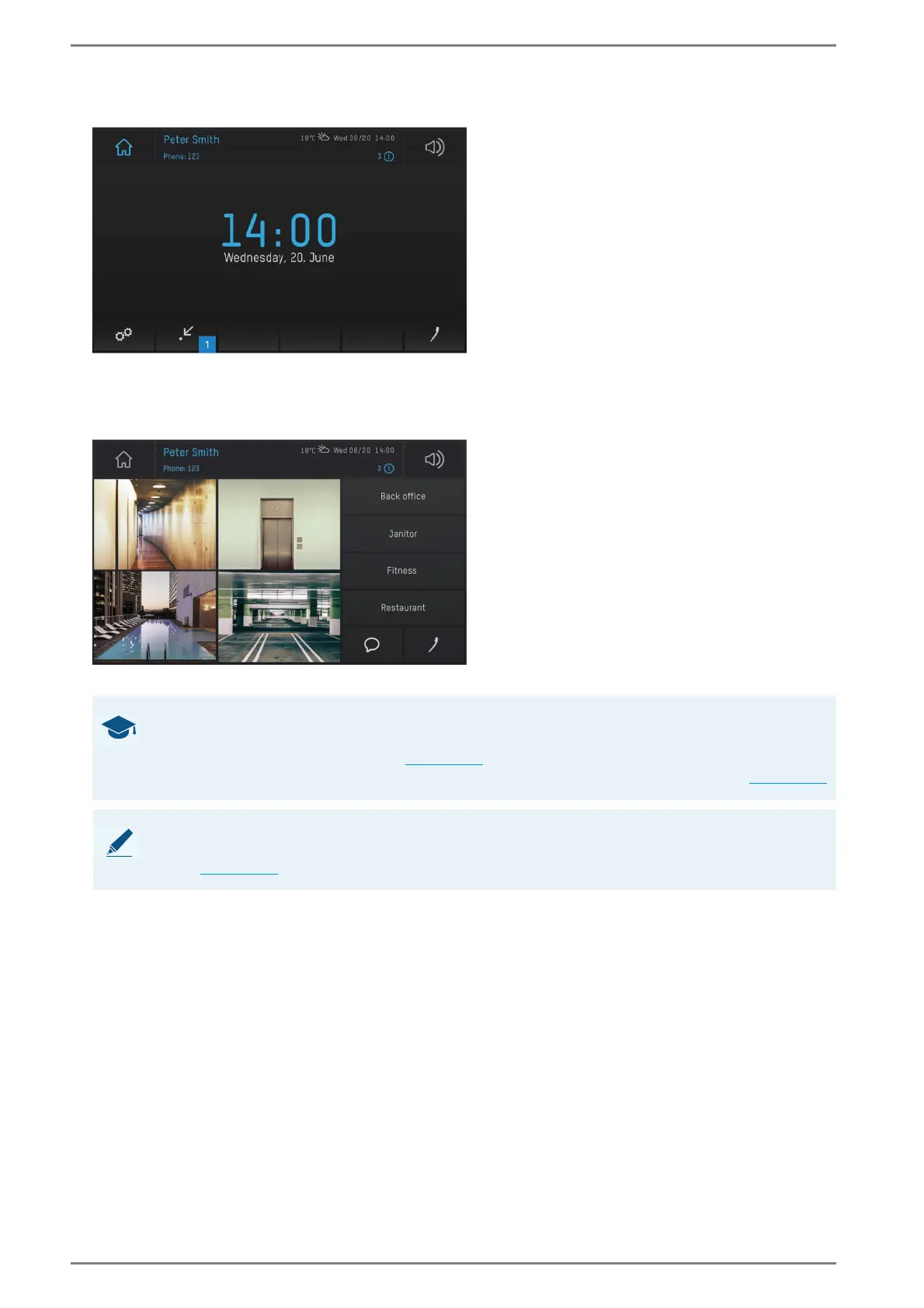
User interface “home screen”
Tap on the screen button 1 in the main menu bar in order to open the standard screen. The following
screen appears:
User interface “full screen”
GOOD TO KNOW: Only default screen can be displayed
If several screens are configured in the web interface, only the selected default screen can be
displayed with the screen button (
see page 57). With the function “Switch to screen” for button
elements, it is possible to display each configured screen on the DUETTO device (
see page 57).
NOTE: Additional configuration required
In order to open the default screen on the DUETTO device, the screen button has to be enabled in the web
interface see page 57.



 To Next Page