Registering Multiple Machines in VPanel
114
4. Useful Functions
C
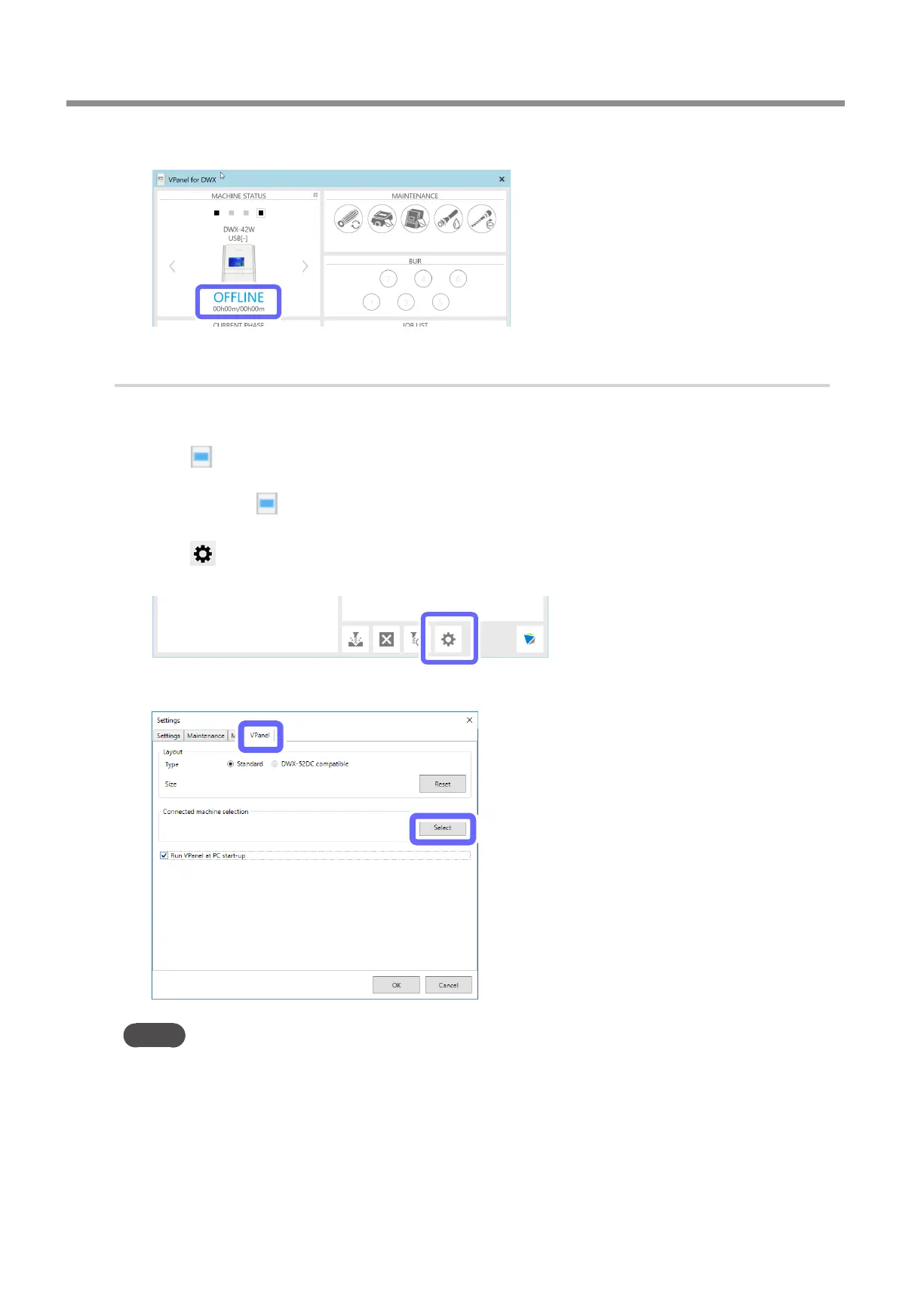
Verify that the machine's operating status is [OFFLINE].
2.
Add the second machine.
A
Use a USB cable to connect the computer and the machine that is being newly connected.
To congure the machine's additional settings, it is necessary to rst connect it with a USB cable.
B
Click (the VPanel icon) in the task tray on the desktop.
VPanel will be displayed.
If you cannot nd
in the task tray, start the program from the Windows [Start] screen (or the [Start] menu).
" Setup Guide
C
Click .
The [Settings] window is displayed.
D
On the [VPanel] tab, click [Select].
MEMO
If the [Select] button is not enabled, check that machines other than the one that you want to connect to the computer are not
connected to the computer�



 To Next Page