5
1. Basic Operation
Switching the Power On or O
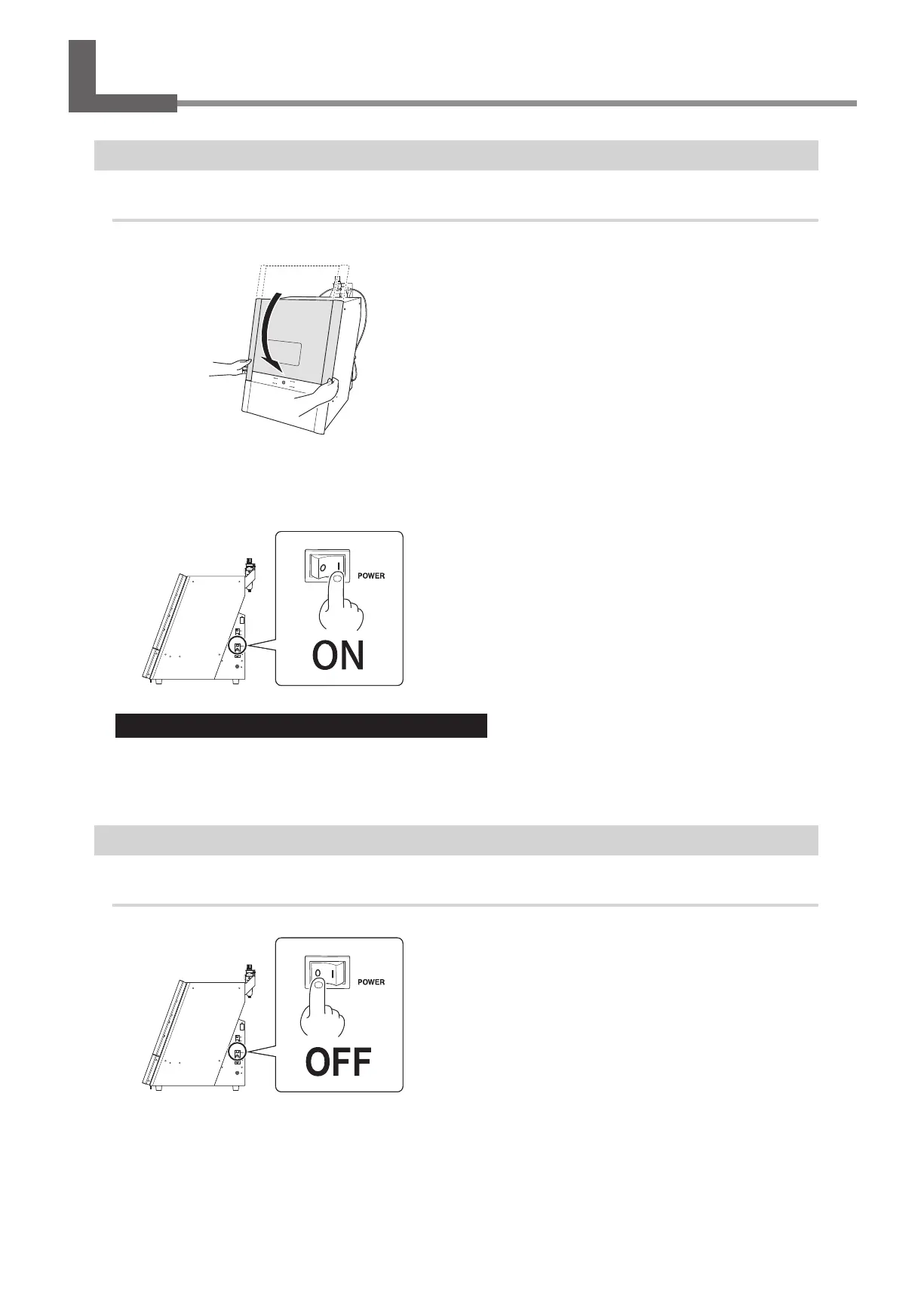
Switching the Power On
Procedure
A
Close the front cover.
Hold this with
both hands.
B
Switch on the machine's power switch.
The machine starts the initial operations. When the status light stops ashing and remains steadily lit (in blue), the
initial operations are complete.
Leave the machine and the compressor on at all times.
• Turning the machine o leads to moisture collecting inside of the machine, which may lead to malfunction.
• If the compressor is turned o, the supply of air to the machine's spindle unit will be stopped, which may
lead to malfunction.
Switching the Power O
Procedure
Switch o the machine's power switch.



 To Next Page