124
4. Useful Functions
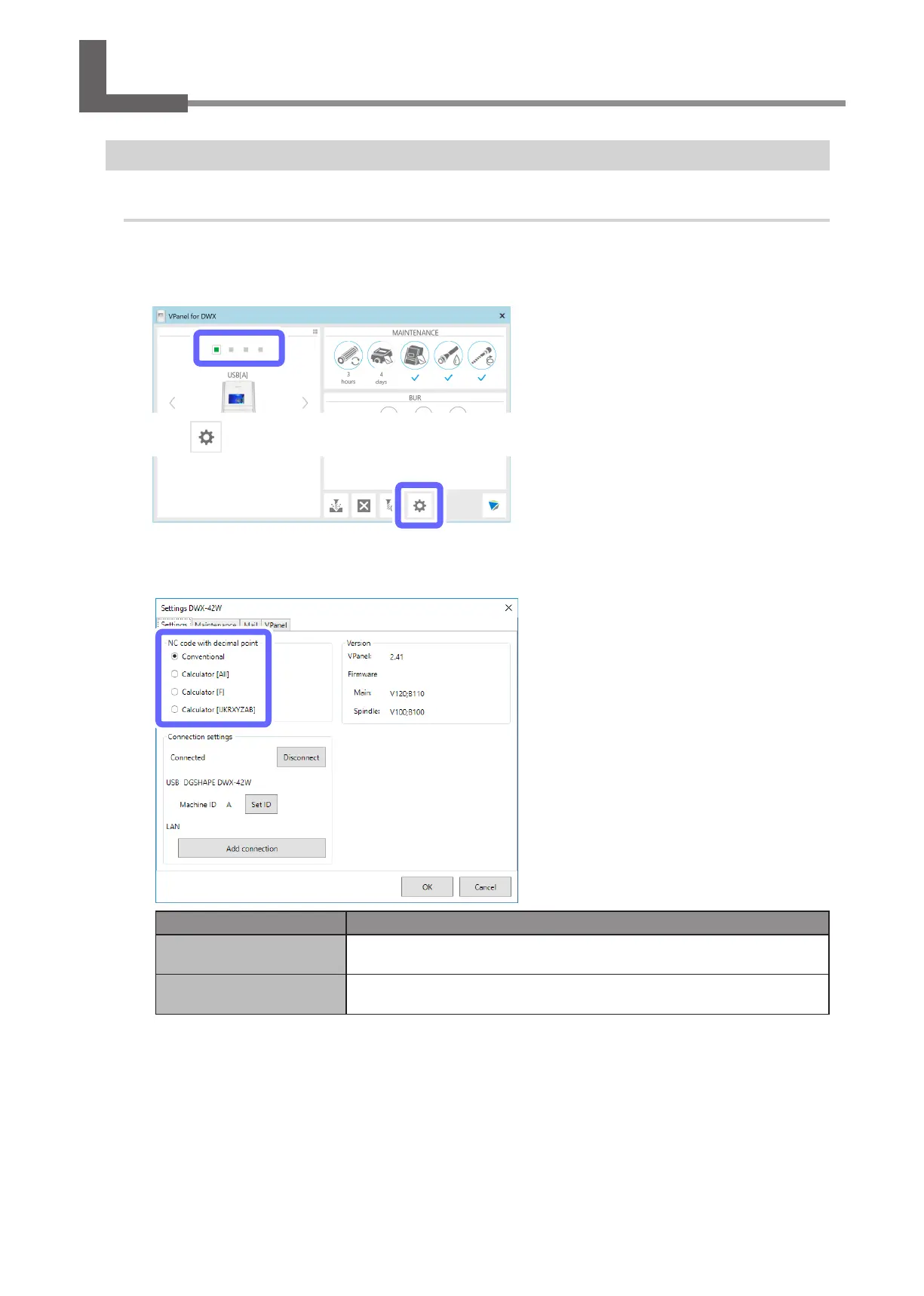
Selecting the NC Code Numeric Value Interpretation Method
Procedure
A
Show VPanel.
"
B
Select the machine to operate.
C
Click .
D
Click the [Settings] tab, and then select a setting under [NC code with decimal point].
Select an appropriate setting according to your CAM and NC code.
Item Setting details
Conventional
The unit is interpreted as millimeter (or inch) when there is a decimal point and as
1/1000 millimeter (or 1/10000 inch) when there is no decimal point.
Calculator
(All/F/IJKRXYZAB)
The unit is always interpreted as millimeter (or inch) regardless of whether there is a
decimal point. Select the scope of the application when selecting [Calculator].
E
Click [OK].
Using NC Codes



 To Next Page