Periodic Care and Maintenance
Correcting the Milling Machine
The accuracy of the milling machine may change if it is used for a long period of time or the surrounding environment changes�
Automatic correction corrects the positions of the rotary axis and ATC magazine�
Situations Requiring This Work
• When the milling position is misaligned
• When symptoms such as a line of level dierence or a hole in the Z direction occurs in the milling results
• When the machine is moved to a dierent location
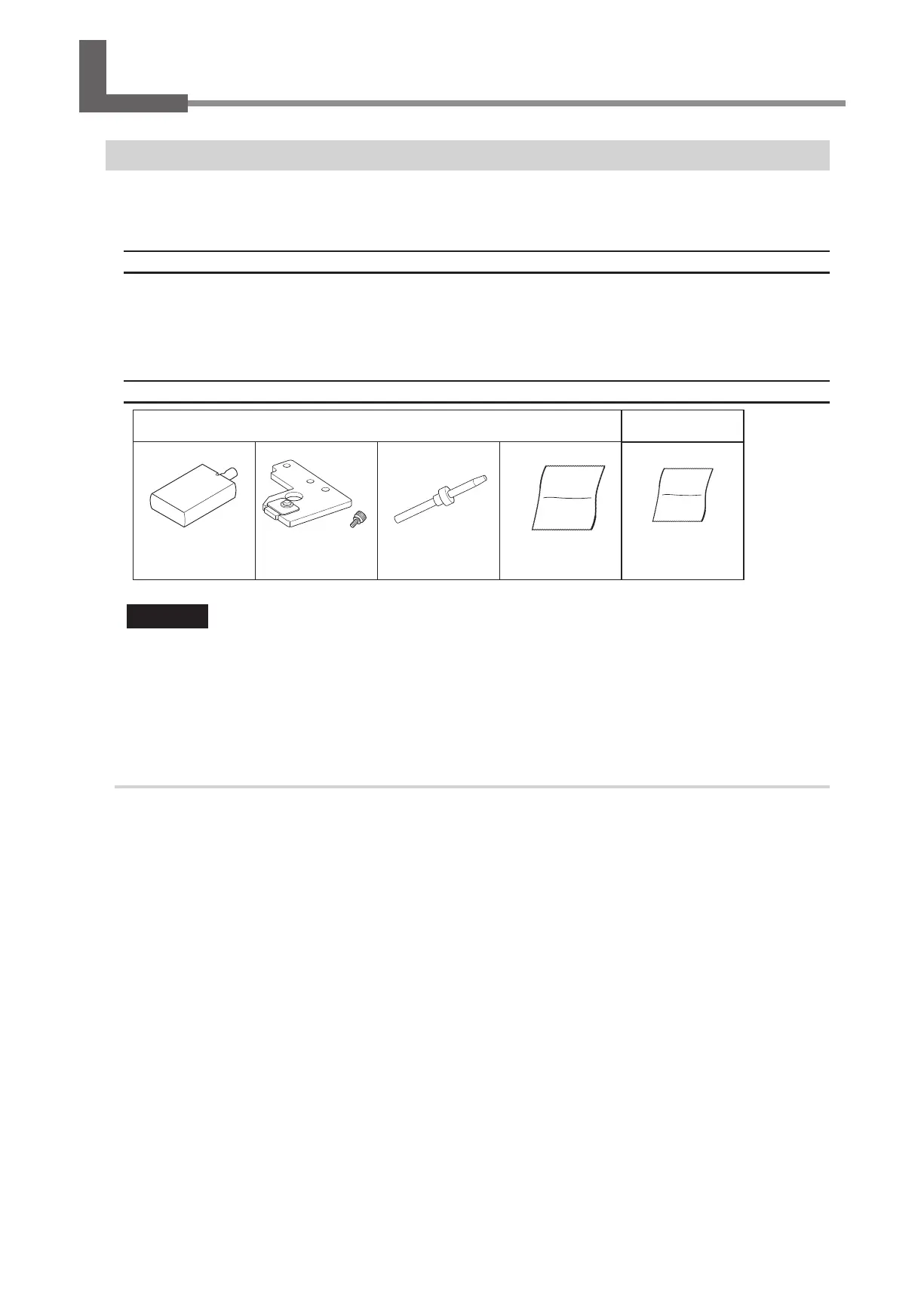
Required Tools
Included items
Commercially
available item
Rotary axis correction jig
ATC magazine
correction jig/A screw
Detection pin for
correction
Cloth for care and
maintenance
Clean, dry cloth
Important
Handle the detection pin for correction and the dummy pin separately to be absolutely sure that you do not
confuse them.
If the detection pin for correction is used as the dummy pin even once, the detection pin for correction cannot be used to provide
proper correction� If for some reason the detection pin for correction is used as the dummy pin, a new detection pin for correction
will be necessary� Contact your authorized DGSHAPE Corporation dealer or access our website (http://www�dgshape�com/)�
1.
Clean the detection point for use during correction.
A
Open the front cover.
B
Remove all the milling burs.
When the milling bur is dicult to remove, using the milling bur removal jig.
"
C
If the inside of the machine is wet, wipe it o with a clean, dry cloth.
56
3. Maintenance



 To Next Page