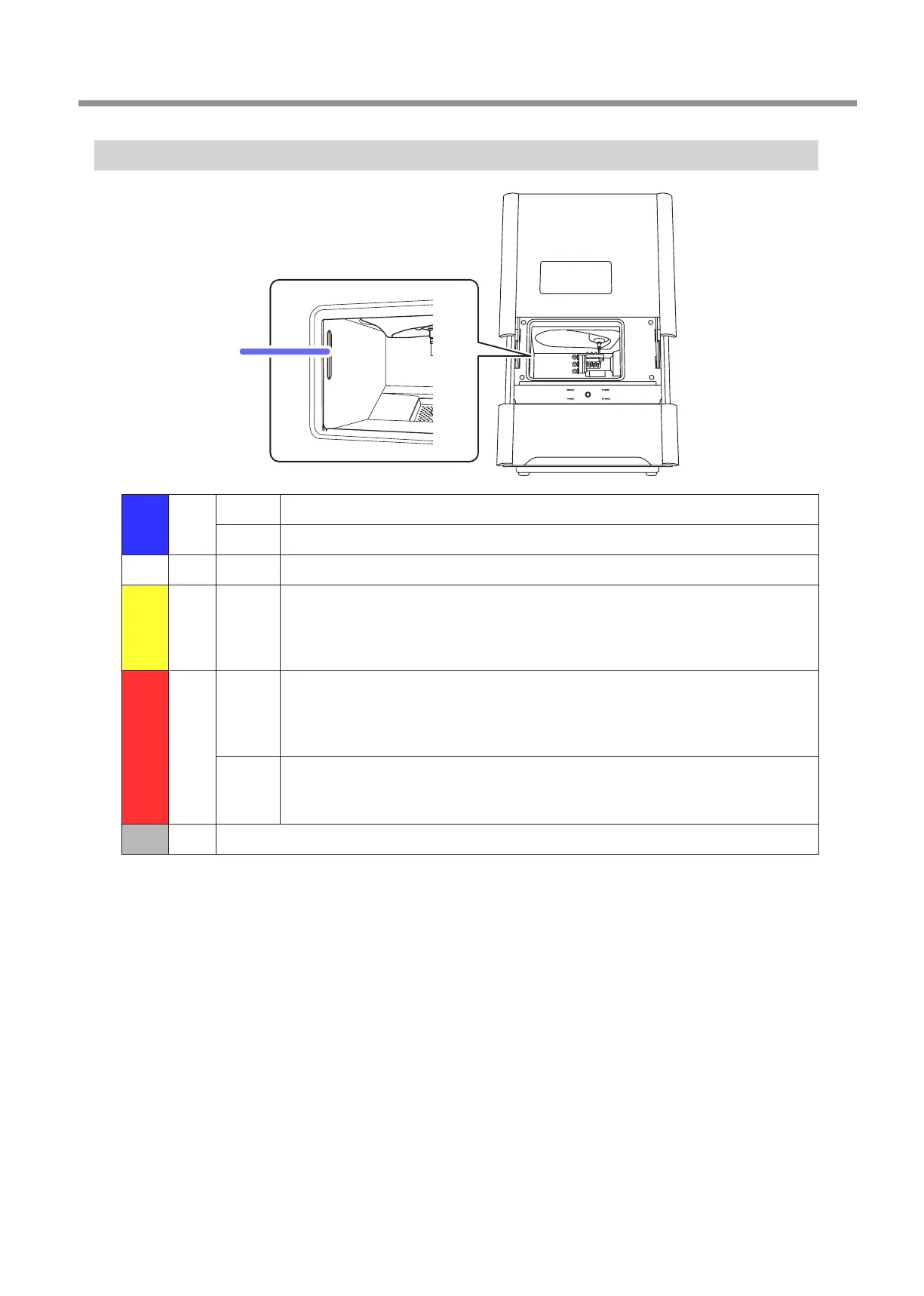
Milling Machine Display
11
1. Basic Operation
Statuses Indicated by the Status Light
Status light
Blue
Lit The front cover is closed in the standby status.
Flashing During initial operations or during maintenance in the standby status.
White Lit Milling is in operation or is paused. Alternatively, the front cover is open in the standby status.
Yellow Lit
An error has occurred. The level of this error is such that milling can be resumed immediately by
clearing the error. Check the error details shown on VPanel. Press the operation button on the
built-in panel to resume milling.
"
Red
Lit
An error has occurred. The level of this error is such that milling cannot be resumed immediately
and you will have to redo the procedure from the beginning. Check the error details shown on
VPanel. Milling stops as soon as the error occurs.
"
Flashing
A serious error has occurred. Turn o the power, and then check the error details displayed in
VPanel. Milling stops as soon as the error occurs.
"
O The machine is in the sleep status or the power is o.



 To Next Page