Following Daily Operations
51
2. Milling
F
Visually check that coolant is applied to the middle of the dummy pin.
If coolant is not applied to the middle of the dummy pin
1 Click [No].
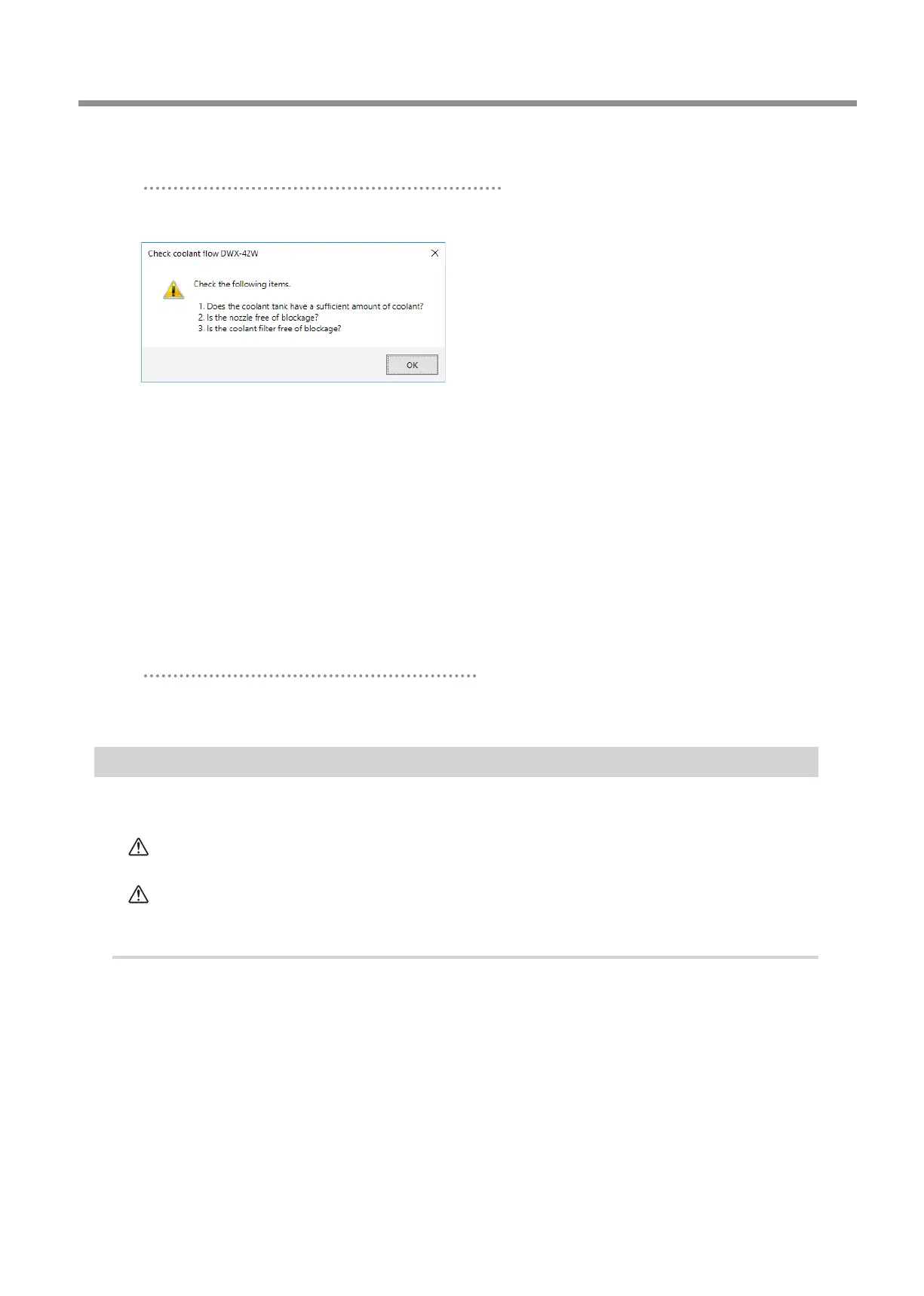
The following window is displayed.
2 Click [OK], and then check the following items.
• Coolant amount
" P. 22 "Step 1: Filling the Machine with Coolant".
• Coolant nozzle clogging
" P. 70 "Cleaning the Coolant Nozzle".
• Coolant lter clogging
" P. 72 "Replacing Coolant Filters".
3 Once more, visually check that coolant is applied to the middle of the dummy pin.
Proceed to step 4.
If the coolant ow rate is still insucient even after adding coolant and cleaning the coolant nozzles, contact your
authorized Roland DG Corporation dealer.
If coolant is applied to the middle of the dummy pin
Click [Yes].
This completes the collet maintenance.
Cleaning after Milling Finishes
After milling nishes, clean inside the machine with a dry cloth� Carefully wipe around the spindle head and the rotary axis parts
shown in the following gure as uid and milling waste in these areas may aect milling results�
CAUTION
Use a dry cloth to clean the inside of the equipment.
Failure to do so may cause the components inside the equipment to degrade, which can lead to injury.
CAUTION
Be careful of the pointed portion inside the front cover.
There is a pointed portion inside the front cover. Exercise caution when cleaning.
Procedure
A
Show VPanel.
" P. 6 "Displaying VPanel"



 To Next Page