Other Functions
129
4. Useful Functions
B
Select and change the name of the model (printer) being used.
C
Restart VPanel.
The changed name appears on the top window.
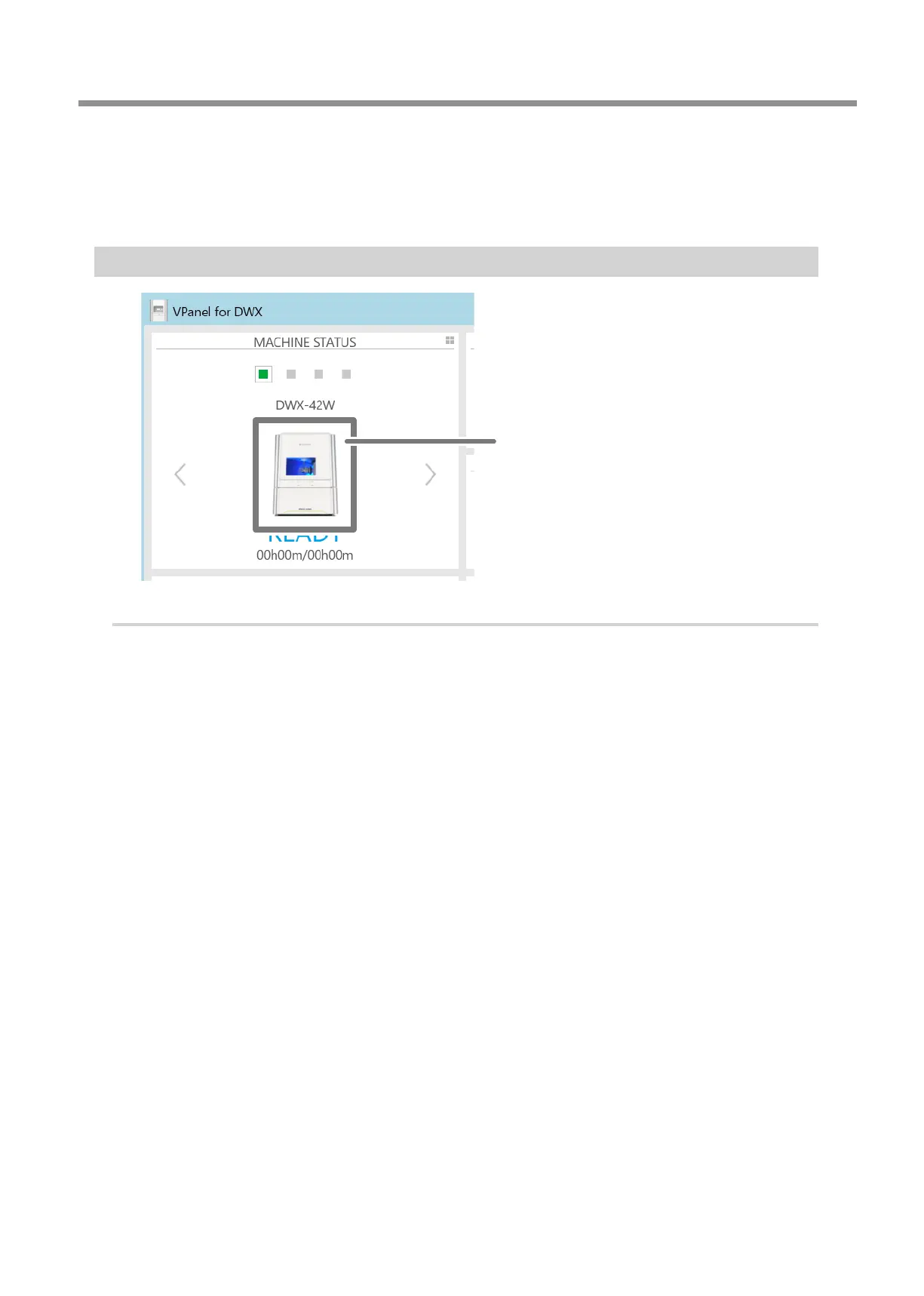
Changing the Image of the Machine Displayed in VPanel
Machine image
Procedure
A
Display the VPanel top window.
B
Right-click the image of the machine that is displayed under MACHINE STATUS, and then click
"Change image."
C
On the "Open" screen, select the image le that you want to display.
The changed image appears in the top window.



 To Next Page