Other Functions
128
4. Useful Functions
G
Click [OK].
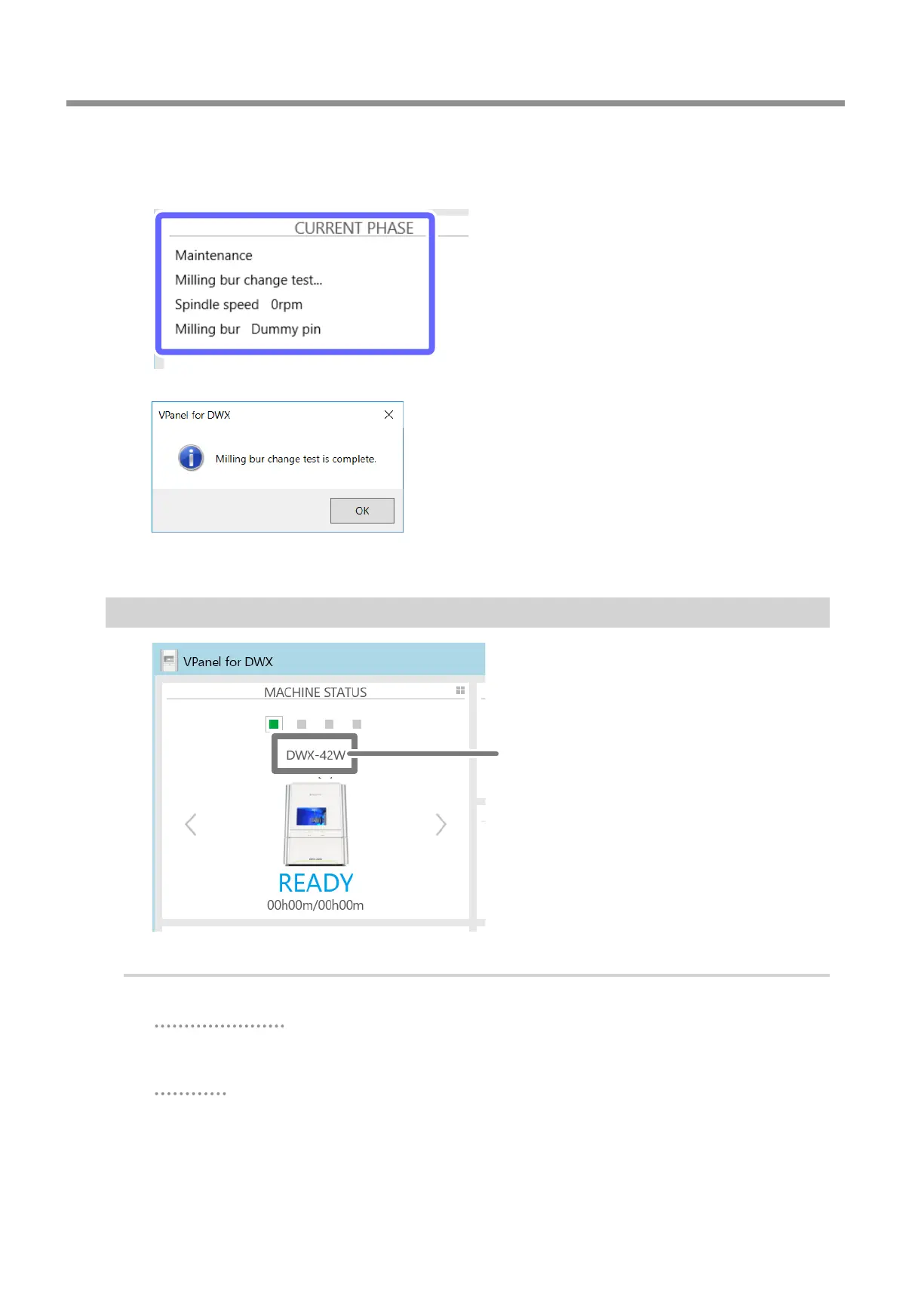
The milling bur change test starts. The number of the milling bur being replaced is displayed in the CURRENT
PHASE area in VPanel.
The milling bur change test is nished when the message shown in the gure is displayed.
H
Click [OK].
Changing the Name of the Machine Displayed in VPanel
Machine name
Procedure
A
Open the [Devices and Printers] folder.
Windows 10 and 8.1
Right-click the [Start] button, click [Control Panel], and then click [View devices and printers] or
[Devices and Printers].
Windows 7
On the [Start] menu, click [Control Panel], and then click [View devices and printers] or [Devices and
Printers].



 To Next Page