118
4. Useful Functions
Switching the Machine to Operate
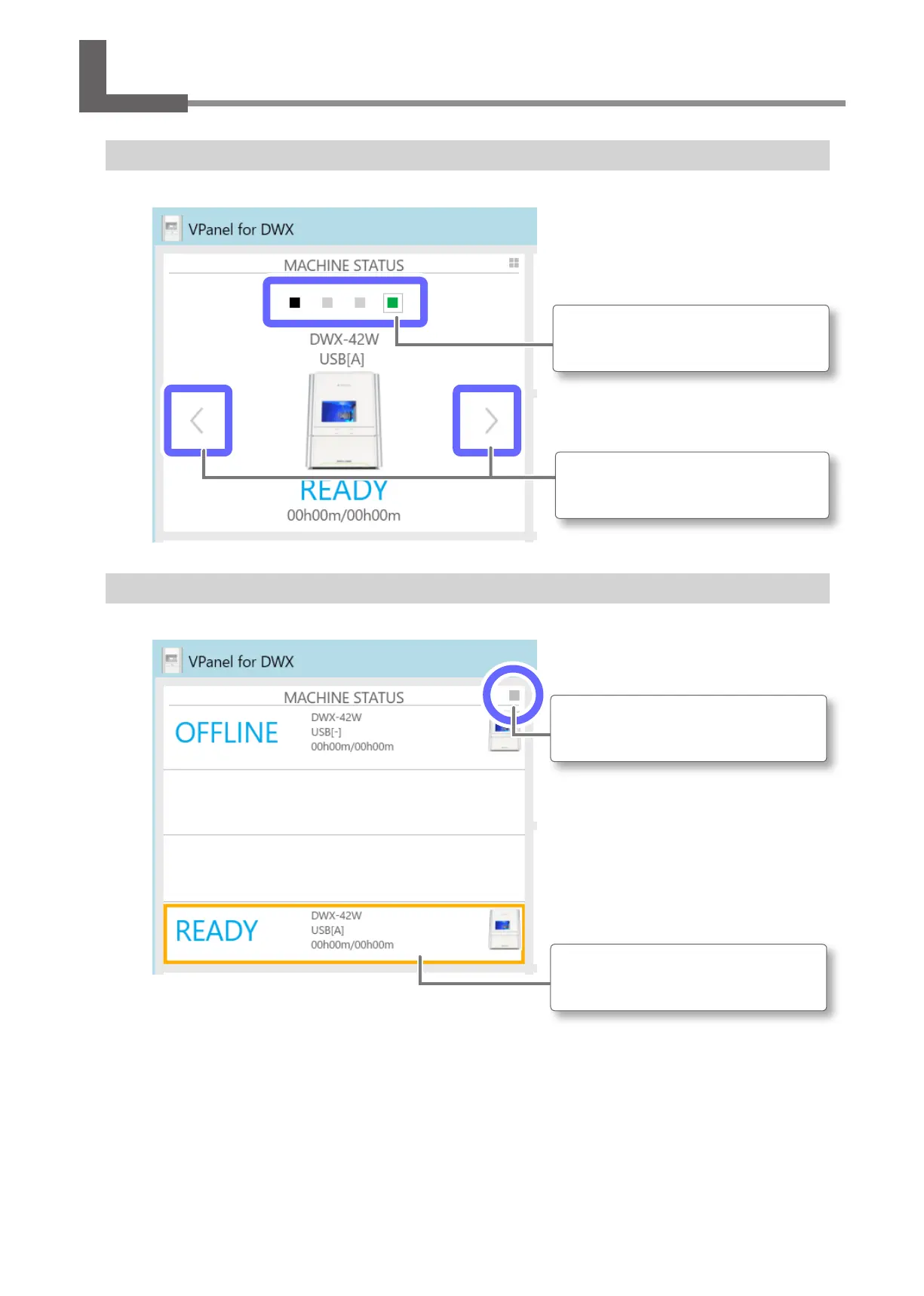
When you have registered multiple machines in VPanel, you can switch the machine to operate on the VPanel top window�
Click a square icon to directly select its
corresponding machine to operate.
Click here to select the machine by
displaying them in order.
Listing the Machines to Connect to and Selecting the Machine to Operate
When you have registered multiple machines in VPanel, you can list the registered machines and switch the machine to operate�
Click here to switch between the list
display and the single machine display.
Click the display to switch the machine to
operate.
Operation When Multiple Machines are Registered in VPanel



 To Next Page