108
4. Useful Functions
Registering Multiple Machines in VPanel
Registration of Multiple Machines
• Up to four machines can be registered in VPanel.
• By registering multiple units, output and maintenance work can be performed eciently.
• USB connections and LAN connections can be used at the same time.
¾ With USB connections, IDs (A, B, C, D) are assigned to dierentiate between machines�
¾ With LAN connections, dierent IP addresses are assigned to dierentiate between machines�
" ,"
MEMO
Five or more machines can be connected to the computer� When ve or more machines are connected, it is necessary to select
which machine to register in VPanel�
"
Adding USB-connected Machines
This section explains how to add USB-connected machines when the rst machine has already been connected�
1.
Set the rst machine to [OFFLINE].
A
Turn o the rst connected machine, and then disconnect the USB cable or LAN cable that connects
the machine and the computer.
B
Click (the VPanel icon) in the task tray on the desktop.
VPanel will be displayed.
If you cannot nd
in the task tray, start the program from the Windows [Start] screen (or the [Start] menu).
" Setup Guide
C
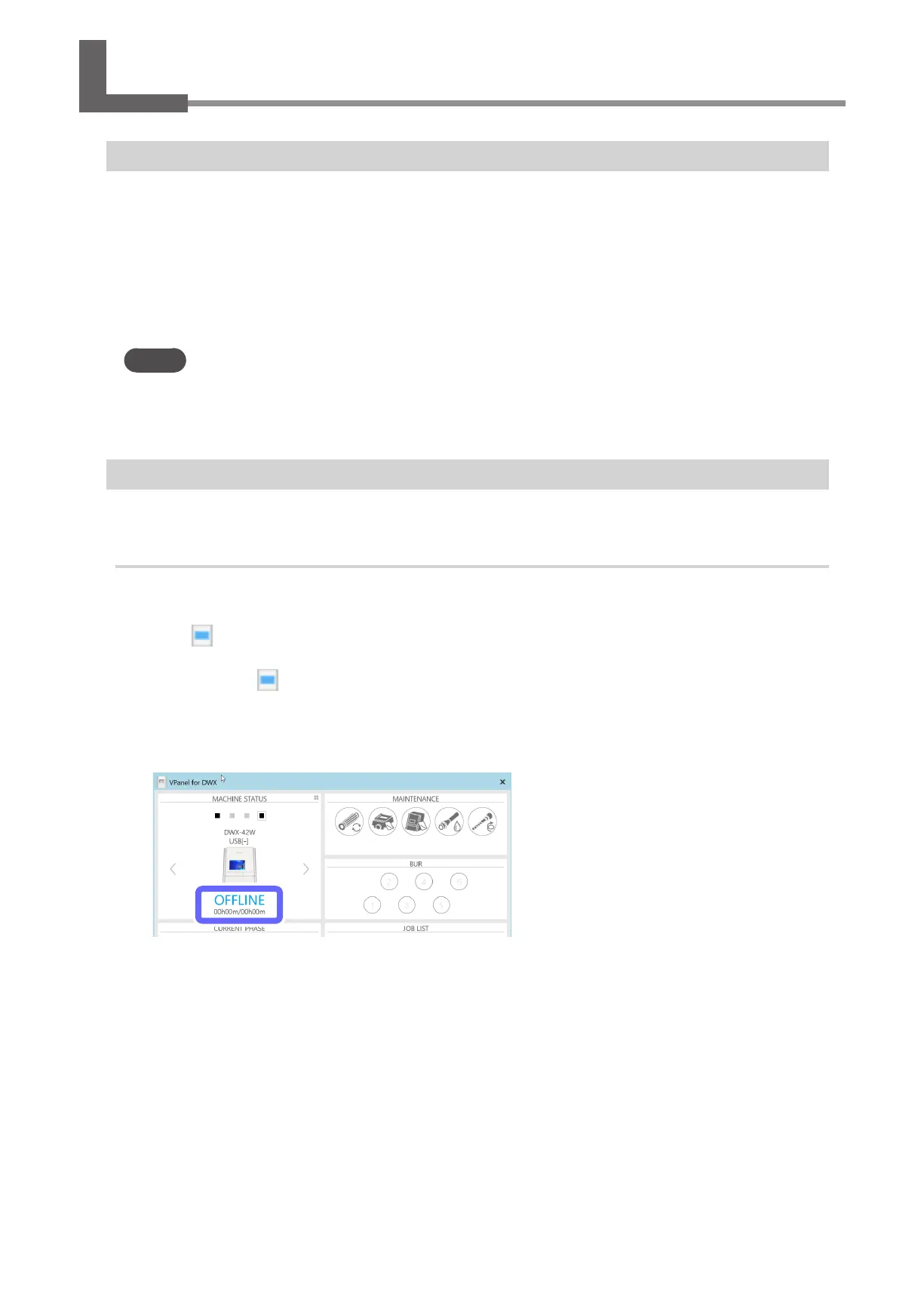
Verify that the machine's operating status is [OFFLINE].
Ensure that not even one machine is connected to the computer.



 To Next Page