Starting Milling
32
2. Milling
Step 5: Outputting Milling Data
* You can also use commercially available CAM software to output milling data� For information on compatible CAM
software, contact your authorized Roland DG Corporation dealer�
CAUTION
Do not place any electronic devices in the vicinity of this machine.
Because coolant ows within this machine, water may be sprayed on objects in the vicinity of the
machine when its front cover is opened. To prevent malfunctions, do not place any electronic devices
in the vicinity of this machine.
Procedure
A
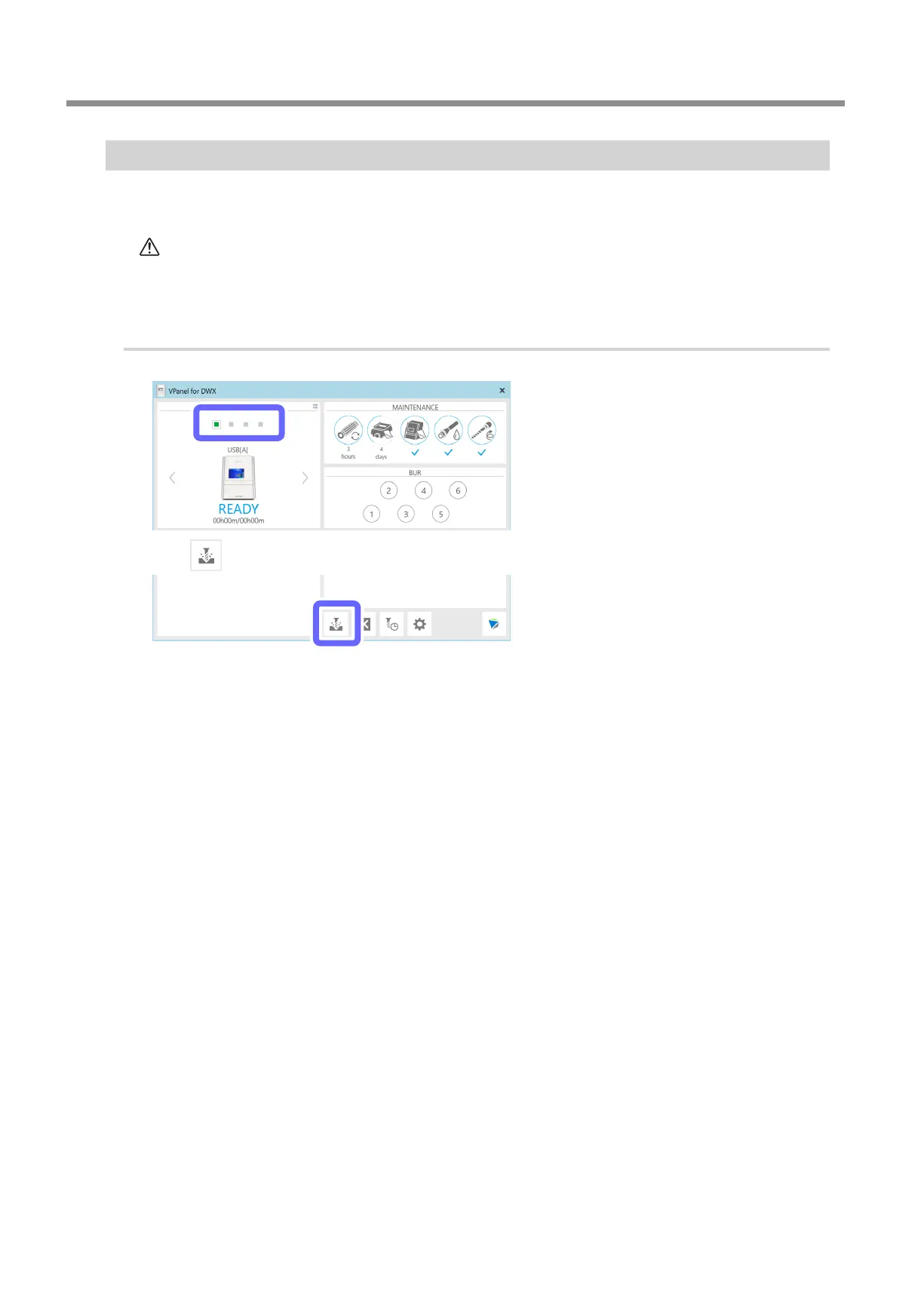
Select the machine to operate.
B
Click .
The [Output a le] window is displayed, and then the [Open] window is displayed.



 To Next Page