Starting Milling
33
2. Milling
C
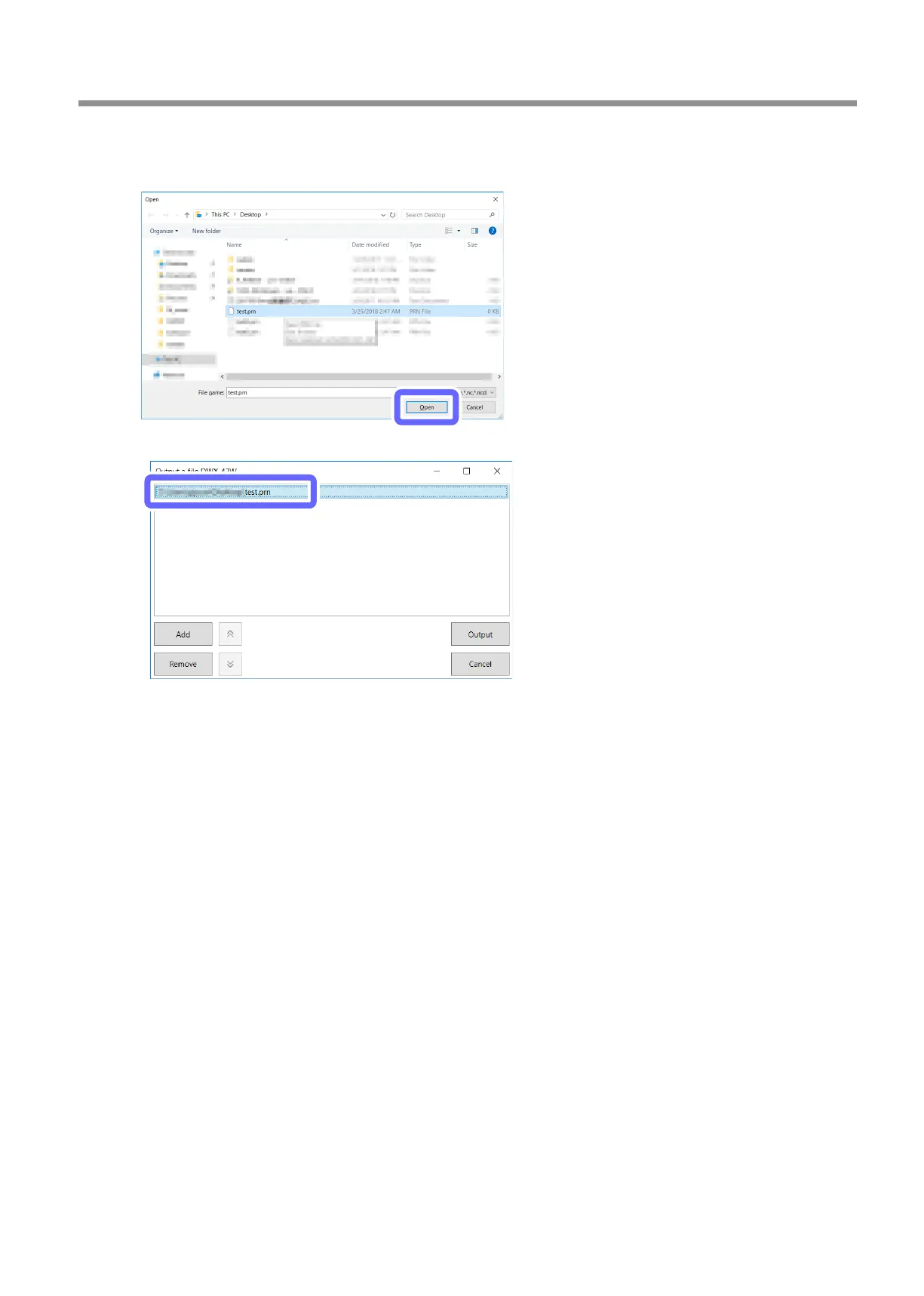
Select the milling data, and then click [Open].
You can also select multiple les at the same time while holding down the "Alt" or "Shift" key on the keyboard.
The selected milling data is displayed in the data list of the [Output a le] window.
Click [Add] to return to the [Open] window and add milling data.
D
Check that:
• The coolant has been set.
" P. 22 "Step 1: Filling the Machine with Coolant"
• The milling burs have been set.
" P. 28 "Step 2: Setting Milling Burs"
• The workpieces have been set.
" P. 30 "Step 4: Mounting the workpiece"



 To Next Page