Starting Milling
34
2. Milling
E
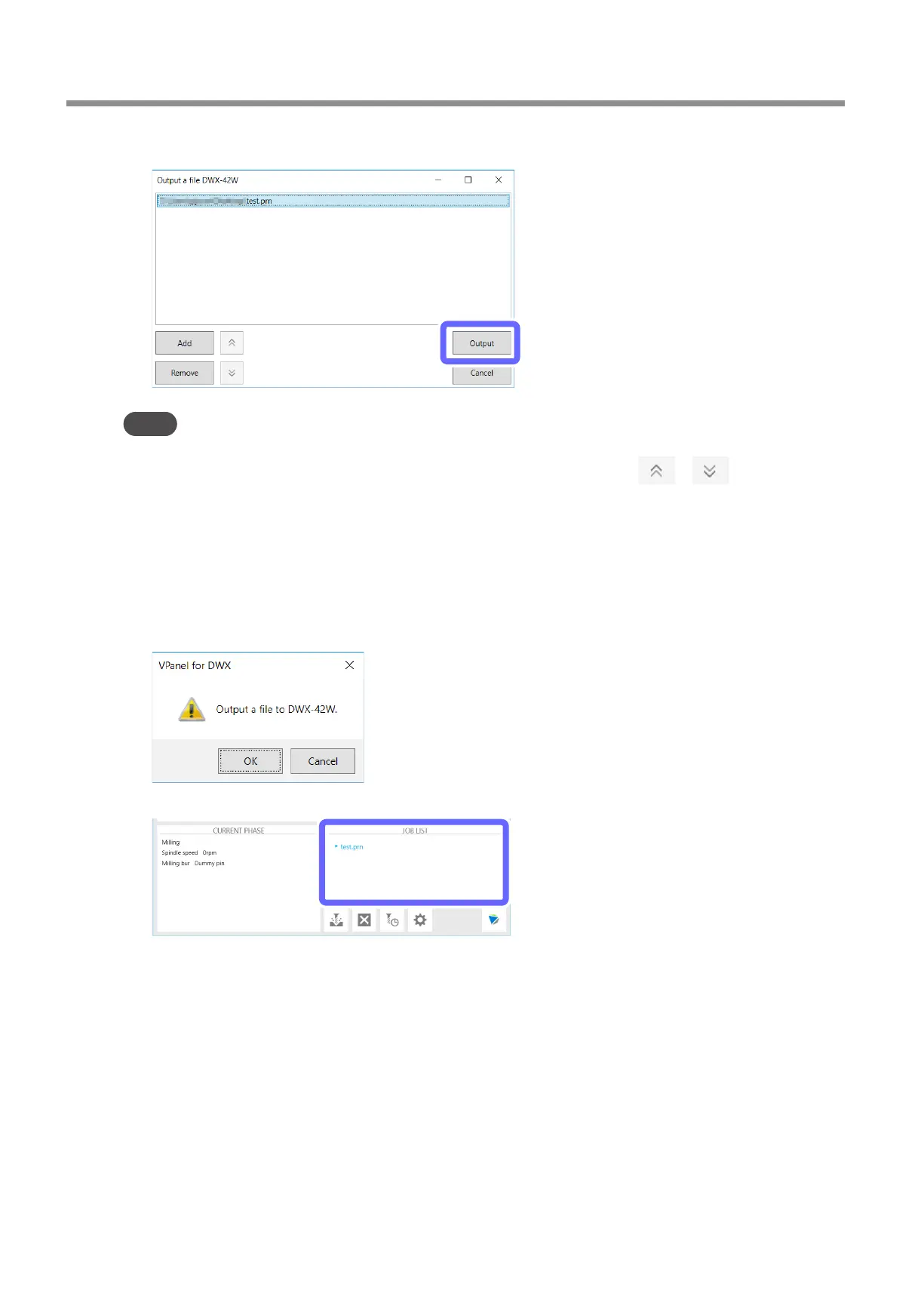
Click [Output].
Point
• Changing the data list order
You can change the output order by selecting the milling data in the data list and clicking
or � (The milling
data is output from the top of the data list�)
• Removing milling data in the data list
You can remove milling data in the data list by selecting the milling data and clicking [Remove]�
• Adding milling data by dragging and dropping
You can also add milling data by dragging it to the [Output a le] window�
F
Click [OK].
The output milling data is displayed in the JOB LIST of the top window, and then milling starts.
A sound will be emitted when milling has nished.
G
After milling has nished, open the front cover.
Even if milling has nished, you cannot open the front cover until the spindle stops rotating completely.



 To Next Page