Following Daily Operations
52
2. Milling
B
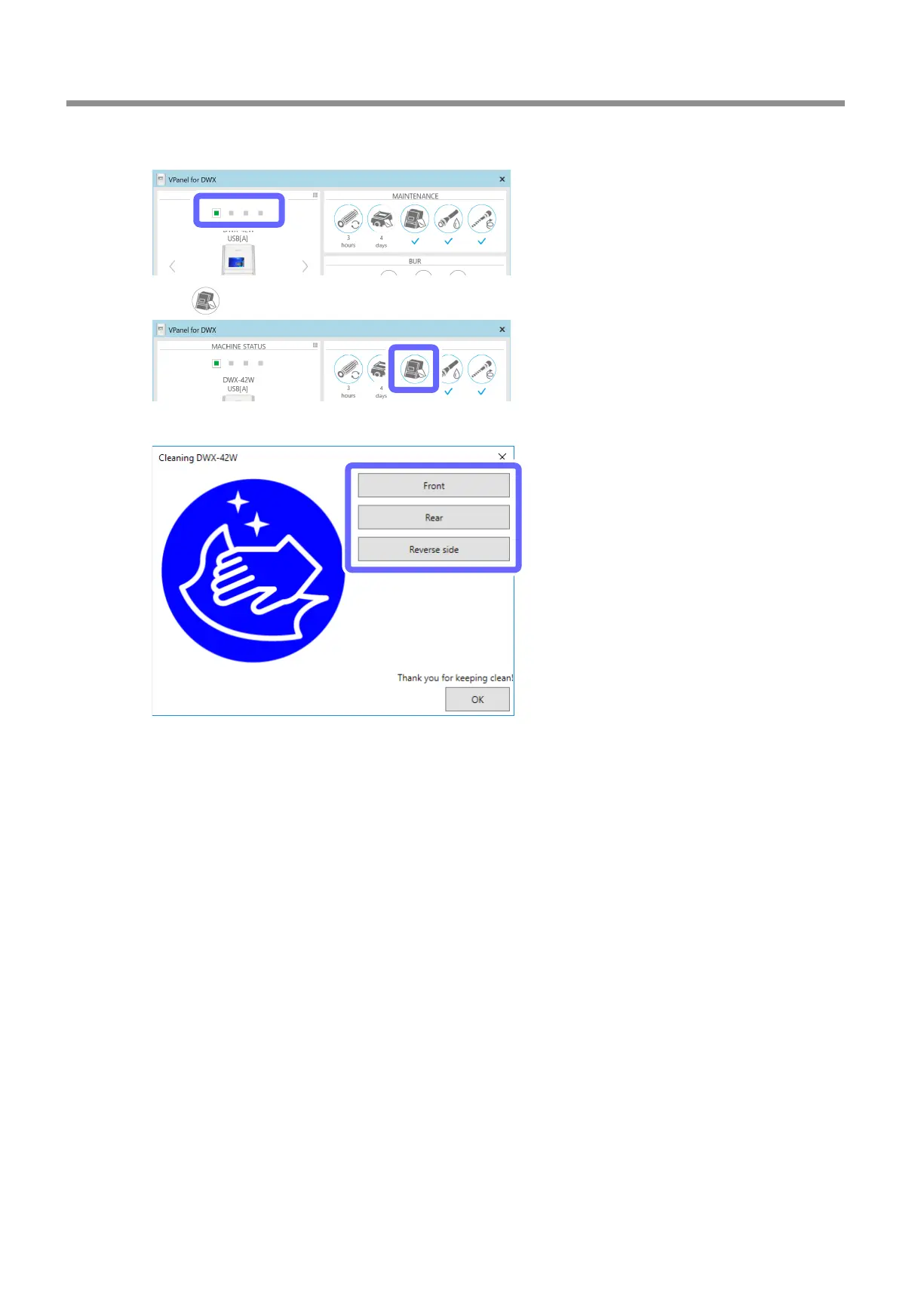
Select the machine to operate.
C
Click .
D
Click [Front], [Rear], or [Reverse side] to match the location you want to clean.
• Front: The rotary axis unit moves to the front of the machine and the spindle head moves to the left
side of the machine.
• Rear: The rotary axis unit moves to the back of the machine and the spindle head moves to the
right side of the machine.
• Reverse side: The rotary axis unit turns over.
E
Open the front cover.



 To Next Page