VPanel Window and Functions
10
Chapter 1 Basic Operation
MACHINE
STATUS
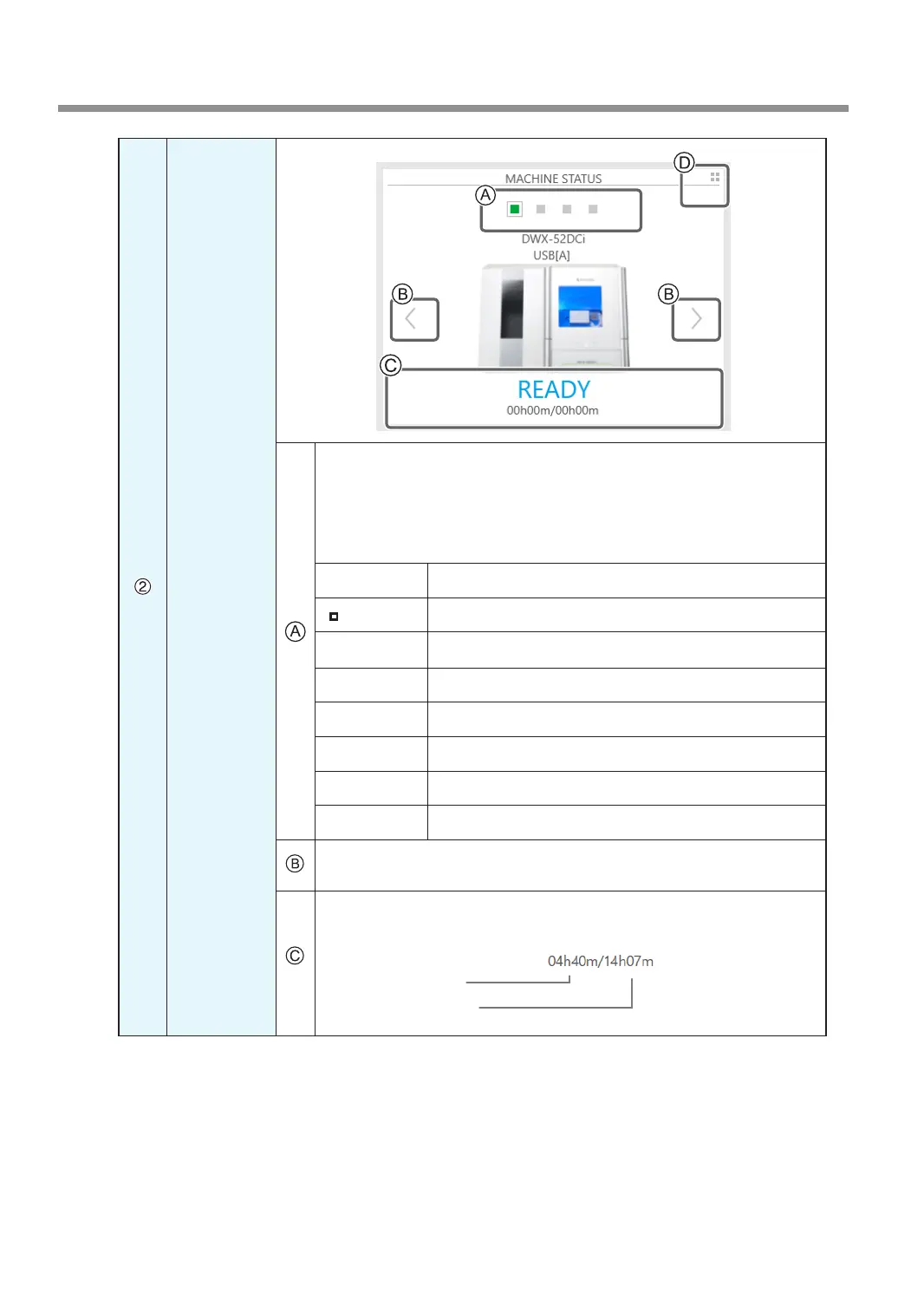
Displays the connected machines as square icons (■). (In the gure shown
above, four machines are connected.) Click ■ to display the machine's ID
and name below the icon. The IDs of machines whose power is turned off are
shown with [-]. When you have connected multiple machines, you can switch
to a different machine to operate by clicking its icon. If you click the icon of a
connected milling machine, the status light of the milling machine will ash.
■ (READY) Milling data can be received.
■ (BUSY) Operation is in progress.
■ (ERROR) An error has occurred.
■ (PAUSE) Operation is paused.
■ (COVER) The front cover or the magazine cover is open.
■ (FINISH) Milling is complete.
■ (OFFLINE) No milling machines are connected.
■ (OFFLINE) The power of the milling machine is off.
When you have connected multiple machines, you can switch to a different
machine to operate by clicking its icon.
Displays the machine's operation status. A progress bar, the elapsed time, and
the estimated time are all displayed.
Estimated time
Elapsed time



 To Next Page