VPanel Window and Functions
11
Chapter 1 Basic Operation
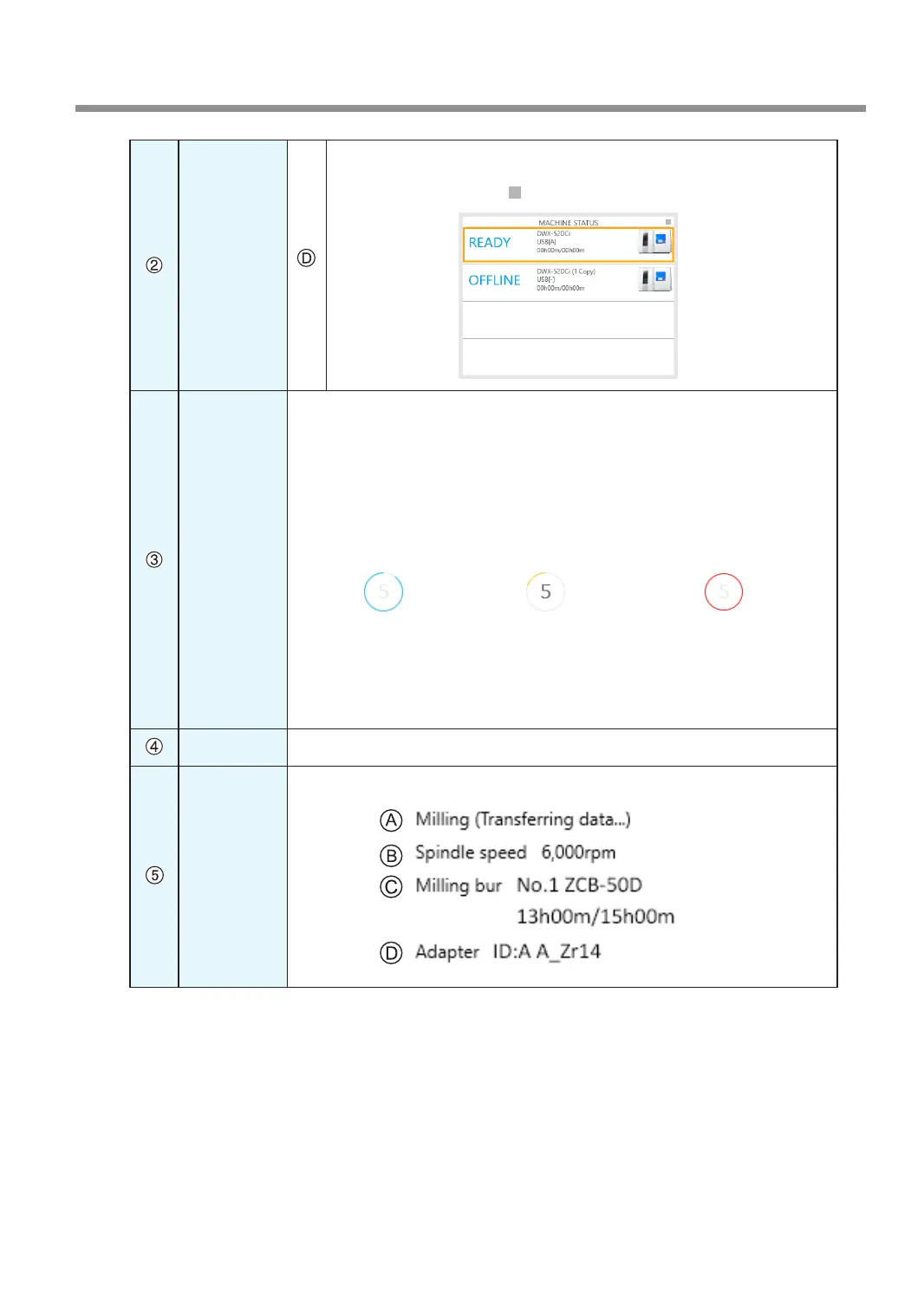
MACHINE
STATUS
Click this to display the operation status of all the connected machines in a list.
You can also click the displayed list to select the machine to operate. To return
to the original display, click in the upper-right corner.
BUR
Displays the status of the function (Intelligent Tool Control) for automatically switching
the current milling bur with the set milling bur. Also, hover the mouse pointer over
the displayed number to display the name, work time, and replacement time of the
milling bur. The tool's remaining service life is indicated with the length of the arc that
surrounds the number. The arc color changes to yellow when the tool is close to the
end of its service life and to red when the tool has passed the end of its service life.
Up to 75% remaining
(blue)
Less than 25%
remaining (yellow)
End of service life passed
(red)
Example:
Example: Example:
It is nearing time to
replace the milling bur.
It is past time to replace the
milling bur.
" P.22 "Intelligent Tool Control (ITC) Function Settings"
" P.55 "Automatically Switching Out the Worn Milling Bur (Intelligent Tool Control)"
JOB LIST Displays the data being milled, the milling data in standby, and the milling progress.
CURRENT
PHASE
Displays the operation status, spindle rotating speed, milling time, etc.



 To Next Page