F
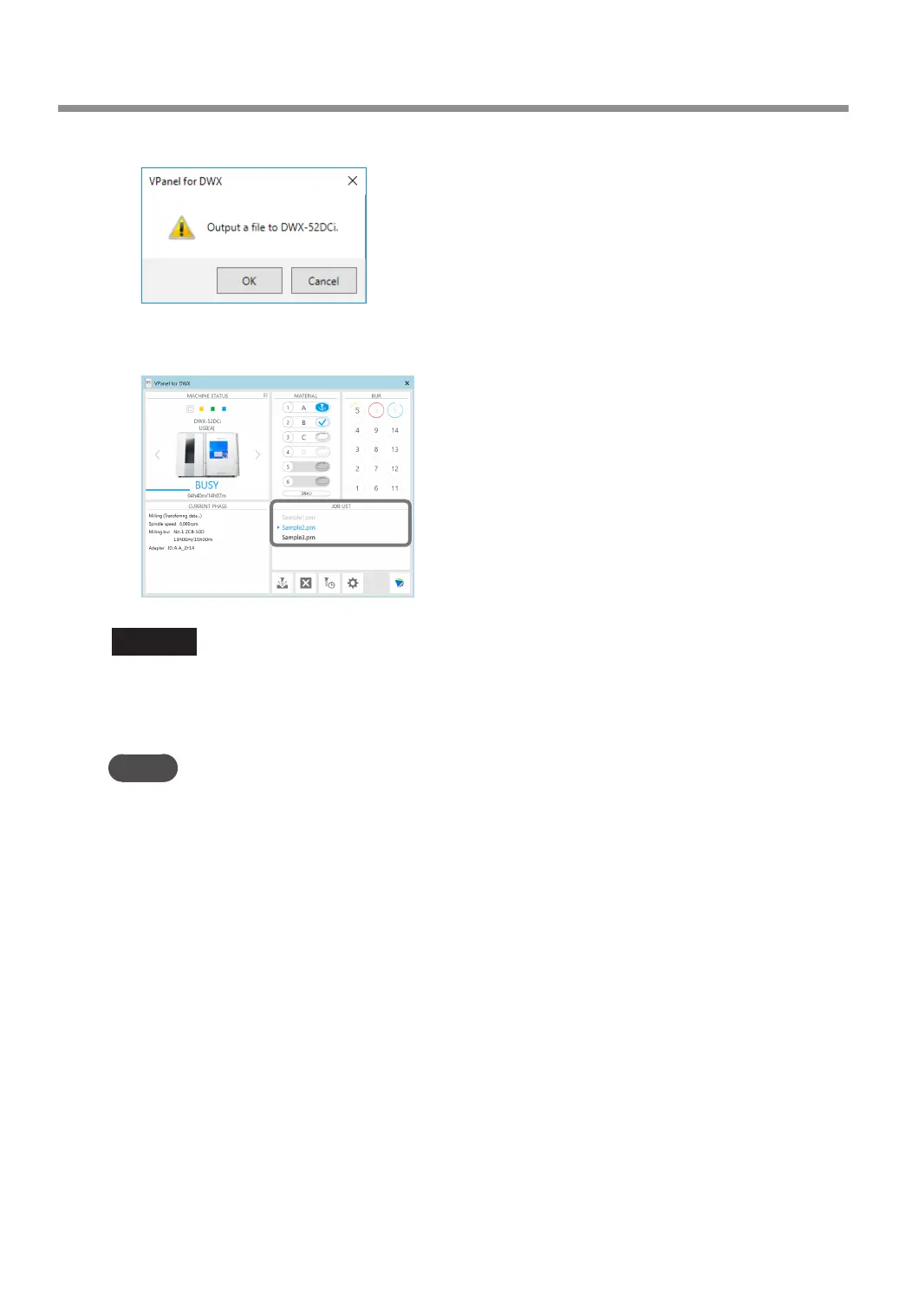
Click [OK].
The output milling data is displayed in the JOB LIST of the top window, and milling starts.
A sound will be emitted when milling has nished.
CAUTION
Do not open the front cover during milling.
To ensure safety, opening the front cover during milling will cause an emergency stop to occur.
" P.94 "Responding to Error Messages"
MEMO
You can save the milling data on the machine to reduce the data transfer time during which the
computer is occupied.
" P.13 ""Settings" Tab"
Starting Milling
52
Chapter 2 Milling



 To Next Page