Components description | 8
AXH1230‐UK ﴾ENG﴿ ‐ Apollo KM 101
8.3.12.3 Operating modes key
The machine is designed for use with different types of
equipment,thereforeitisnecessarytosetthecorrectoperating
modeaccordingtotheequipmentusedatthattime.
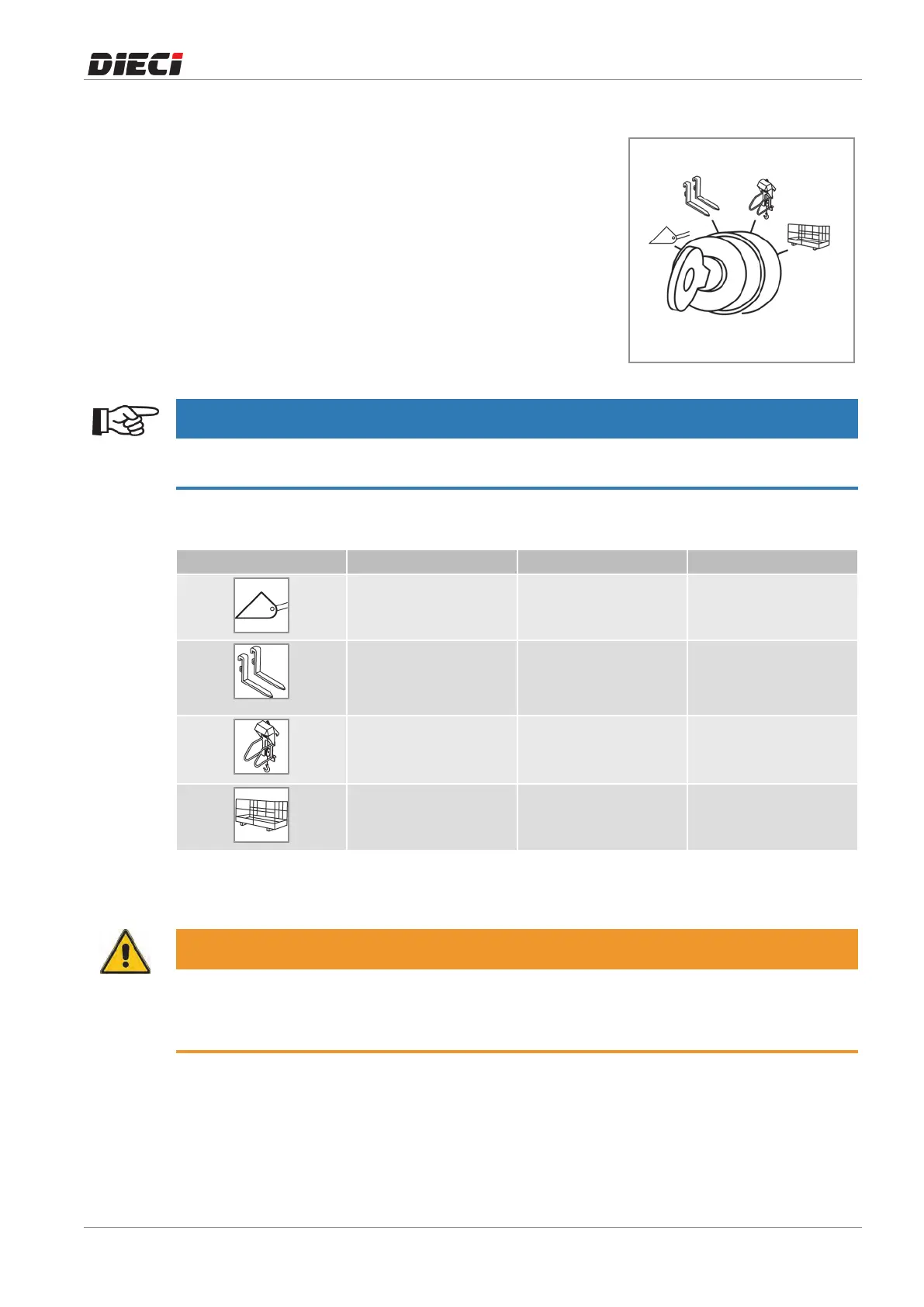
To select the operating mode required for the equipment, use
theoperatingmodekeymovingittotheworkmodesymbol(fig.
1504371).
150437-1
NOTICE
The operating mode selection function is performed by a key to give the possibility to the Safety Officer
to extract the key preventing to use an incorrect work mode related to the equipment.
Theoperatingmodesare:
Symbol Operating mode Description Combined equipment
Bucket To be used during
digging
– Bucket
– Mixingbuckets
Telescopicelevator To be used to transport
materials
– Forks
– Ladle
– Materialbasket
Truckcrane Tobeusedtoliftmaterials – Equipmentwithhook
– Equipment with
winches
Elevatingworkequipment
*
To be used for lifting
persons, it enables the
controlsonthebasket
– Manbasket
* The "Elevating Work Platform" operating mode for lifting persons is provided only with the "Man basket pre-
arrangement" option.
WARNING
It is forbidden to use the machine with equipment other than that selected using the
"Operating mode selector".
The equipment applicable to machines in question refer to DIECI price list.
Operating mode: Bucket
Bucket Mode, boom fully retracted, the antitipping device is automatically disabled. In case the boom is
extractedorissubsequentlyextractedtheoperationwillbewiththesamemodeoftheforks.
Inthismode:



 To Next Page