Troubleshooting
Operating Instructions 581 - 01.0 - 05/2016160
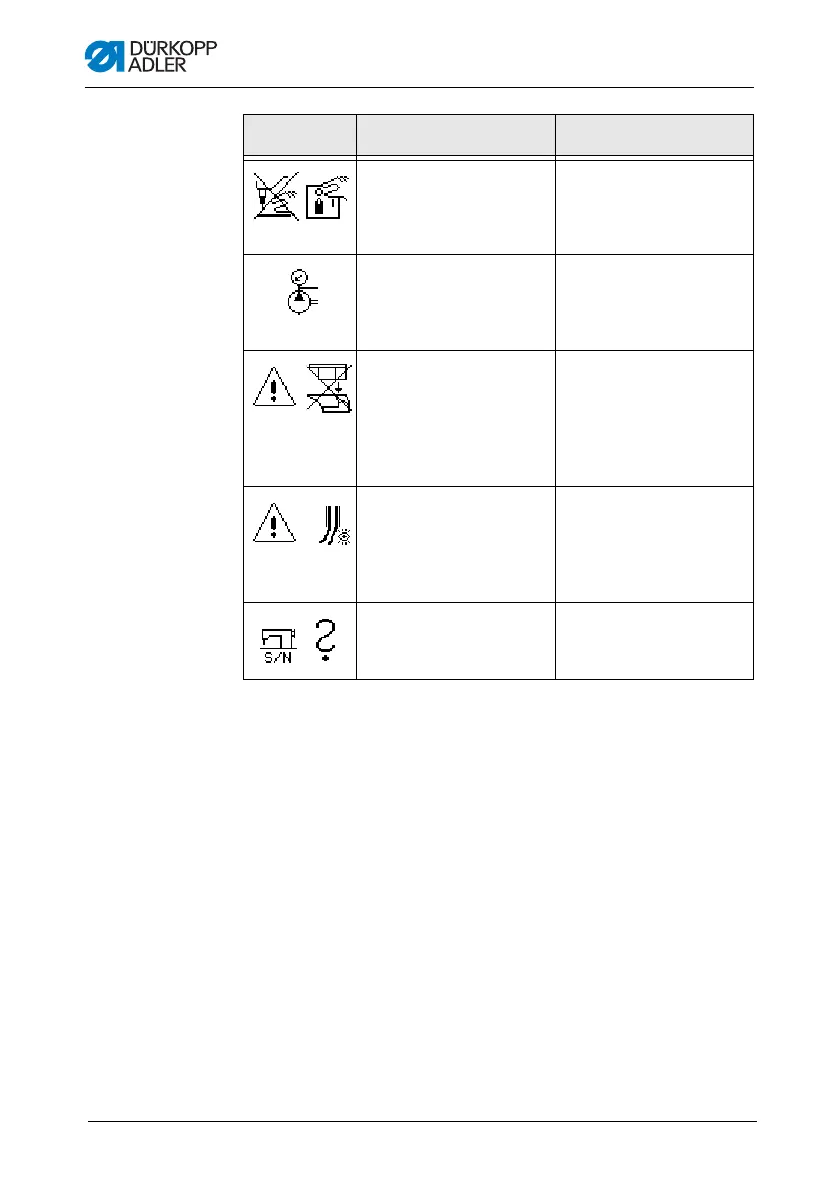
At the start of sewing the
needle is in the threading
position
• Press the button on the
he
ad cover
• Switch the machine off
an
d on again
No compressed air
a
vailable, or the pressure is
too low
• Switch off the machine
• Ensure the supply of
suf
ficient compressed air
• Switch on the machine
A prohibited cutting
co
mbination was selected
(ONLY for Multiflex)
• In the control, check and
a
djust the data for the
blade and cutting block set
• If necessary, insert and
se
t an appropriate blade
and cutting block
The sewing process stops
(ONLY for 141, 341 with
int
egrated and activated
gimp monitoring)
• The sewing process can
b
e continued with the OK
button or button 2, or
stopped with the ESC
button or button 1
The serial number of the
m
achine has not been
entered
• Press the OK but
ton
• Contact DA service
Symbol Description Remedial action











 To Next Page