Programming
Operating Instructions 581 - 01.0 - 05/2016 55
5.2.5 Setting the thread tension
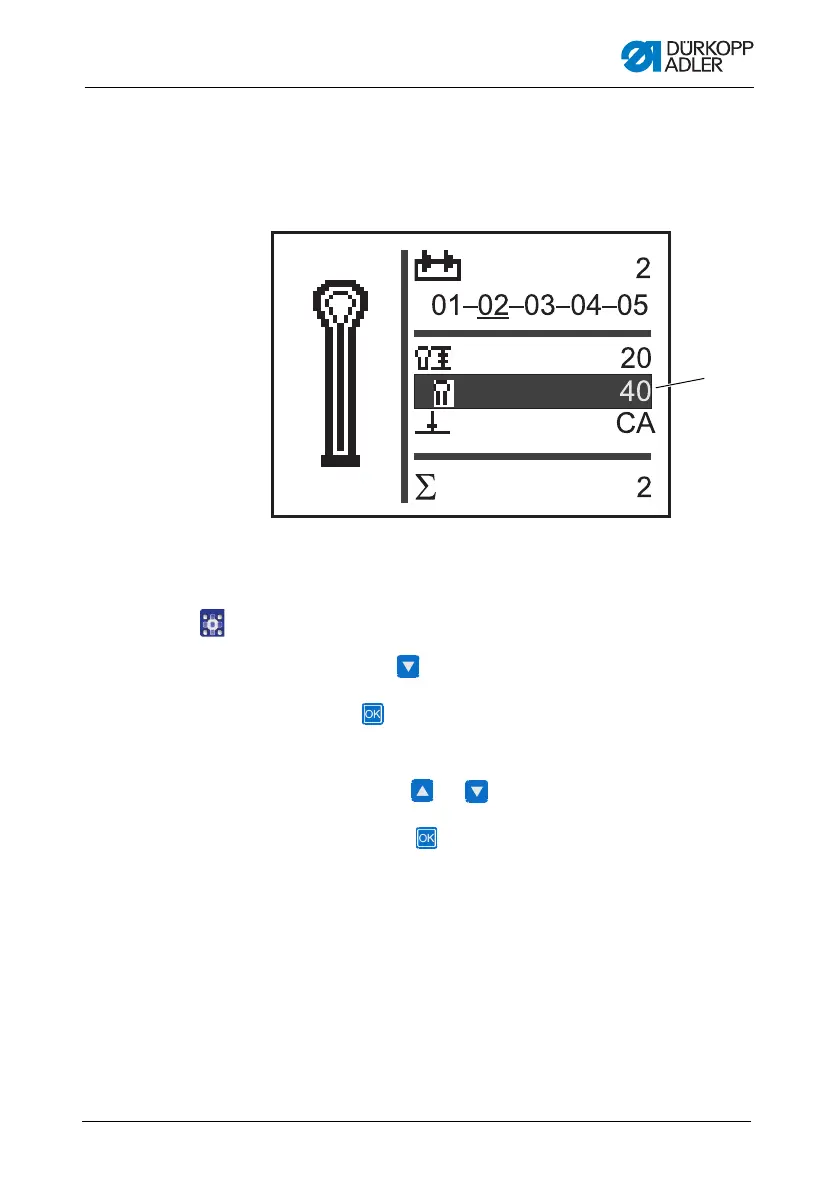
On the display, the field (1) indicates the thread tension during
sewing. You can set the thread tension.
Fig. 40: Setting the thread tension in sequential mode
To set the thread tension:
1. Use the button to navigate to the field Th
read tension (1).
2. Press the button.
Th
e cursor flashes.
3. Use the buttons or to set the desired value.
4. Confirm with the button.
(1) - Thread tension field











 To Next Page