G Service Rho 1012/1030
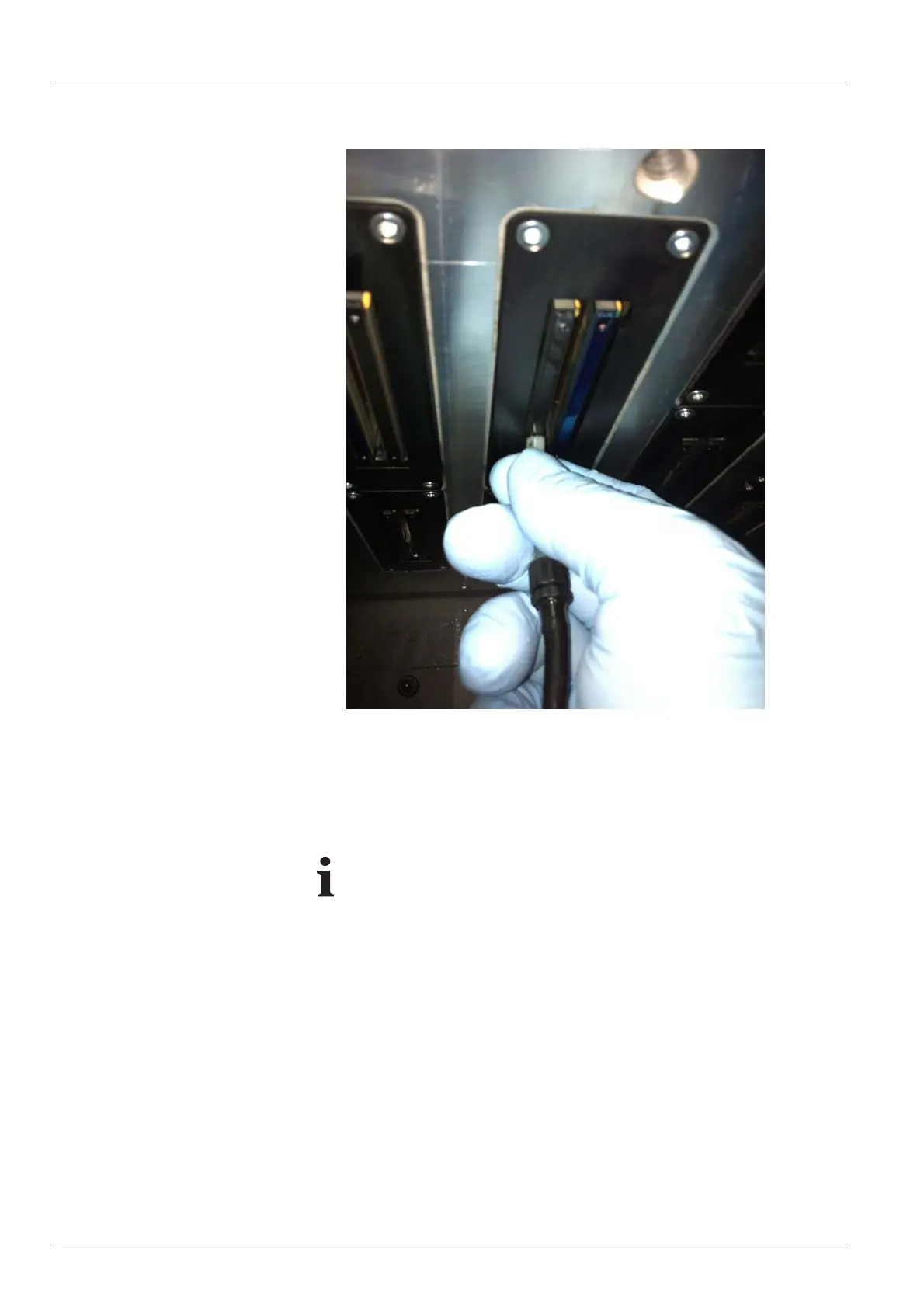
Fig. 95 Vacuuming out the print head
4. Vacuum off print head at the location of the dirty nozzles with the vacuum
hose. W hen doing so, m ove vacuum hose back and forth approx. 2 cm
several times.
5. Em p ty the catch glass when it is half full.
If the valve is no t closed after vacuuming, the vacuum for
degassing the ink drops off. This could cause nozzles to fail
during printing.
6. Close valve.
7. Prepare cleaning access point for printing.
138 / 147 2004 – 2013 © Durst Phototechnik AG – www.durst-online.com , Rho 101 2/103 0, Issued 07/20 13



 To Next Page