102
Set-up
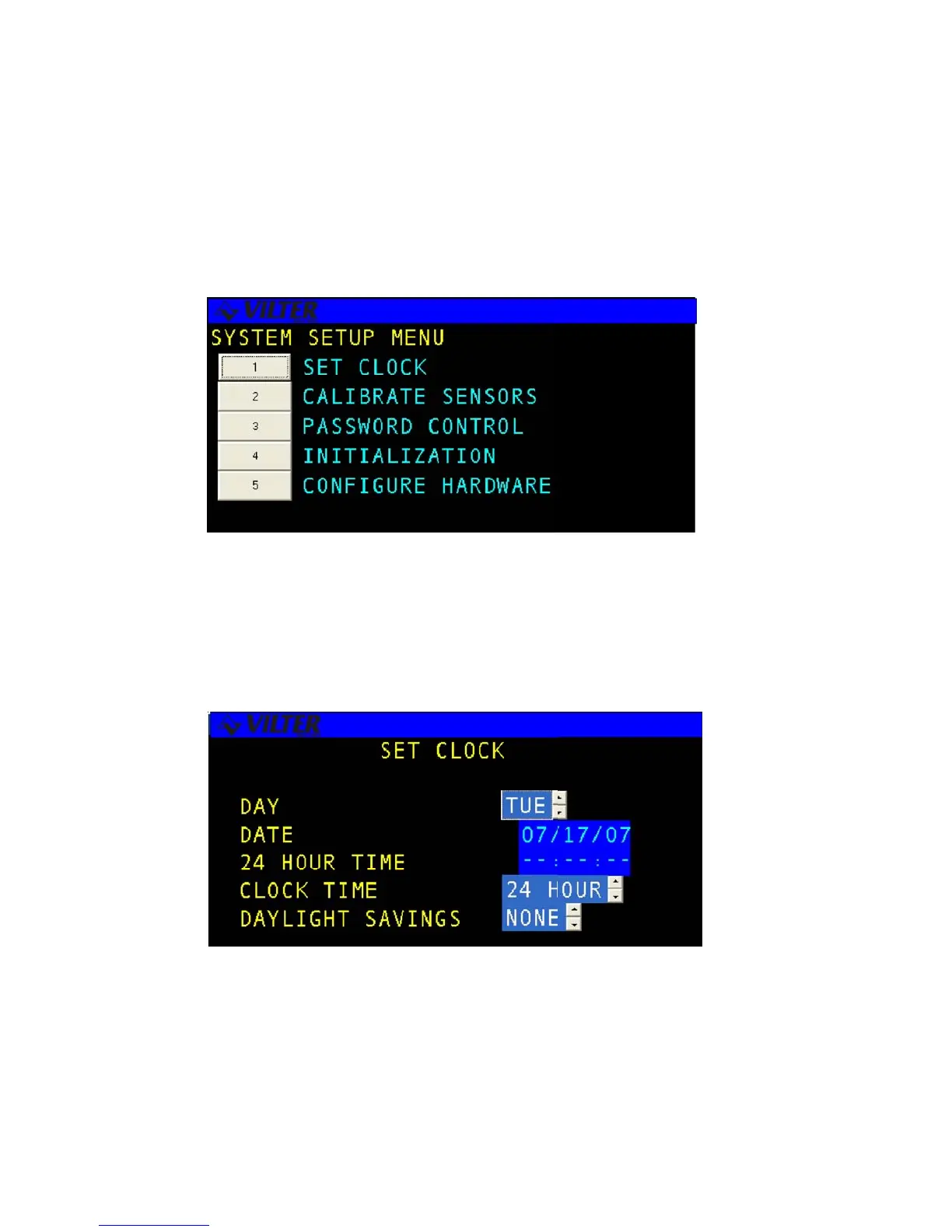
The SET-UP menu allows the user to perform miscellaneous set-up changes, which are used to configure the
system. The menu selections include Set Time and Date, Calibrate Sensors, Password Control, Initialization, and
Configuration.
Set Clock
The SET CLOCK screen allows the user to change the date, clock mode or time of day for the system. The
clock mode gives the user the ability to display time in 24 hour or 12 hour modes. An example of the screen
is shown below.
Set-up Menu Screen
Set Time & Date Screen



 To Next Page