23
Screen Types
Viltech information is presented to the operator using eight different types of screens. The
different SCREEN TYPES each use specific data entry and control procedures. The screen
types let the user know which screen type heading to refer to for information on the specific
screens’ procedures. The following is a list of the eight different screen types.
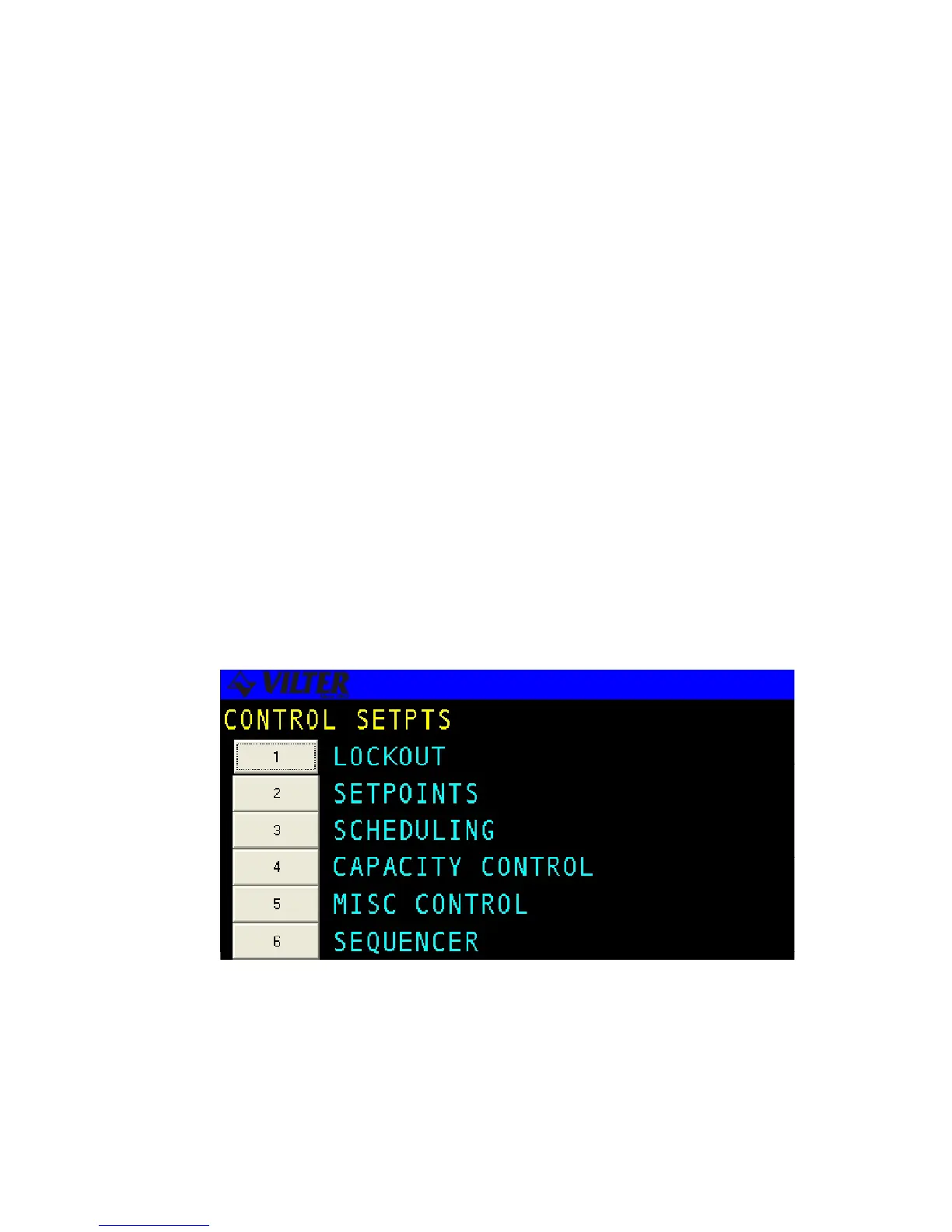
Menu Screen - displays a numbered list of options.
Data Entry Screen - used to modify system control parameters.
Status Screen - displays real-time system summary data.
Confirmation Screen - used for verification, gives a choice for a yes or no option.
Momentary Screen - displays a message for three seconds.
Information Screen - used to display system information
Access Screen -a menu type screen with an number input field.
Log Screen - displays a record of system parameters and actions.
Menu Screens
The MENU screen is used to present the user with choices for various system
operations. Menu screens are found throughout the Viltech system. The following is
an example of a menu screen.
Menu Screen



 To Next Page