31
Confirmation Screens
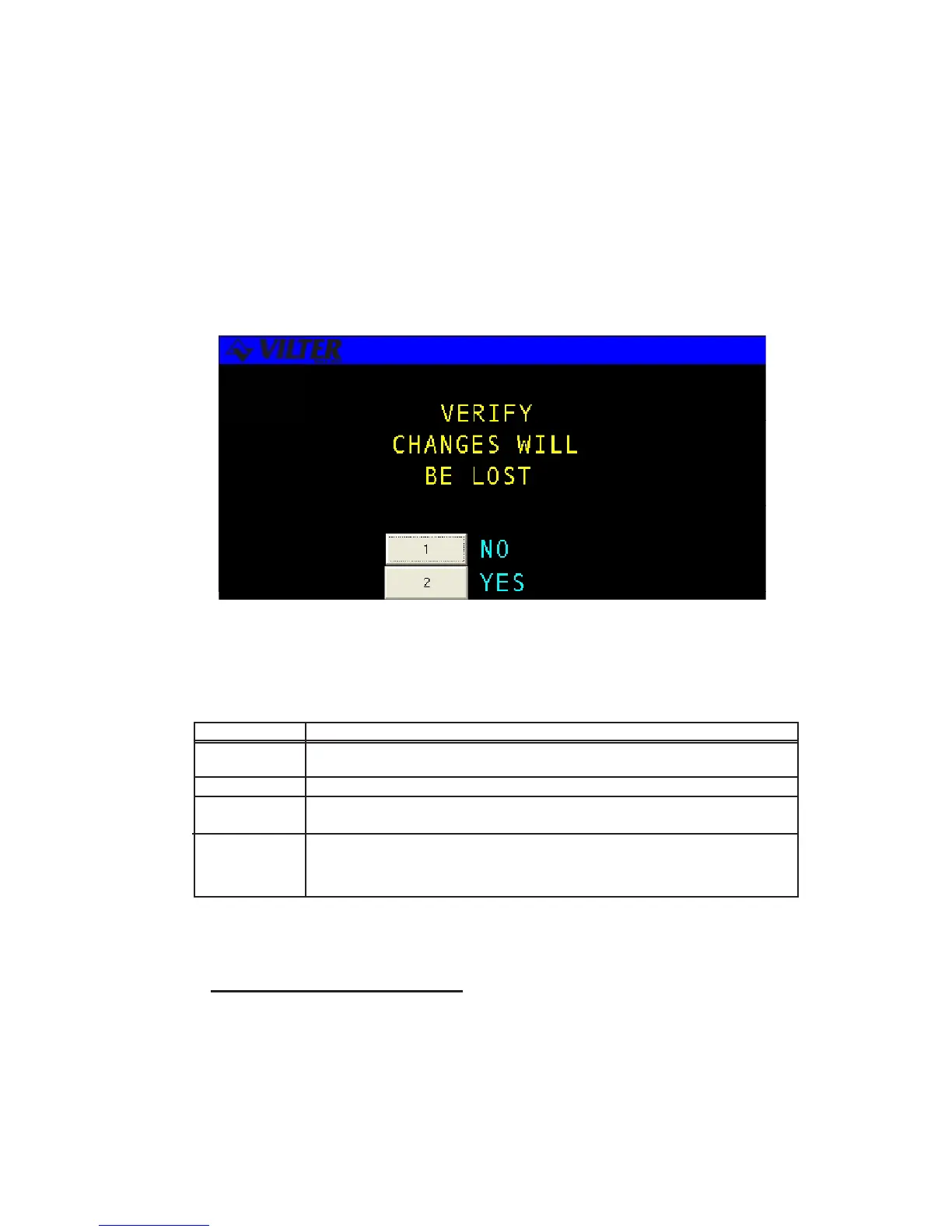
A CONFIRMATION SCREEN is used to ask the user to confirm a selection by answering a
question. This screen usually appears after the user has altered system parameters and
then presses the QUIT key or to verify a system control request. Below is an example of a
confirmation screen.
The following table contains a list of the active keys on a confirmation screen and their
function.
KEYS FUNCTION
NUMBER Used to select a response number
KEYPAD
ENTER Used to select the highlighted response number.
UP/DOWN
ARROWS Moves the cursor from one selection to the next, either up or down.
QUIT Exits from the current screen to the pervious screen. Same as selecting
NO for most screens or YES when quitting from a data entry screen after
making changes.
Confirmation Screen Procedures
Number Keypad -Use the keypad to match your response with the numerical choices shown
on the screen or press QUIT to exit the screen.
Confirmation Screen
Confirmation Screen Keys



 To Next Page