114
Setup Stages
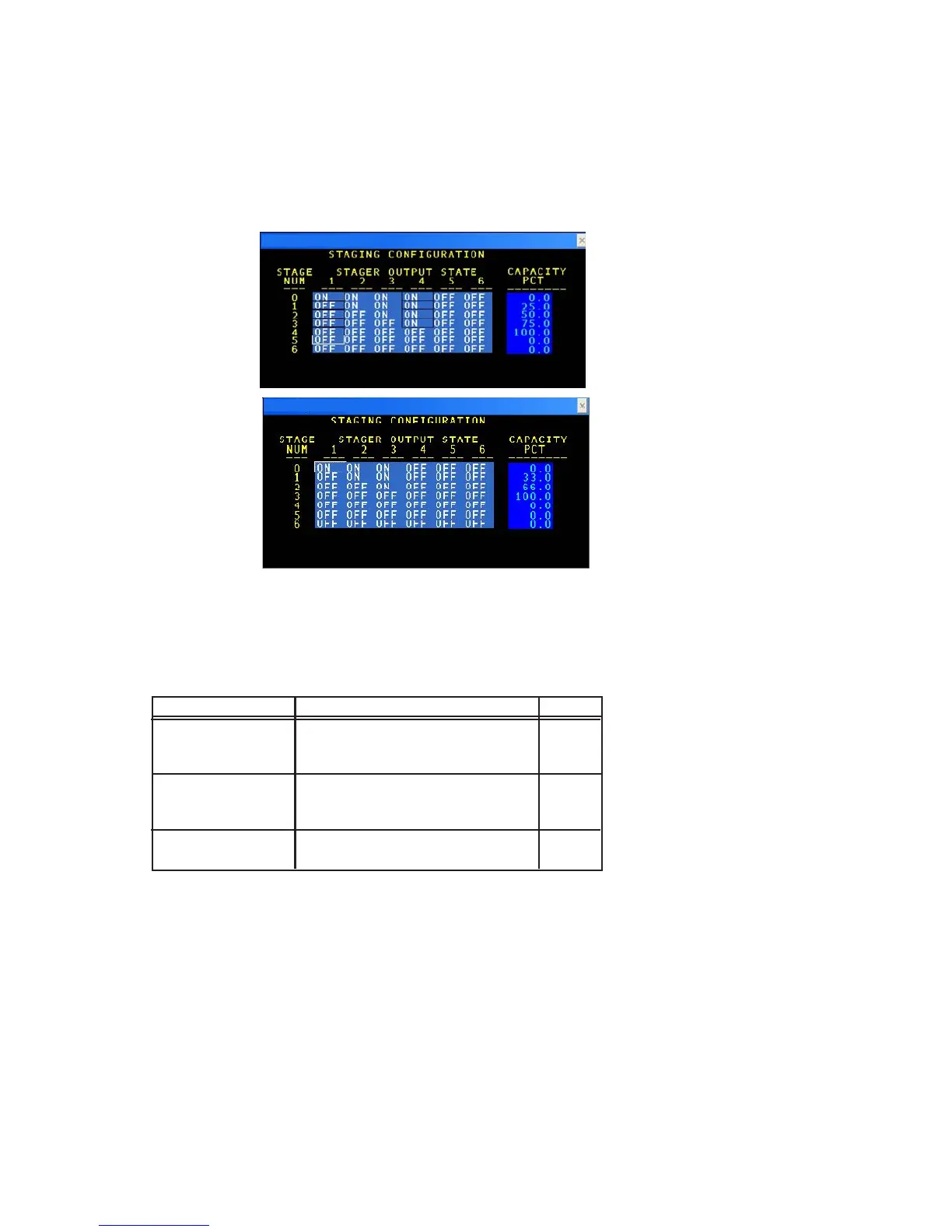
The following is a sample STAGING CONFIGURATION STATUS screen.
The following table list is the data entry fields and a description of their purpose.
TERM DEFINITION RANGE
STAGE NUMBER This field displays the reference
number used to identify the state
number
STAGE OUTPUT Specify if stage is an unloader ON/OFF
STATE (open to load). Only list those
stages actually used.
CAPACITY PCT Selects the capacity for the stage 0-100%
number.
NOTE: Stages should be configured starting at Stage 1 and increasing based on the number of Capacity Control
Devices available.
Staging Configuration Status Screen
Staging Configuration Status Definitions



 To Next Page