134
Daily Schedules
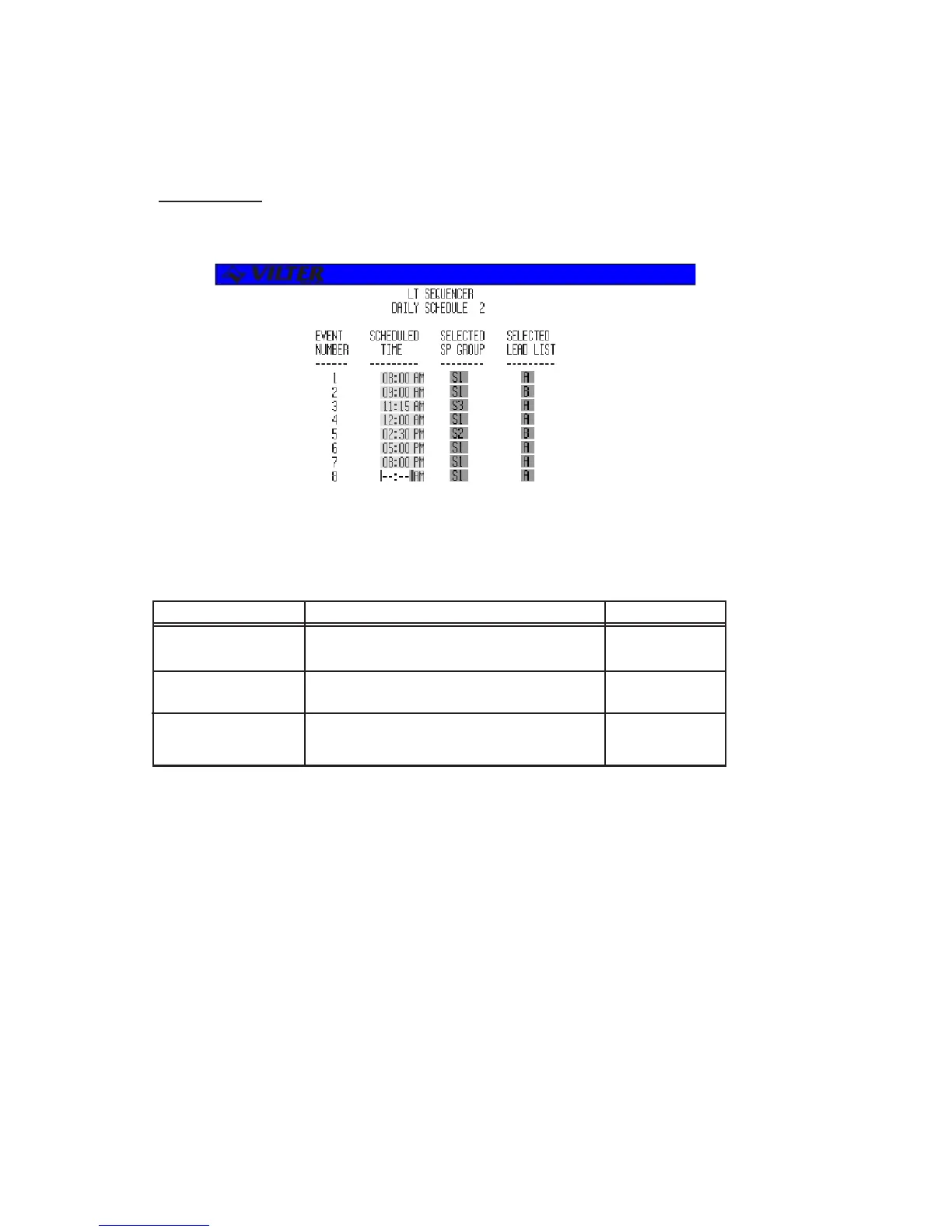
The daily schedules are reached by entering the schedule number on the schedule access screen. Below is
an example of a daily schedule screen.
The following table lists the data entry fields and description of their purposes.
TERM DEFINITION RANGE
SCHEDULED TIME The time schedule change will take place Valid Time of Day
(entered in 12 or 24 hour mode.)
SELECTED GROUP The control group number to be used at this Selectable
time.
SELECTED LEAD The lead list to be used at this time. Selectable
LIST
Sequencer Daily Schedule Screen Definitions
Sequencer Daily Schedule Screen



 To Next Page