111
4. Configuration
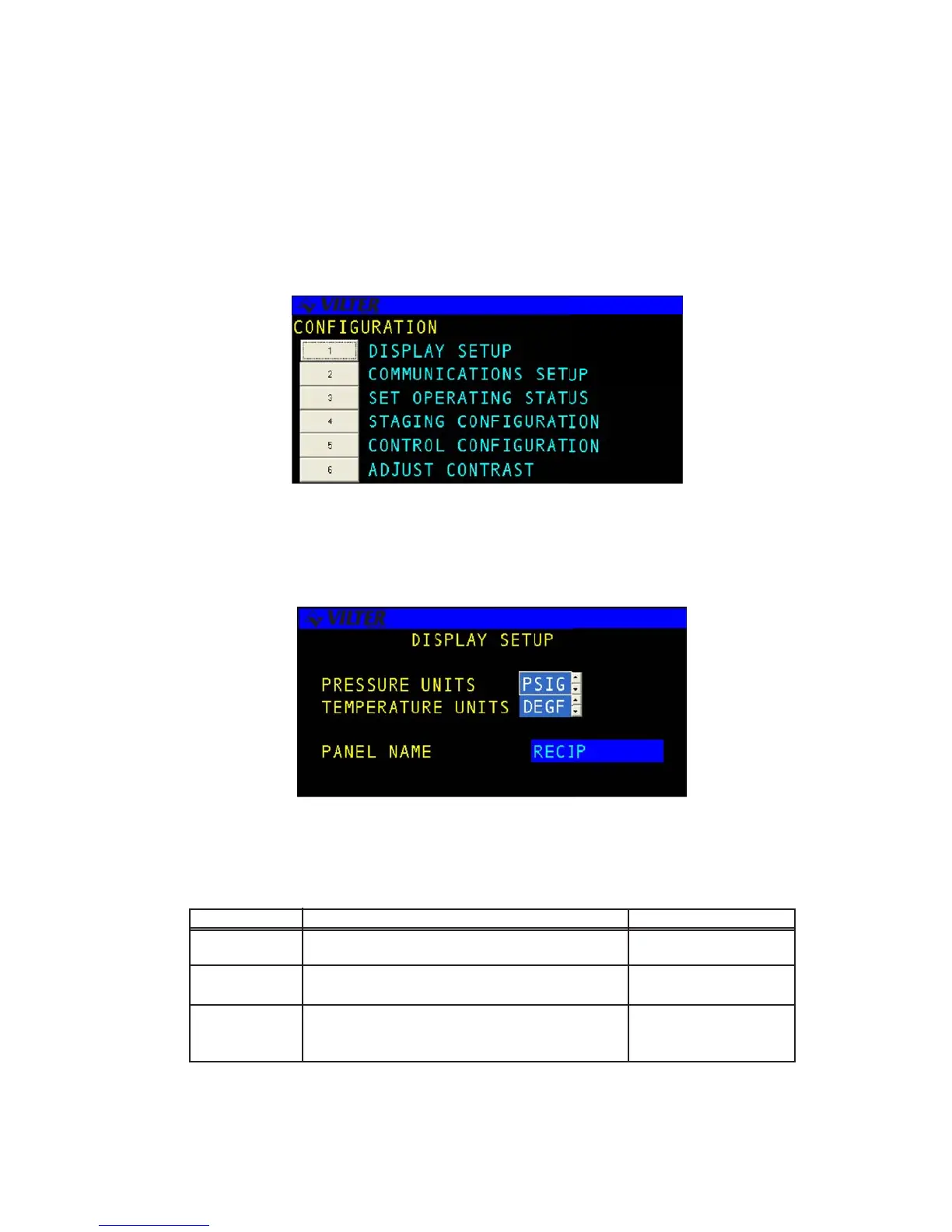
The CONFIGURATION menu selection allows the user to set-up various basic system parameters
for the display and operation of the compressor. These parameters are usually set-up once and
never change.
Display
The DISPLAY SET-UP screen allows the user to configure the display units for all analog parameters
and panel name.
The following table list the data entry fields and a description of their purpose.
TERM DEFINITION RANGE
PRESSURE Selects the units of measure for pressure fields. PSIG/KPAG/BAR
UNITS
TEMPERATURE Selects the units of measure for temperature fields. DEGF/DEGC
UNITS
PANEL Select panel name to change name of panel by
NAME touching clear and using up down arrows to enter
letters or characters to name the panel
Configuration Screen
Display Screen
Display Definitions



 To Next Page