109
Initialization
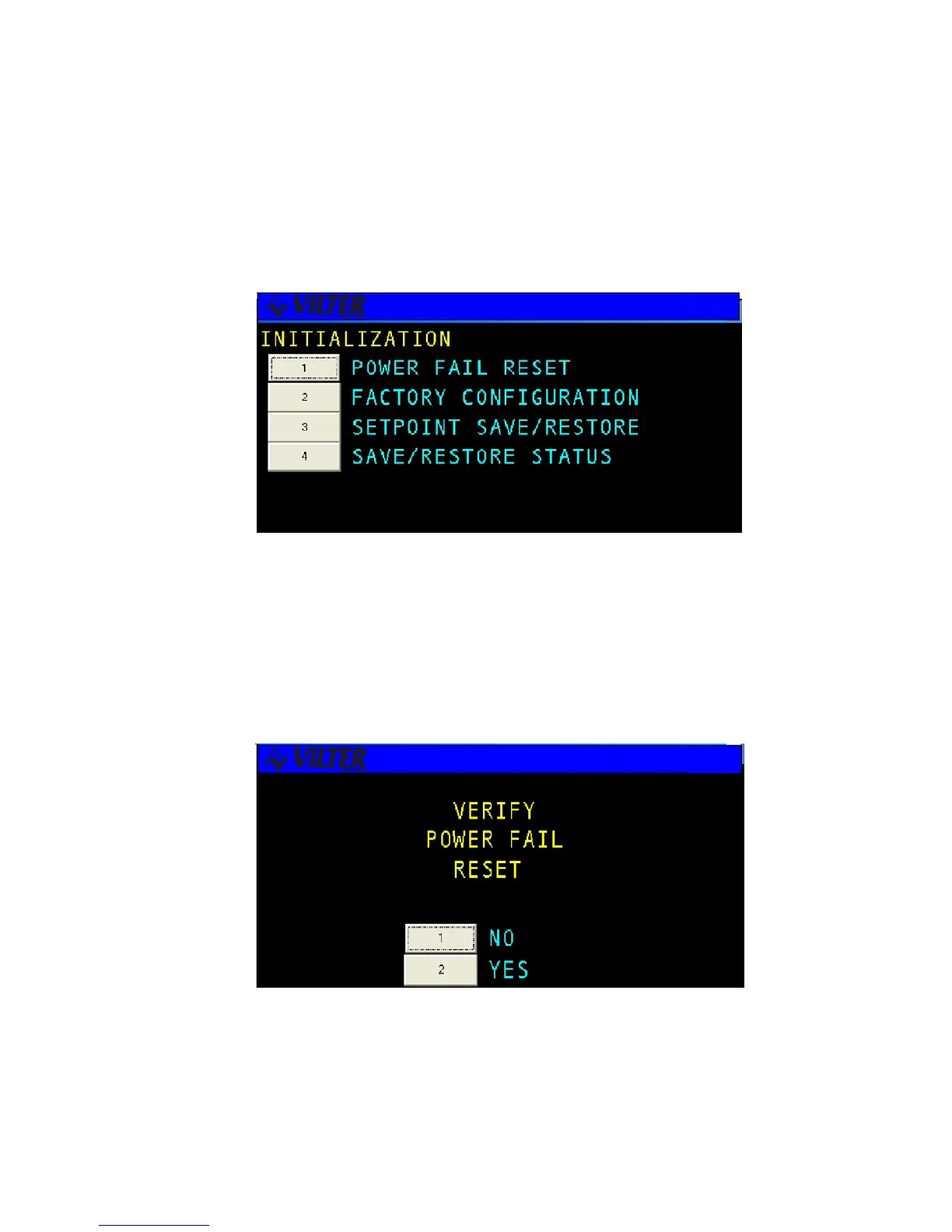
The INITIALIZATION menu selection under the Set-up group includes Power Fail Reset, Setpoint Save/Restore, Save
Restore Status, and Set Factory Config. These screens are discussed further in the following sections.
Power Fail Reset
Selection of this initialization option causes the software to restart using the current setpoints as if a power failure
occurred. When the user selects POWER FAIL RESET, a confirmation screen will be displayed asking the user to
verify that he wishes to reset the system. If the user answers yes the system will restart as if a power failure
occurred.
Initialization Screen
Power Fail Reset Screen



 To Next Page