103
The following table lists the data entry fields and a description of their purpose.
TERM DEFINITION RANGE
DAY The current day of the week. SUN - SAT
DATE The current date entered as month, day, and year. All six
digits must be entered. For example, to set the date to
March 2nd, 2001, enter 03 02 01. The slash delimiter does
not need to be entered. MM/DD/YY
24 HOUR TIME The current time of day which must be entered in military
24 hour format. This field is initially blank. The user only
needs to enter enough digits to specify the required time.
All unused digits will be set to zero. The colon delimiter
does not need to be entered. 00:00:00 23:59:59
CLOCK MODE The time display mode for the system, either 12 or 24 hour
format. 12 HOUR 24 HOUR
Calibrate Sensors
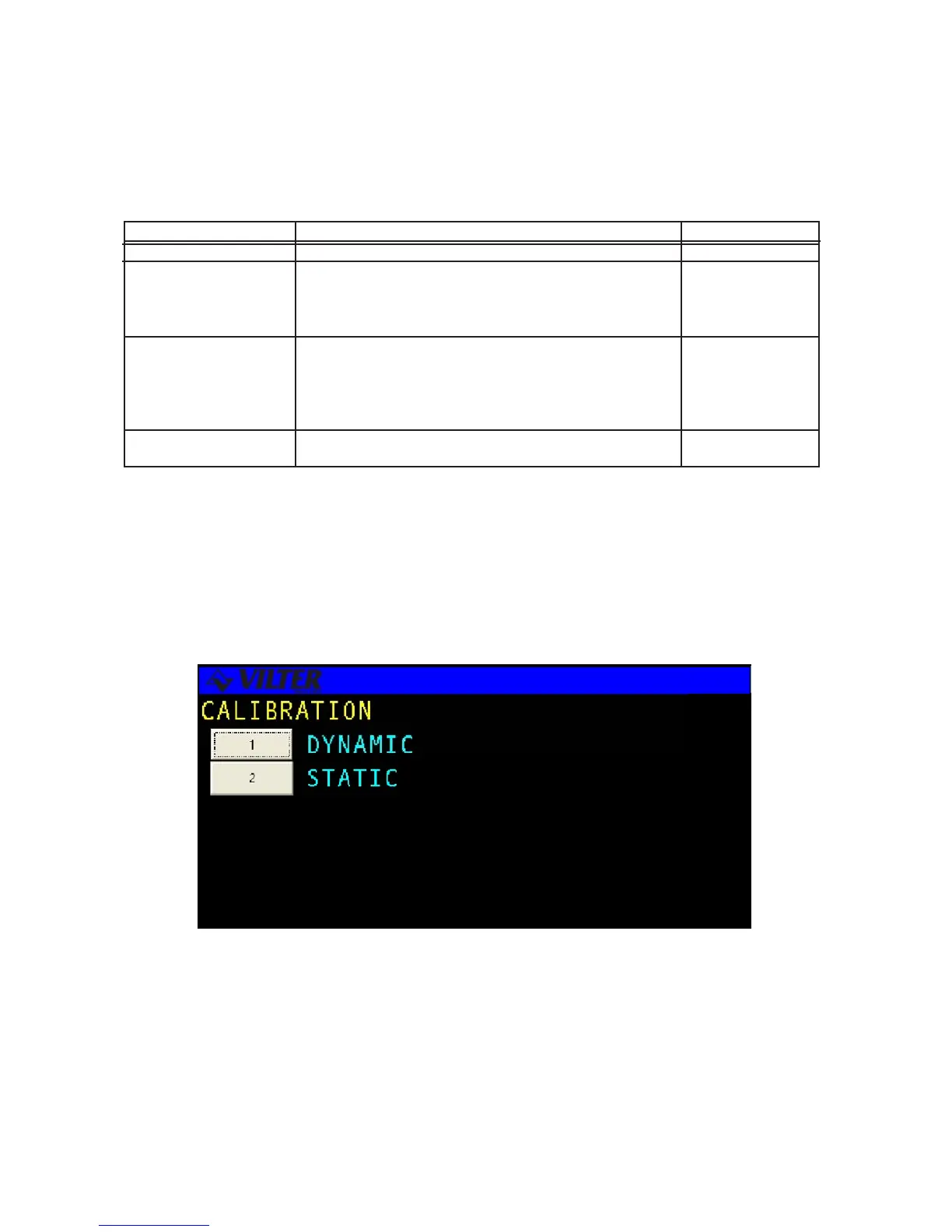
The CALIBRATE SENSORS menu allows the user to adjust the range of sensor inputs. There are two types of
calibration, Dynamic and Static. Dynamic calibration is used primarily for accurate calibration of sensor inputs
where the sensor is being compared to known system conditions. Static calibration is performed to reset or restore
sensor calibration values after a hardware, software or factory configuration change.
Set Time & Date Definitions
Calibrate Sensors Screen



 To Next Page