116
Variable Frequency Drive Option
When VFD is enabled, a Proportional-Integral-Derivative (PID) algorithm is used to generate a 4-20mA control
signal to the VFD. The VFD in turn varies the frequency and voltage to the motor resulting in slower or faster
speeds.
The VFD option will only work when the option is enabled and the VFD single channel analog output board
(VPN-3400G) is connected to the microprocessor board. The analog output card is to be placed on the
microprocessor board towards the left-center, by four black “holes” and there is a connector labeled “J5
ANALOG OUTPUT.”
The VFD is enabled by pressing the “Menu” key then press the number 4 for “System Setup” then press
number 5 for “Configure Hardware” and then press number 5 for “Control Configuration”. After enabling the
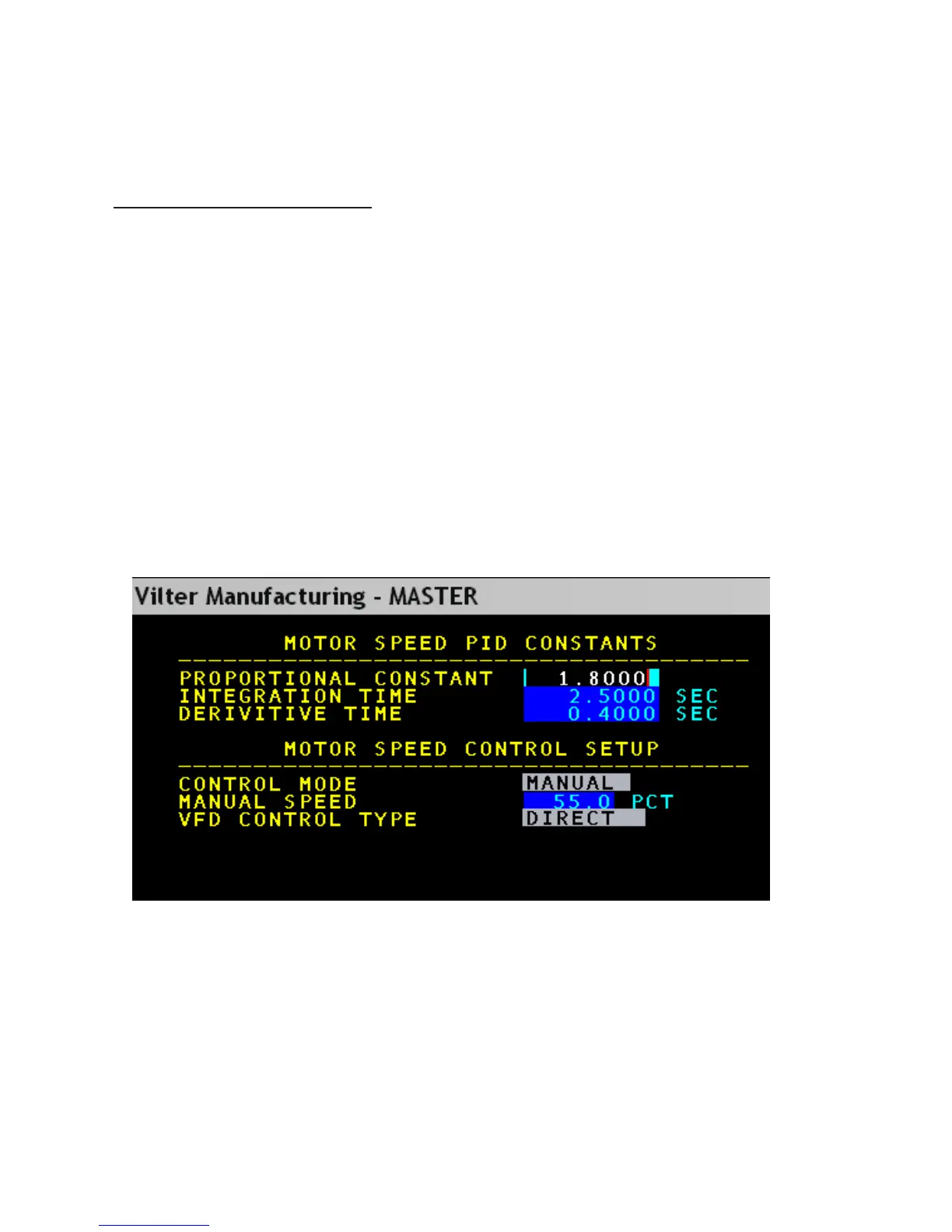
VFD option, the configuration of the VFD can be located by pressing the “SETPT” key then press number 4
for “Capacity Control” and then press number 2 for “Motor Speed.”
Motor Control Screen



 To Next Page