24
The following table contains a list of the active keys on a menu screen and their function.
KEYS FUNCTION
NUMBER Used to choose a selection number.
KEYPAD
ENTER Used to choose the selection number that is highlighted.
UP/DOWN Moves the cursor from one selection to the next either up or down.
ARROW
QUIT Exits from current screen to the previous screen.
Menu Option Selection -Use the number keys corresponding to the desired menu item
or the arrow keys and press ENTER to select the desired menu item.
Data Entry Screens
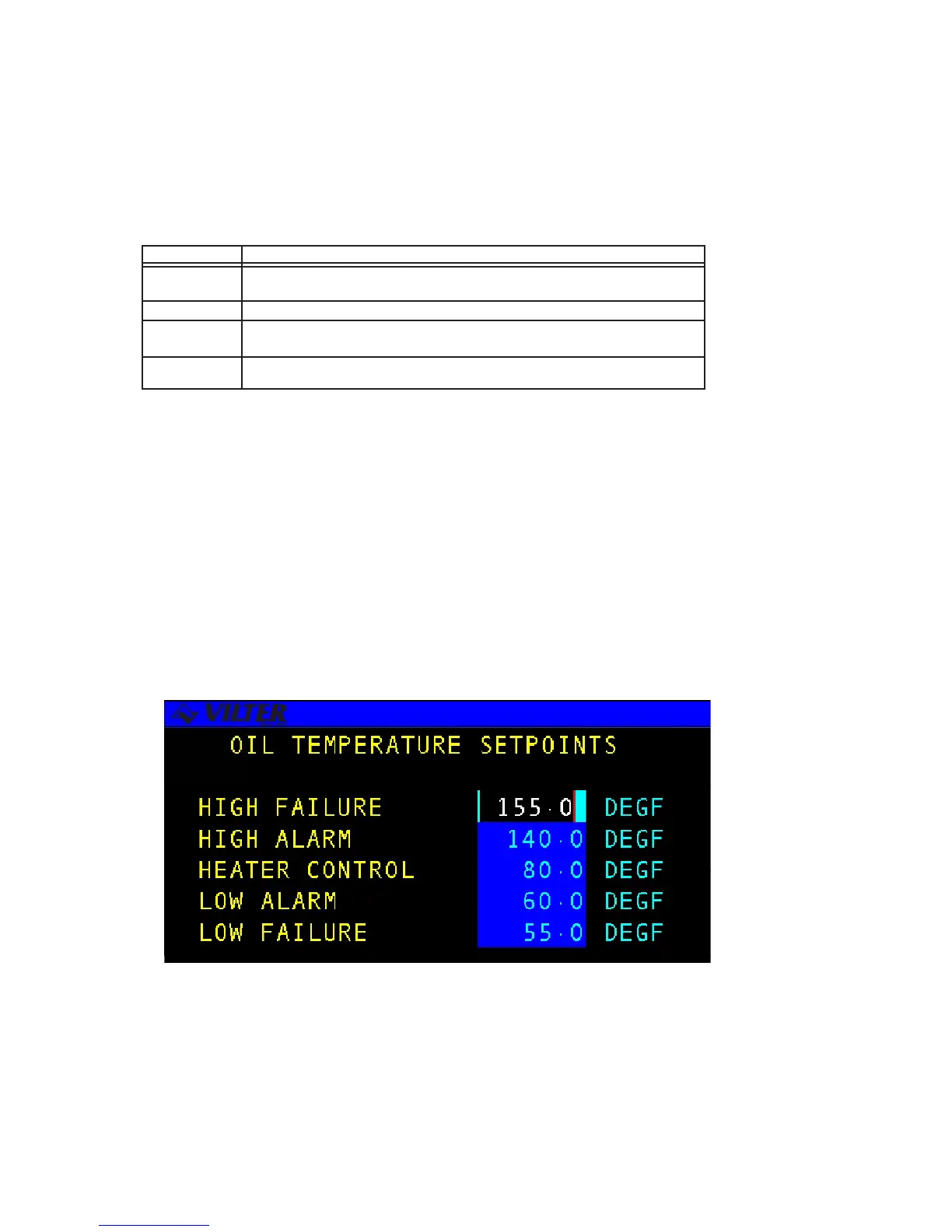
DATA ENTRY SCREENS are user interactive screens, which allow the user to change
or input system data. These screens contain a special cursor to signify the field type
at the cursor location. The cursor can be moved throughout the screen to indicate
each field location.
NOTE: Data entry screens may also contain information for reference purposes that is
not changeable. The following is an example of a data entry screen.
Data Entry Screen
Menu Screen Keys Table



 To Next Page