41
Remote/Auto Remote Start
I/O Control
The REMOTE START/STOP input is used to start and stop the RECIP compressor in the Auto-Remote
mode only. The compressor must first be placed on-line by the operator through the use of the
RMT hot
key. Once the compressor is on-line, the Remote Start/Stop input may be energized to start the
compressor. When the input is de-energized, the compressor will stop but remain on-line. A failure or
manual stop command will stop the compressor and force it off-line.
NOTE: Before the remote location can control the system, the user must set the operating mode, and place the RECIP
compressor on-line using the RMT hot key. Then, and only then, is the system ready to accept remote control
signals.
Network Control
When the NETWORK CONTROL option is enabled, starting in the Remote or Auto-Remote mode is
performed using messages from a remote computer. It is required that the compressor be placed on-line
via the keypad or using an on-line message. For more information on Network Operation, please refer
to Appendix C.
Sequenced Start
In SEQUENCED START, the compressor takes commands from an Viltech Master Sequencer Control Panel.
The Sequenced mode can be selected from the operating modes. Once this mode is selected the RECIP
compressor must be placed on-line by using the SEQ hot key. Only when the RECIP compressor is placed on-
line will the Viltech respond to control signals from the master sequencer.
Sequenced in Remote Start
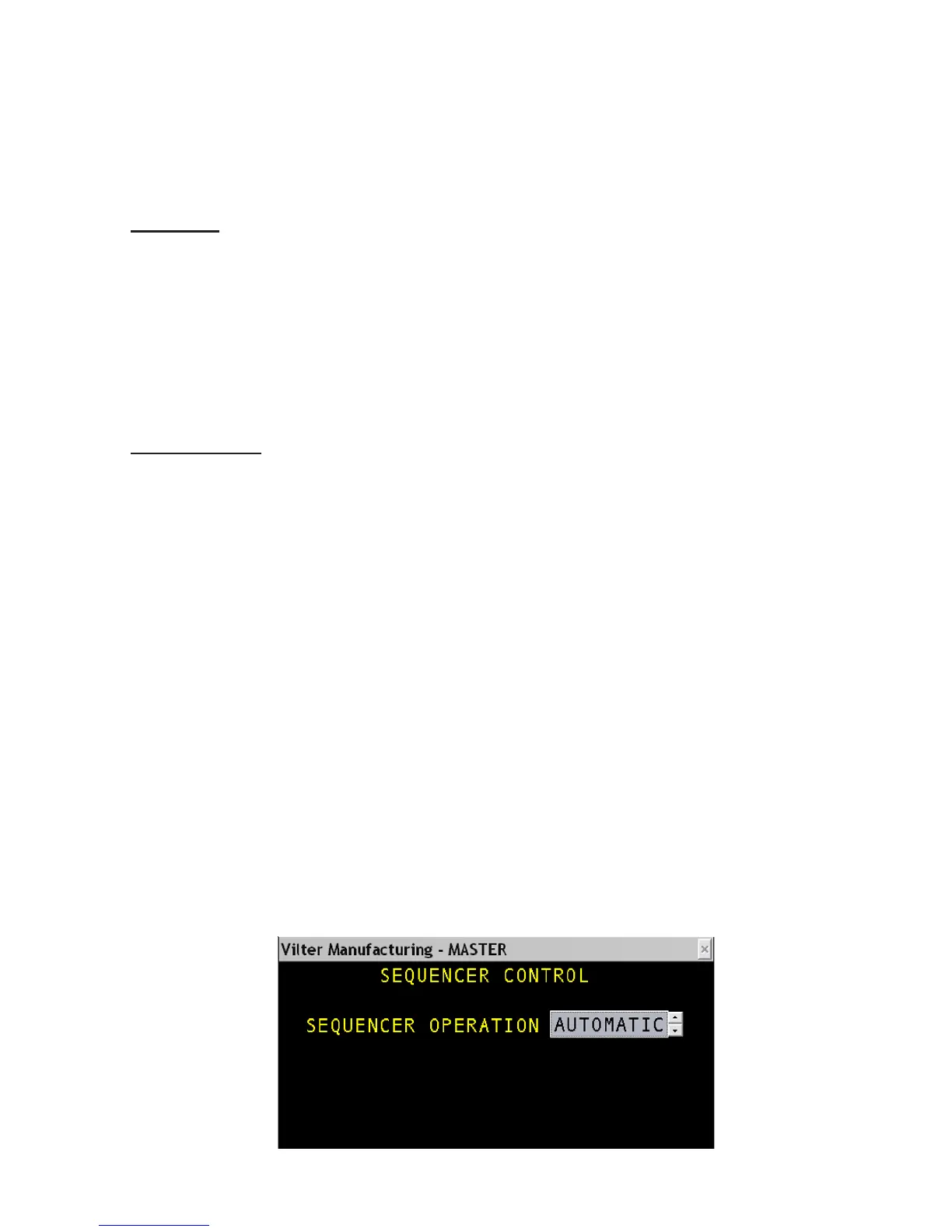
The VILTech panel can be controlled remotely and also be in sequence with other VILTech panels. In the
Sequencer Setup screens, this option can be enabled in the Control screen by choosing “Automatic”.
Once this mode is selected the RECIP compressor must be placed on-line by using the SEQ hot key. Now
all other panels in the sequence must be placed on-line by using the SEQ hot key otherwise the master
panel will not be able to communicate to the slave panels.



 To Next Page