113
Set Op Stats
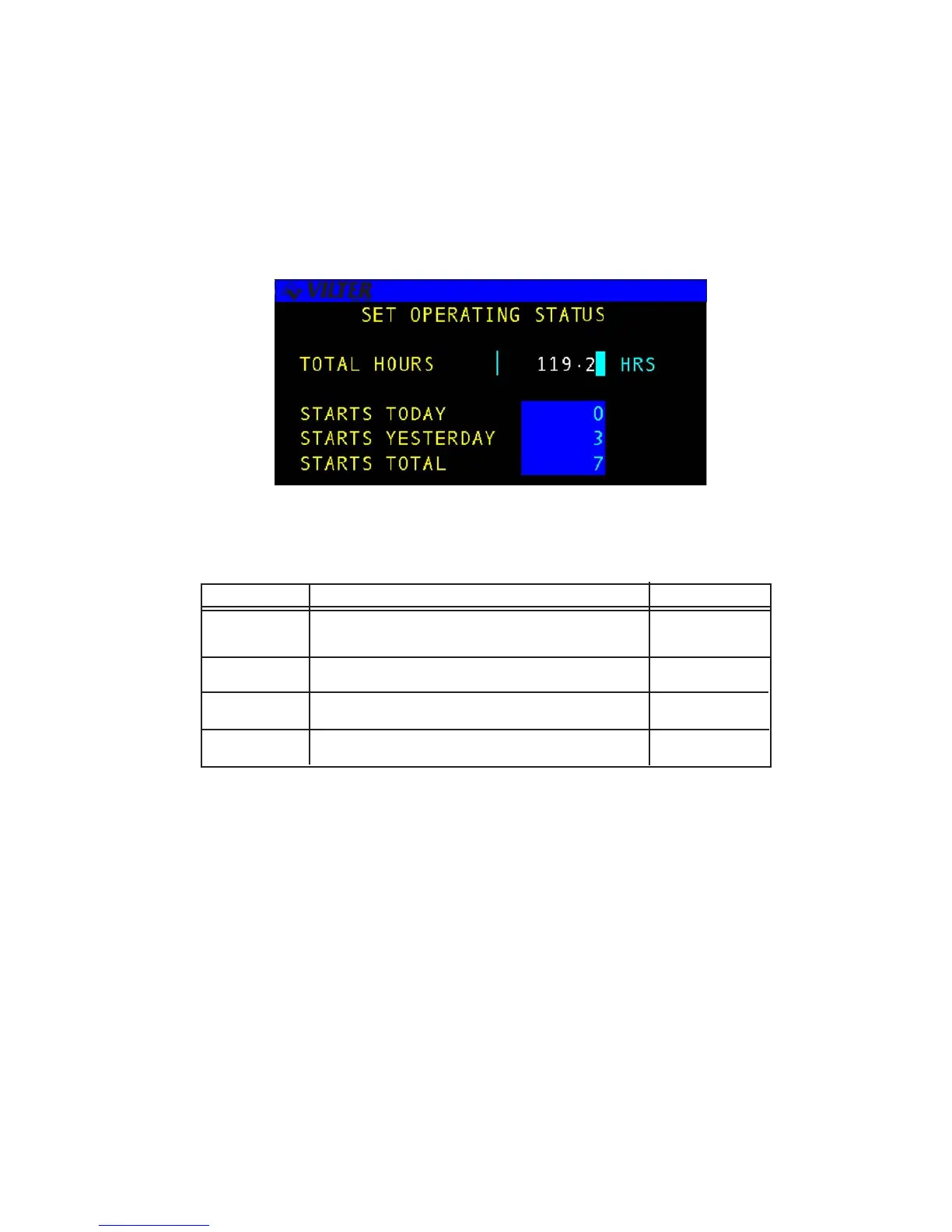
The SET OPERATING STATUS screen is used to reset the total runtime hours and number of
starts following a board change or software update.
The following table list the data entry fields and a description of their purpose.
TERM DEFINITION RANGE
TOTAL Sets the total runtime hours for the compressor. 0-999999.9 HRS
HOURS
STARTS Sets the total number of starts since midnight today. 0-999
TODAY
STARTS Sets the total number of starts for yesterday. 0-999
YESTERDAY
STARTS Sets to total number of starts for the compressor. 0-999999
TOTAL
Set Operating Status Screen
Operating Status Definitions



 To Next Page