96
Diagnostics
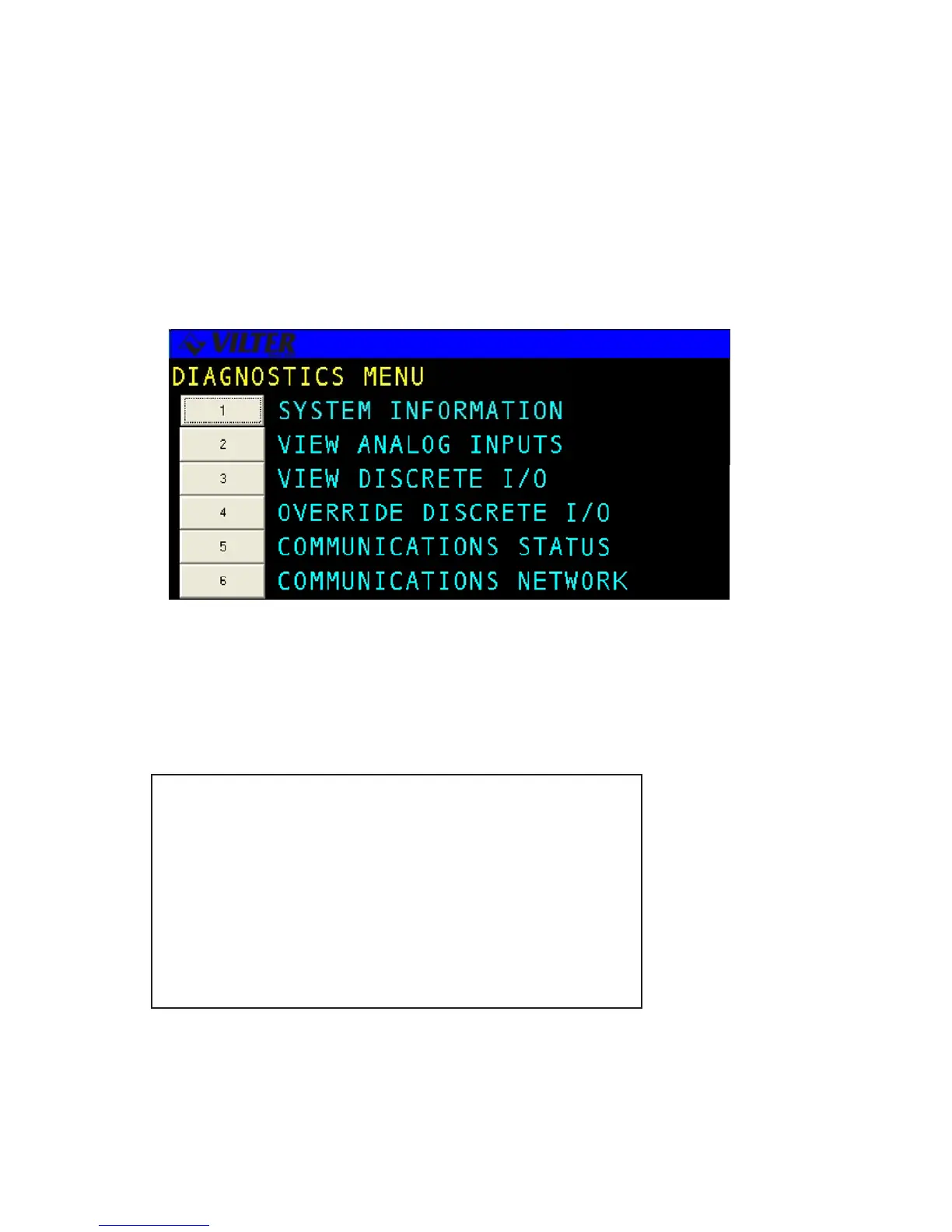
The DIAGNOSTICS menu option permits the user to view and in some cases alter basic information about the
system. The menu selections include viewing System Information, Viewing IO, Analogs; and viewing Network
Communications.
System Information
The SYSTEM INFORMATION screen is used to provide the user with the system options and software configuration
status. An example of a System Information screen is shown below.
SYSTEM INFORMATION hh:mm:ss
VILTER MANUFACTURING, LLC. COPYRIGHT 2001
VILTER Standard Recip: V1.00
BUILD DATE : day mm/dd/yy hh:mm:ss
INIT DATE : day mm/dd/yy hh:mm:ss
RESET DATE : day mm/dd/yy hh:mm:ss
CURNT TIME : day mm/dd/yy hh:mm:ss
OPTIONS : R22 SEQ ARMT PT NETW
TIMER STATUS : MAX: XXXX XXXX XXXX XXXX
USED X OF X AVG: XXXX XXXX XXXX XXXX
MAX XX MIN: XXXX XXXX XXXX XXXX
Diagnostics Screen
System Information Screen



 To Next Page