110
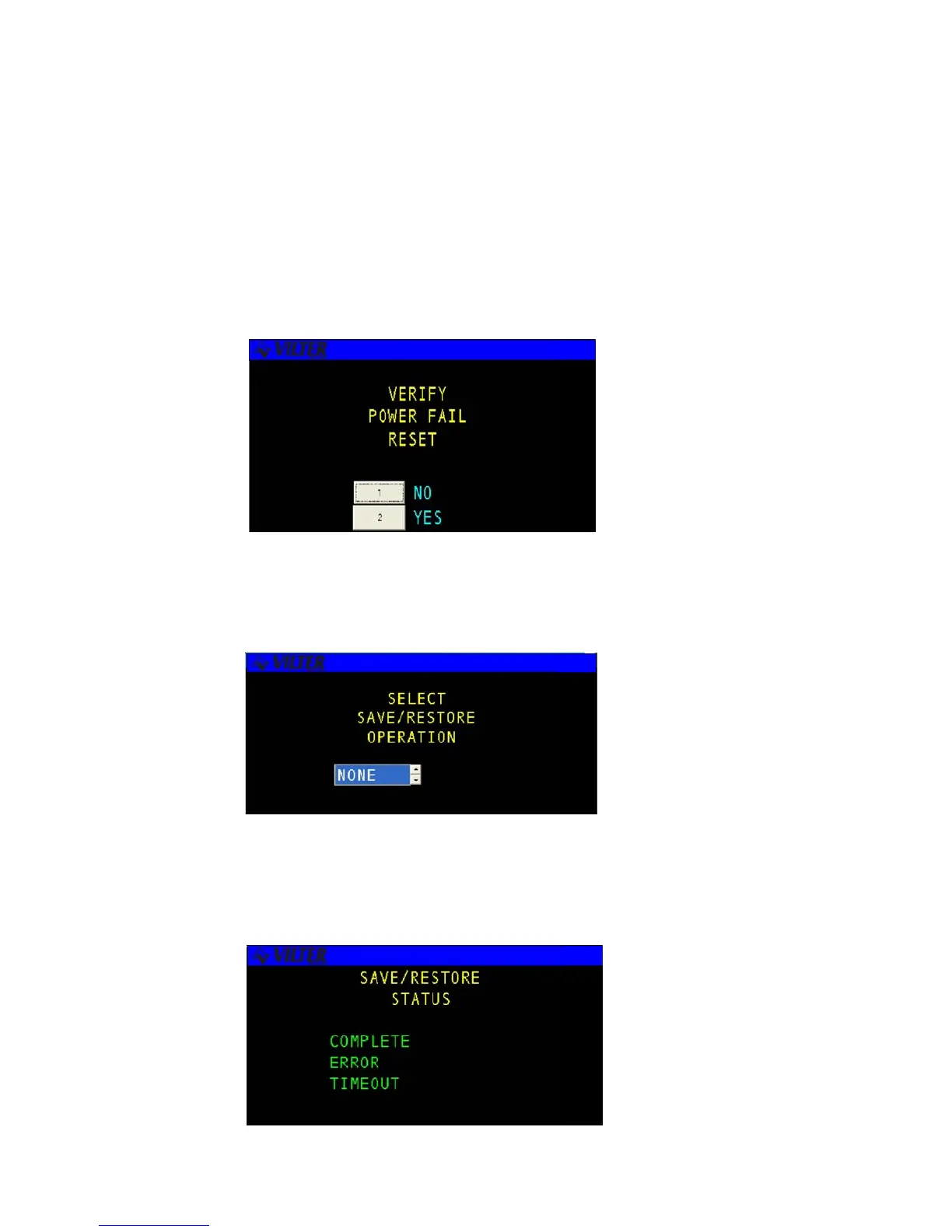
1. Set Factory Config
This selection allows the user to reset the system to factory default values. When the user selects the SET
FACTORY CONFIG menu option a confirmation screen will be displayed asking the user to verify that he wishes
to reset the system to the original factory configuration. If the user answers yes the system will be reset and all
existing configuration changes will be lost. This includes all logs, set-points, controls, modes, etc. Do not use
this option without proper consideration of the results.
2. Setpoint Save/Restore
This function is to be used to save a copy of setpoints from the Viltech to the eeprom of the microprocessor board.
3. Save/Restore Status
This screen display will display that a save or a restore of a status has been made.
Set Factory Configuration Screen
Setpoints Save/Restore Screen
Save/Restore Status Screen



 To Next Page