106
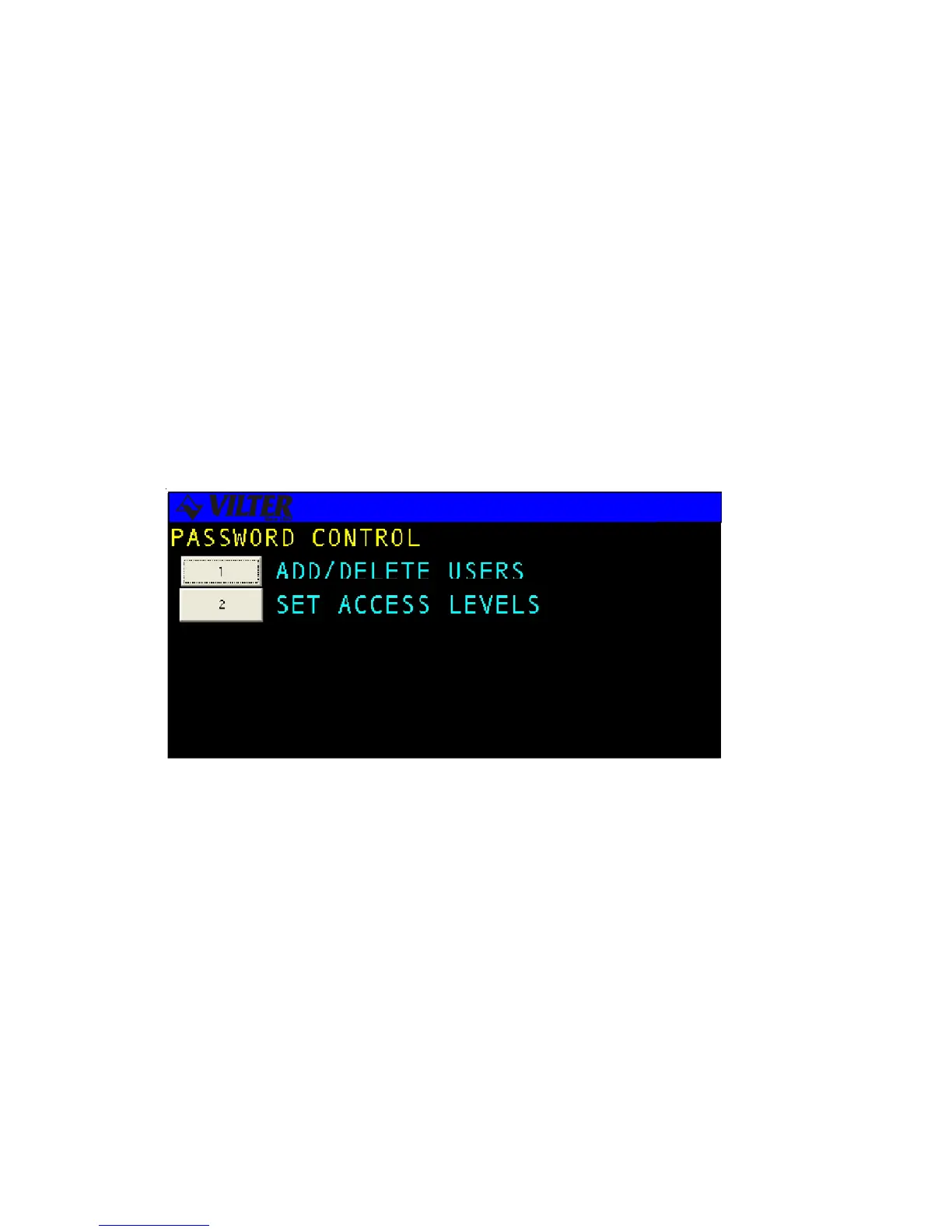
Password Control
The Viltech system manager will assign each user a password to define their operating
privileges. The password sets privileges for screen read and write access. The read access
level defines the access level required to view a screen, while the write access level defines
the access level required to change data on a screen.
Each user can be assigned a six digit password, which has associated read and write access
levels. The higher the access level the more privileges the individual will have on the
system. Read and write privileges will each have their own access level. The system
manager can assign read and write access levels to numerous screens on the Viltech. The
Viltech password protection is controlled through two system screens, the Add Delete User
screen and the Screen Access Level screen which are discussed in the following sections.
Password Control Screen



 To Next Page