59
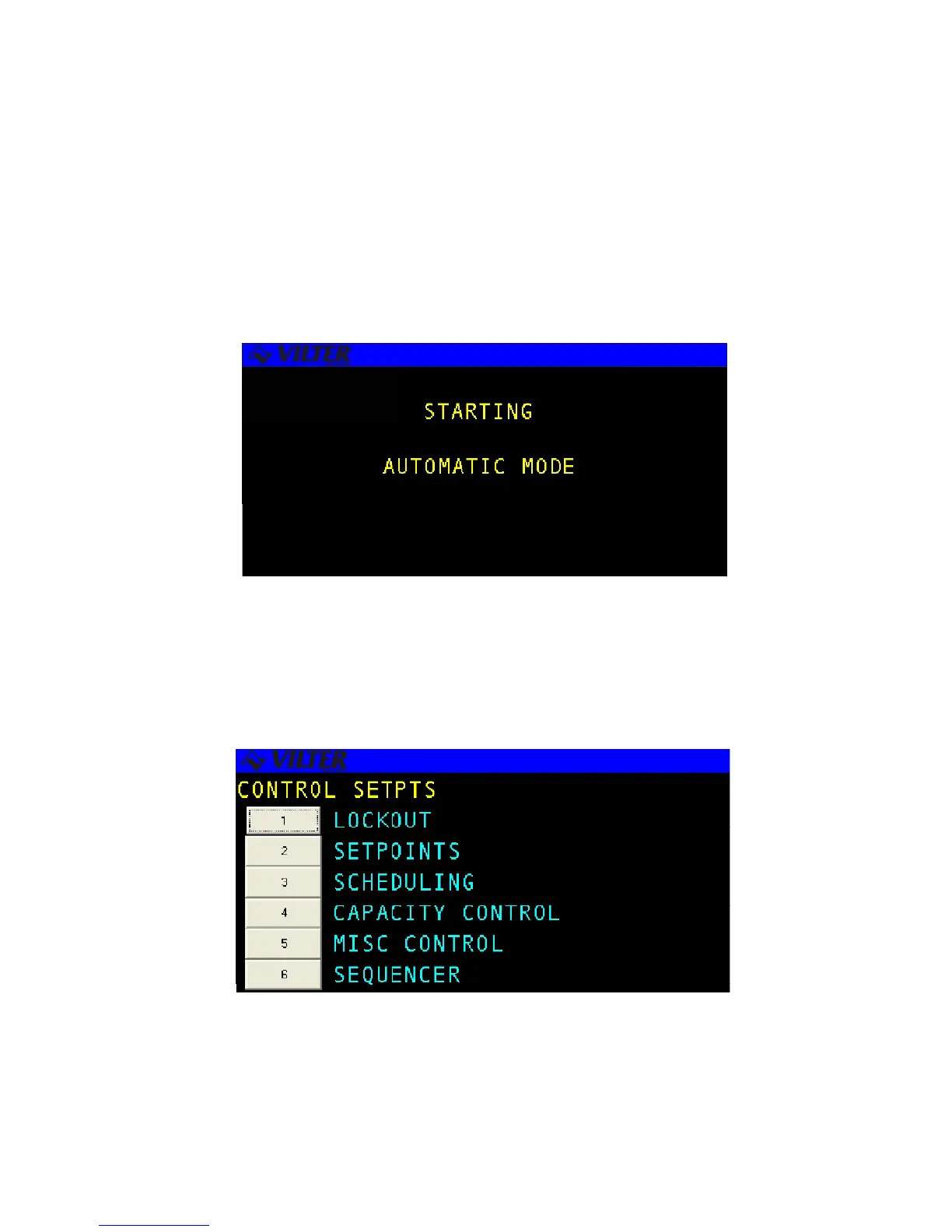
Auto-Start Warning Screen
The AUTO-START WARNING screen is displayed anytime the RECIP may be automatically
started. The user can return to the system default status screen by pressing the QUIT key
or cycle through all the status screens using the ENTER key. The system will return to the
Auto-Start Warning screen after 10 minutes of keypad inactivity. An example of the screen
is shown below.
SETPT Hot Key
The SETPT hot key allows the operator to select various systems options available. When the
SETPT key is selected, a menu screen displays the available options contained on the system.
AUTO Start Warning Screen
SETPT Hot Key Screen



 To Next Page