133
Schedule Setup
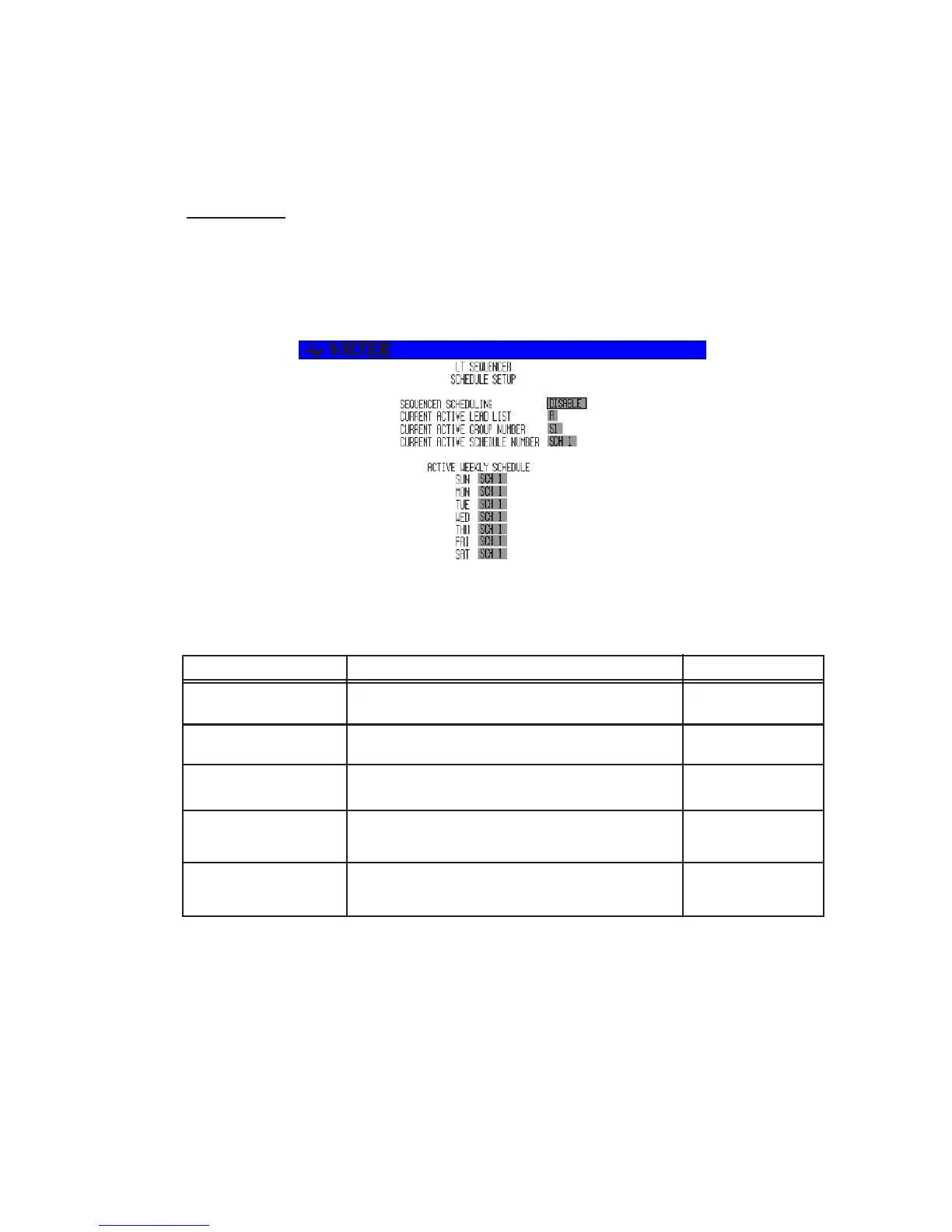
The schedule setup screen is used to enable/disable scheduling along with setting the weekly
schedules and performing scheduling overrides. An example of a schedule setup screen is shown
below.
The following table lists the various parameters displayed on the master sequencer setup screen.
TERM DEFINITION RANGE
SEQUENCER Enables or disables scheduling. Selectable
SCHEDULING
CURRENT ACTIVE Overrides the current active lead list. Selectable
LEAD LIST
CURRENT ACTIVE Overrides the current active group. Selectable
GROUP #
CURRENT ACTIVE Overrides the current active schedule. Selectable
SCHEDULE #
WEEKLY Allows one of the seven dailly schedules to each Selectable
SCHEDULE day of the week.
Sequencer Schedule Setup Screen Definitions
Sequencer Schedule Setup Screen



 To Next Page