22
Main Screen Overview
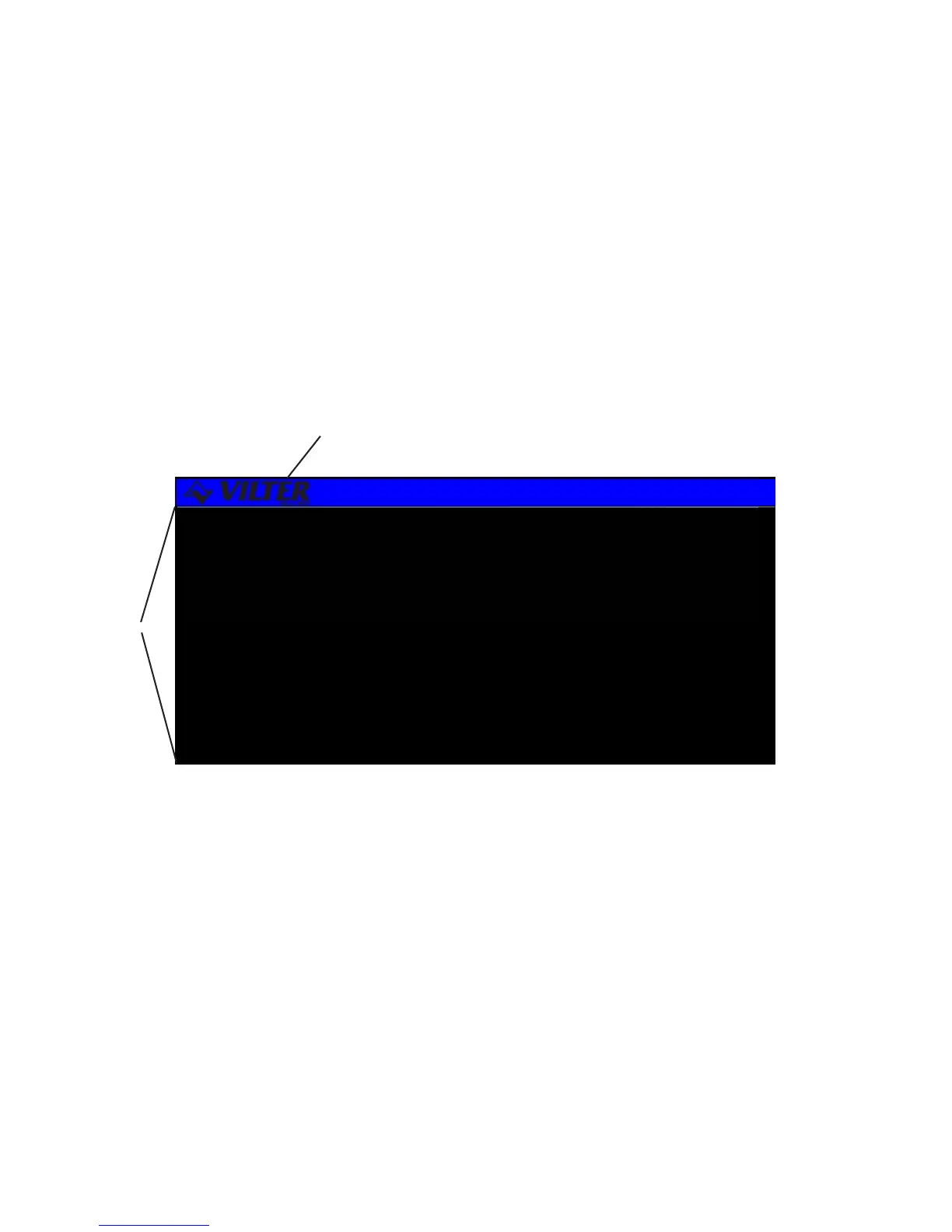
The MAIN SCREEN is the name for a set of features common to all large character screens.
The Main screen is broken down into two areas: the Display Area, and the Title Banner.
The following drawing shows a representation of the main screen layout and labels each of
its various areas.
Title Banner -The top highlighted bar contains the Vilter logo and the current time of day and
may only be found on large character screens.
Display Area -Contains all of the detailed screen information. Large character screens will use
only the designated display area, while small character screens use the entire LCD display.
Title Banner
Display Area
Main Screen Layout



 To Next Page