95
Logon User
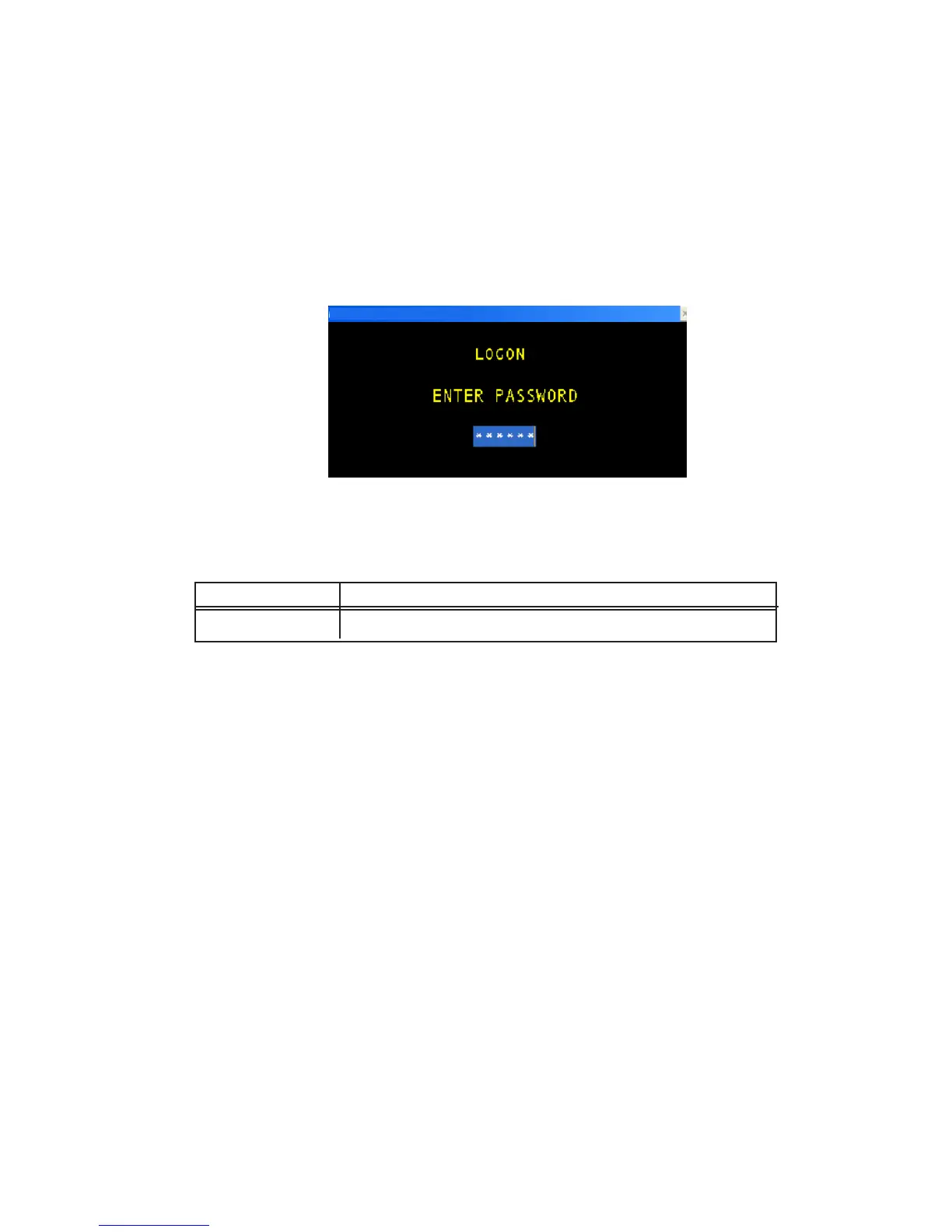
To log onto the system the user selects the LOGON USER option and enters the appropriate
user password. Once a password is accepted the system allows access according to the
restrictions preset by the Viltech system manager. Below is an example of a logon.
The following table lists the data entry fields and a description of their purpose.
TERM DEFINITION RANGE
PASSWORD The designated password for a particular user. 0-999999
NOTE: The password is not displayed when typed. Instead, “*” characters are displayed to avoid
anyone overseeing the typed password.
Logoff User
To logoff of the system the user selects the LOGOFF USER menu option. A temporary
screen will then appear to signal the initiation of the logoff. The system then logs the
user off and changes the access levels to the default values. The system automatically
returns to the main status screen. A user will be automatically logged off after a 10
minute period of no keyboard activity.
Logon User Screen
Logon User Definitions



 To Next Page