34
Access Screen
Access Screen Keys
Access Screens
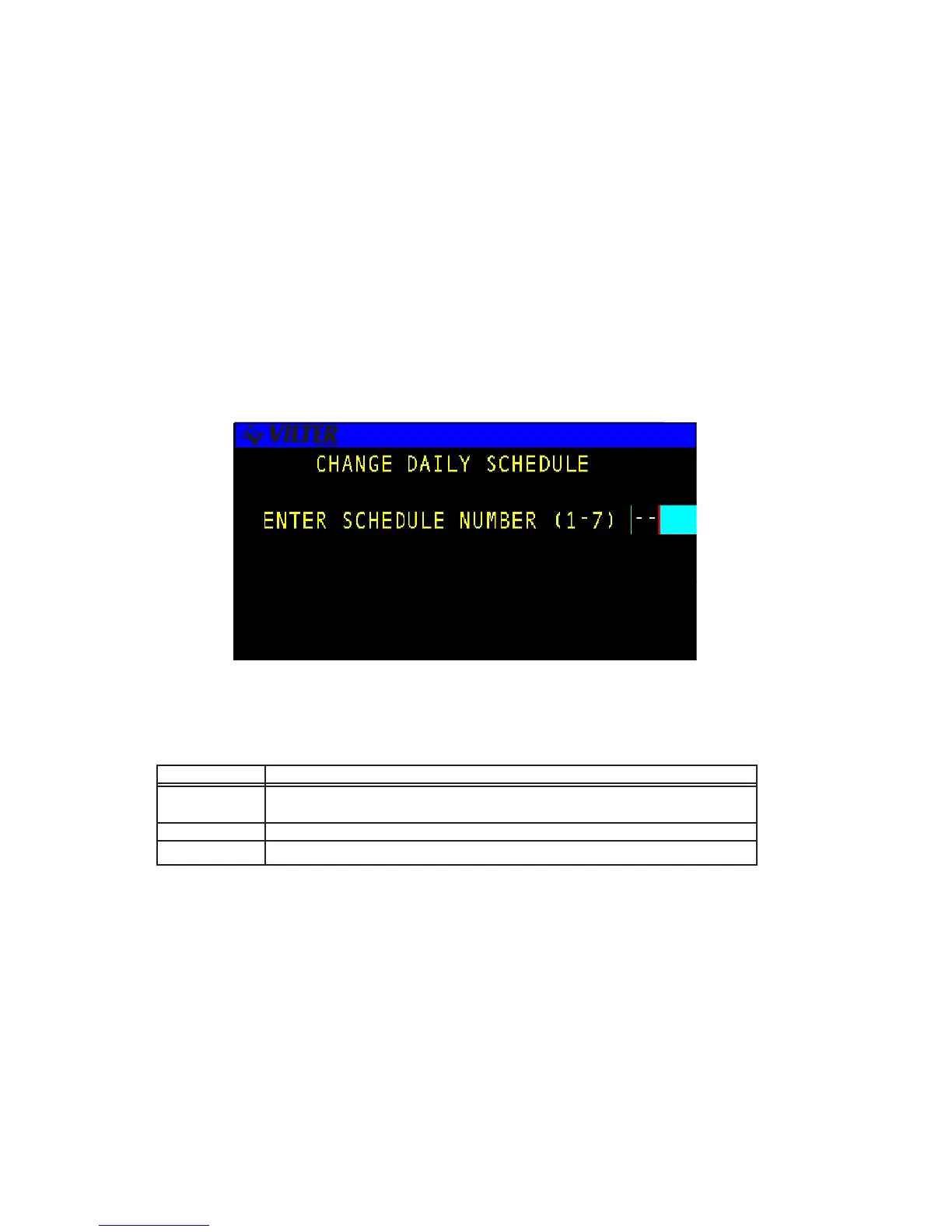
The ACCESS SCREEN is used to index the user into a larger set of screens. This screen is
typically used in cases where more than eight screens are available for a particular option.
The access screen will perform error checking on the number entered. For example, if the
screen is used to access the daily schedules and the number eight is entered, the input area
will flash error since there are only seven possible schedules. The user will be required to
clear the error and enter a correct value. The data entry process is described in more detail in
the data entry section. The following is an example of an access screen.
The following table contains a list of the active keys on an access screen and their function.
KEYS FUNCTION
NUMBER Used to enter a number selection.
KEYPAD
ENTER Used to accept the selection number that is entered.
QUIT Exits from current screen to the previous screen.



 To Next Page