58
Active Alarms & Failures Status Screen
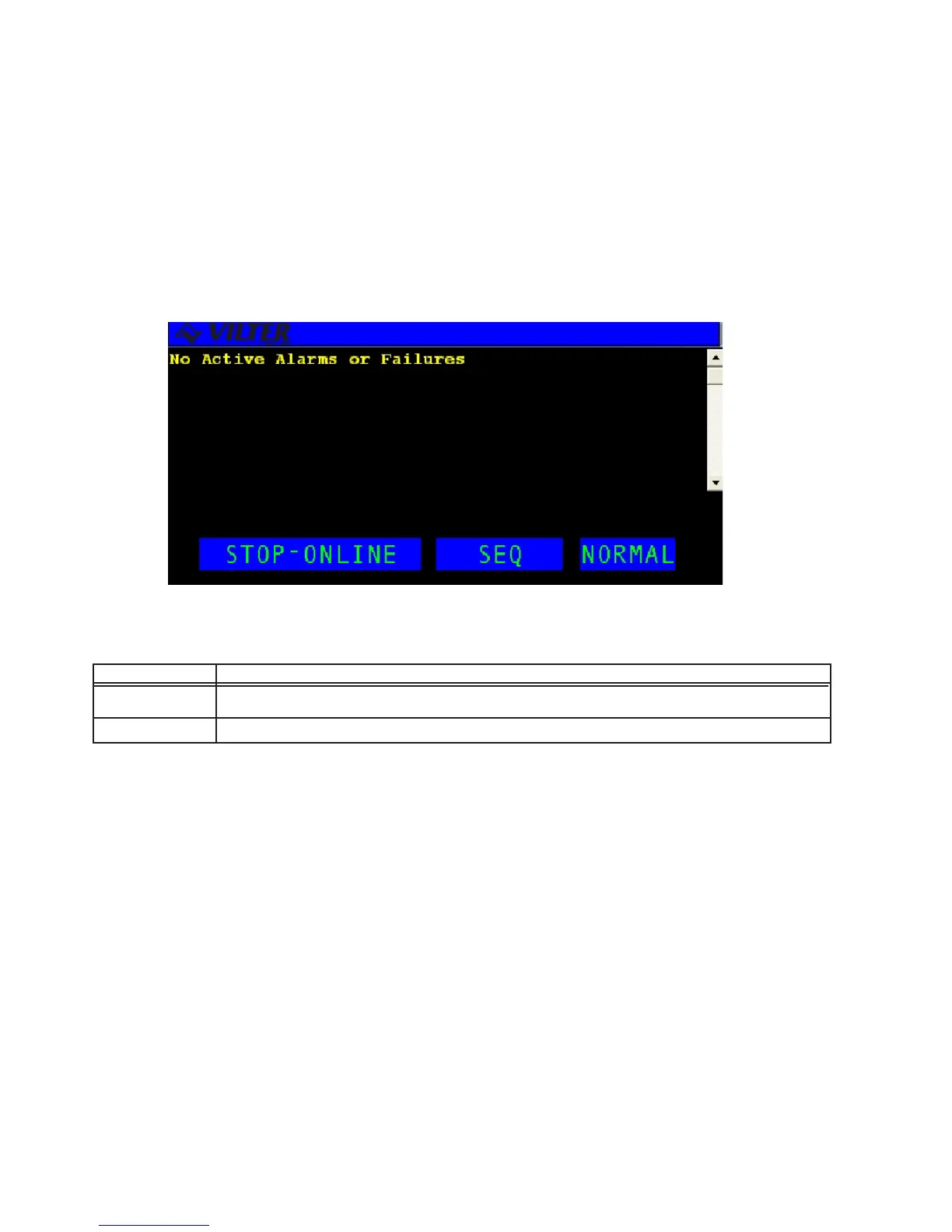
The ACTIVE A LARMS & FAILURES STATUS screen displays the system’s current Alarms/Failures. This screen
will be the initial screen displayed by the system when an alarm or failure first becomes active. The default status
screen can be reached by simply pressing the QUIT key. An example of the alarm screen is shown below.
The active function keys for this screen are described in the following table.
KEY FUNCTION
SHIFT UP/ Switches control between the display area and the hot keys. Scrolls line by line through the information.
DOWN ARROWS
CLEAR The CLEAR key is used to acknowledge and clear alarms/failures as well as to silence the alarm horn.
Active Alarms & Failures Status Screen
Active Alarms & Failures Status Screen Definitions



 To Next Page