52
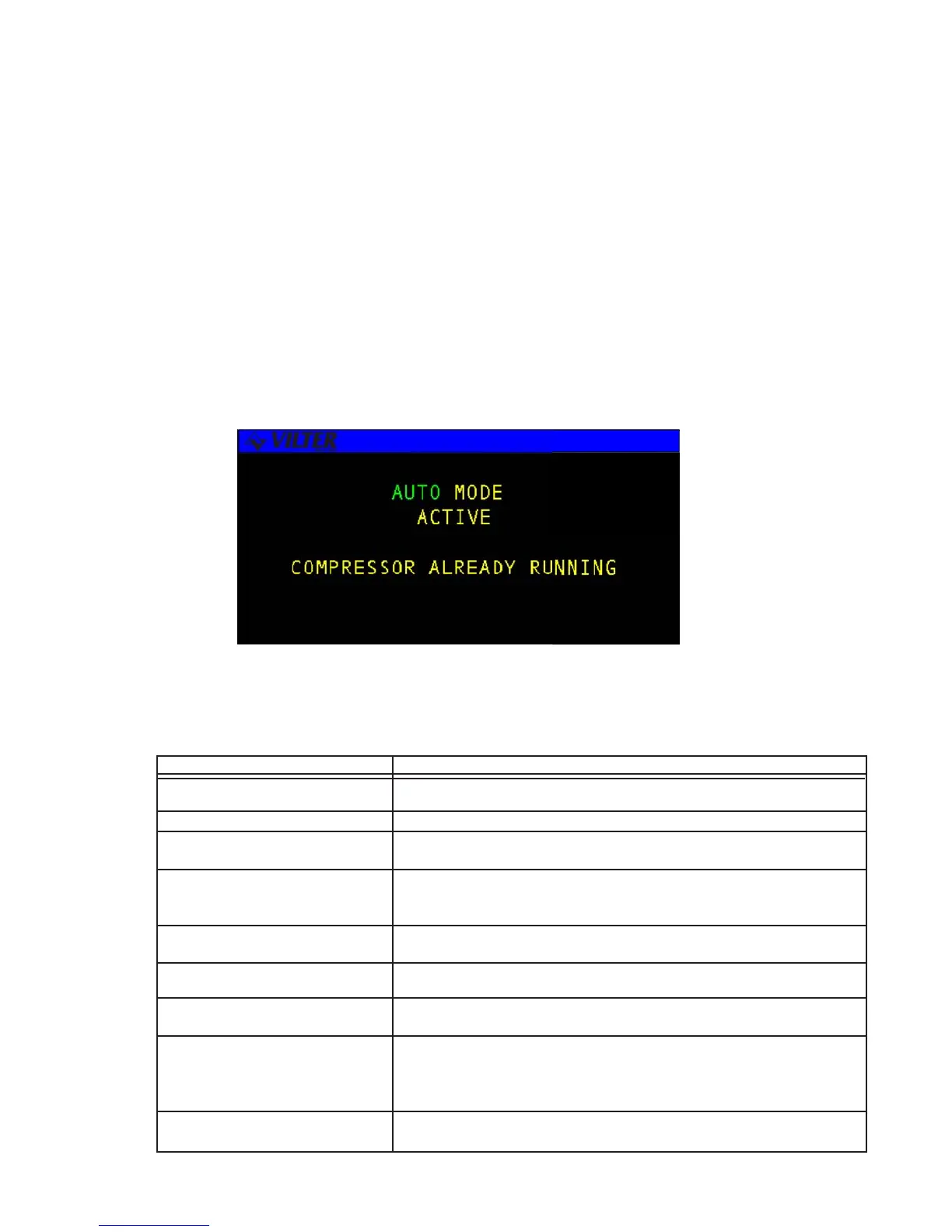
The following table lists possible momentary screens associated with the START mode key function.
SCREEN FUNCTION
STARTING MANUAL MODE The compressor is starting in the Manual mode.
STARTING AUTOMATIC MODE The compressor is starting in the Automatic mode.
ON-LINE REMOTE MODE The compressor is on-line in the Remote mode and may be started by the
remote computer.
ON-LINE AUTO-REMOTE MODE The compressor is on-line in the Auto-Remote mode and may start,
depending on the state of the Remote Start/Stop input, or the remote
computer.
ON-LINE SEQUENCED MODE The compressor is on-line in the Sequenced mode and may start,
depending on the master sequencer.
START DISABLED ALREADY The start function is disabled because the compressor is already in the
IN PROGRESS process of undergoing the start-up operation.
START DISABLED SYSTEM The start function is disabled because the compressor is already IS
RUNNING running.
START DISABLED ANTI-CYCLE The compressor is delayed from starting. An anti-cycle timer has been
XX:XX activated which prevents start-up until the time period has expired
(XX:XX is the time remaining). The screen will continue to be displayed
until the timer expires or the user presses the QUIT key.
START DISABLED SYSTEM The start function is disabled due to a system alarm or ALARM/ failure.
ALARM/FAILURE
Operational Procedures
The operator interface for the RECIP compressor is performed using LCD, keypad, and the
following four hot keys:
STOP
SETPT
LOGS
MENU
The following sections will explain the operating procedures associated with each of these
hot keys.
Momentary Screen



 To Next Page