35
Log Screens
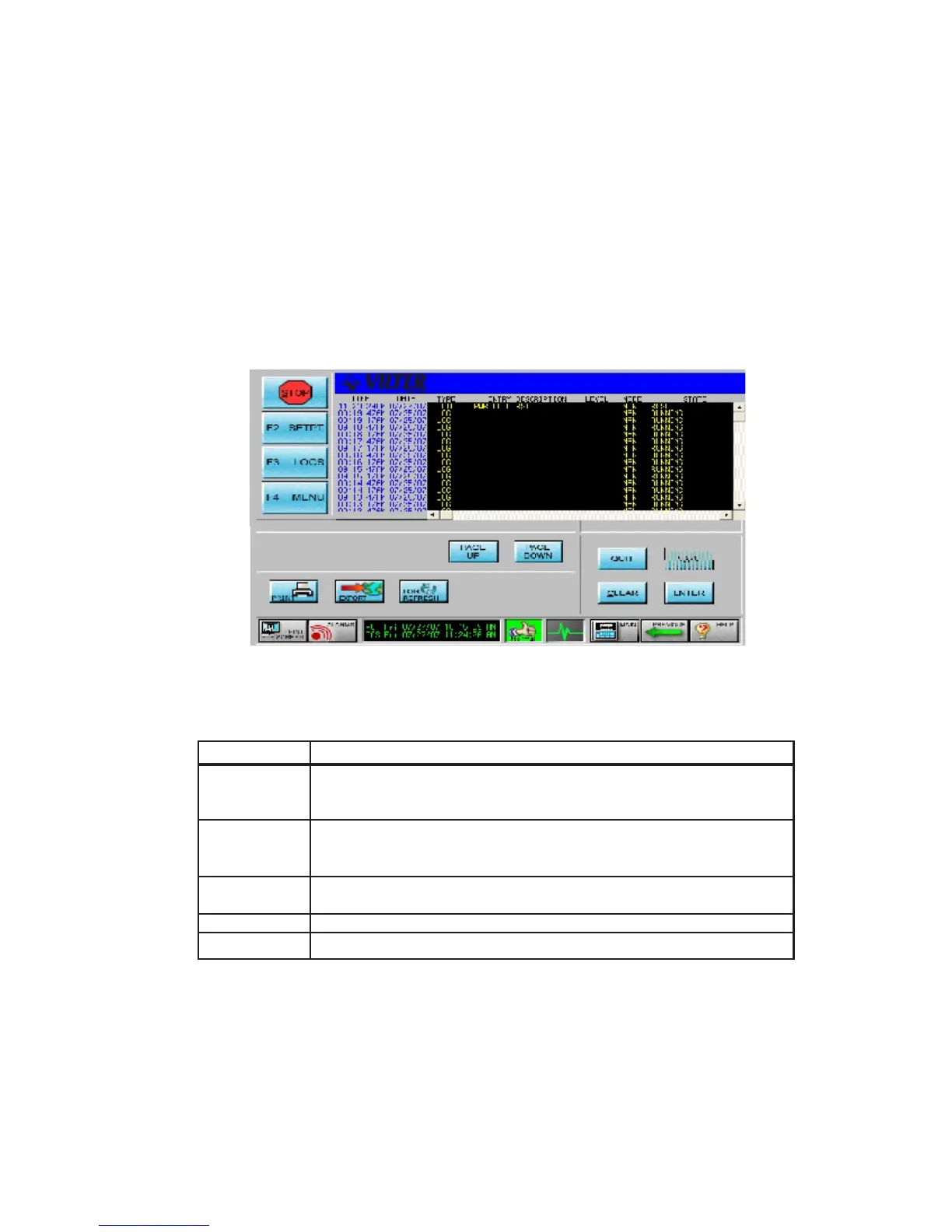
LOG SCREENS are used to view recorded system information. The width and length of the
log screens may be wider and longer than allowed by the LCD display area. The arrow and
page keys can then be used to view the entire log. All systems are configured with the
following logs: Operation Log, Trend Log, Alarm Log, Failure Log, and User Log. Other
log types may also be included, depending on system options. Below is an example of a
log screen.
The following table contains a list of the active keys on a log screen and their function.
KEY FUNCTION
PG UP Allows the user to page forward and back through the log entries.
PG DN PG UP shows more recent log entries and PG DN shows older log
entries.
UP/DOWN Scrolls line by line through the information. The Up arrow shows
ARROWS more recent log entries and the Down arrow shows older log
entries.
RIGHT/LEFT Scrolls to additional log pages while maintaining the same time and
ARROWS date for log entries.
CLEAR Returns the user to the beginning of the log.
QUIT Exits from current screen to the previous screen.
Log Screen Keys
Log Screen



 To Next Page