62
The following table lists the data entry fields on the screen and a description of their purposes.
TERM DEFINITION RANGE
CUT-IN Cut-in Setpoint. If Automatic or Auto-Remote mode is
selected, Auto Start/Stop is enabled, the compressor is
on-line, and the suction pressure rises above the Cut-in
Setpoint, the compressor will start. 29.9 INHG 185.0 PSIG
CONTROL Control Setpoint. In the Automatic or Auto-Remote
mode of operation the compressor is loaded or unloaded
as required to maintain the Control Set-point. 29.9 INHG 185.0 PSIG
CUT-OUT Cut-out Setpoint. If Automatic or Auto-Remote mode
is selected, Auto Start/Stop is enabled, the compressor is
running, and the suction pressure falls below the Cut-out
Setpoint, the compressor will stop. 29.9 INHG 185.0 PSIG
LOW ALARM The Suction Pressure value at which the Viltech should
report a Low Suction Pressure alarm to the operator
(for all modes except Sequenced). 29.9 INHG 185.0 PSIG
LOW FAILURE The Suction Pressure value at which the Viltech should
fail (stop) the compressor and report a failure to the
operator (for all modes except Sequenced). 29.9 INHG 185.0 PSIG
Suction Pressure Control Data Definitions
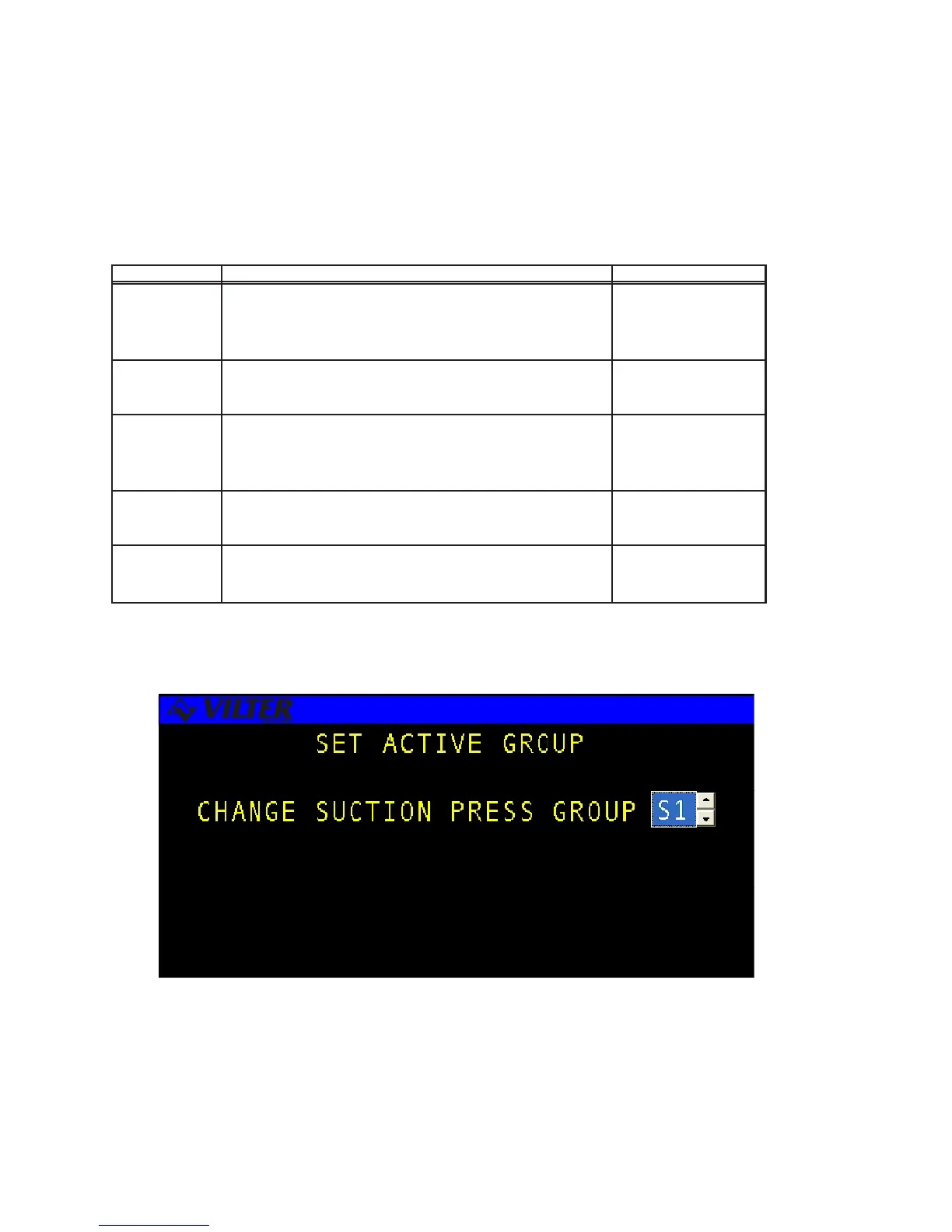
Suction Pressure Active Group Control Screen



 To Next Page