A. 6
Run time group Hd [r.Lxx]Run time group Hd [r.Lxx]
Run time group Hd [r.Lxx]Run time group Hd [r.Lxx]
Run time group Hd [r.Lxx]
PARAMETER DEFAULT VALUE
Pb.Lo = 1.0%
Pb.Hi = 300.0%
ti.Lo =00.20 mm.ss
ti.Hi =20.00 mm.ss
rG.CL = OFF
DEFAULT CONFIGURATION AND USER PARAMETERSDEFAULT CONFIGURATION AND USER PARAMETERS
DEFAULT CONFIGURATION AND USER PARAMETERSDEFAULT CONFIGURATION AND USER PARAMETERS
DEFAULT CONFIGURATION AND USER PARAMETERS
When it is desired to load the default value of:
- the standard configuration parameters;
- the user setting of the run time and configuation parameters;
proceed as follows:
a) If the instrument starts in configuration mode, push the
MENU pushbutton.
b) If the instrument starts in run time mode, by keeping
depressed the MENU push-button for more than 5 seconds
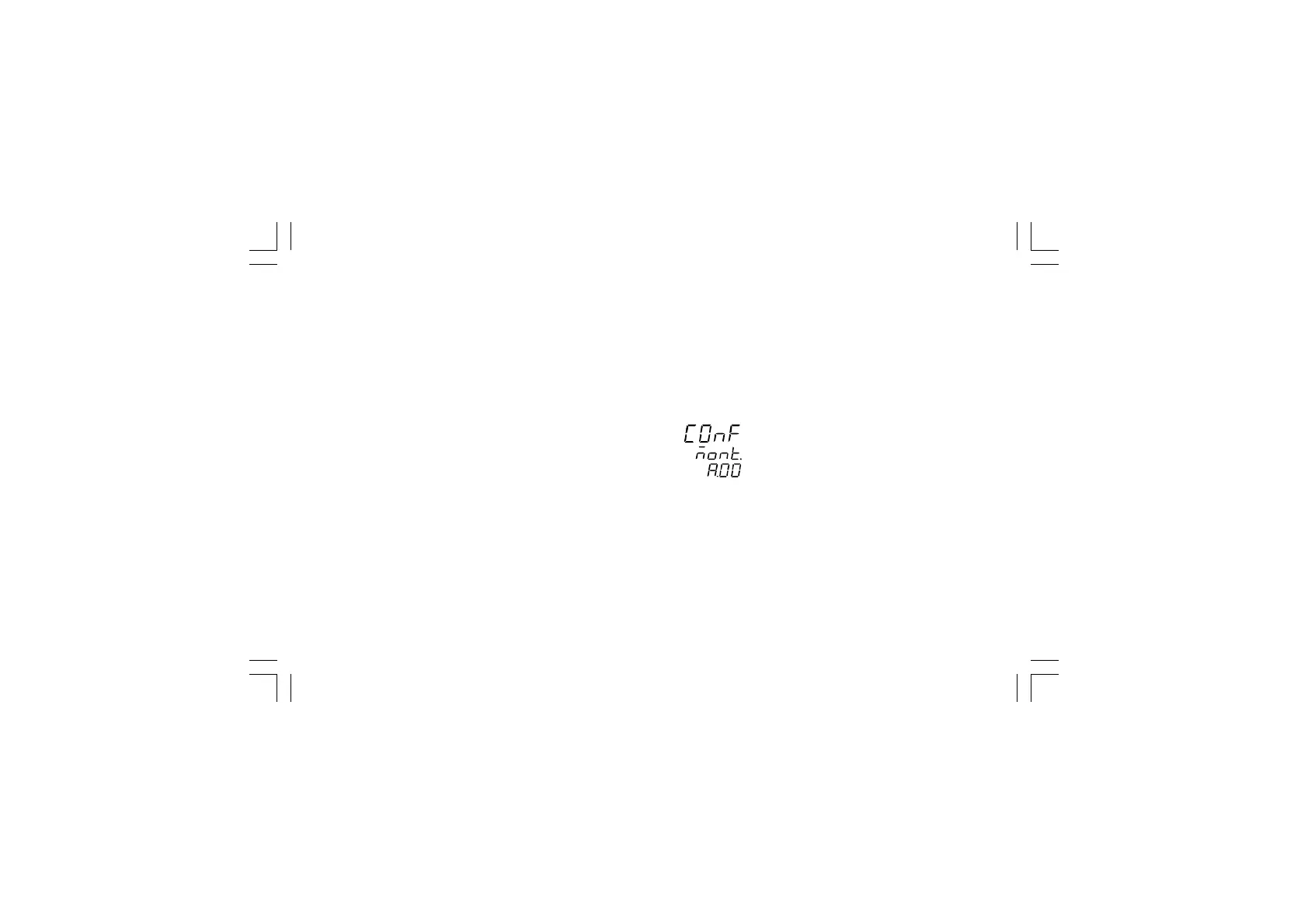
the instrument will show:
NOTENOTE
NOTENOTE
NOTE: If no push-button is depressed for more than 10 s (or 30
s according to "CnF.6" "t.out" [time out selection" C.I10]
parameter setting), the instrument returns automatically to the
normal display mode.
By V or W push-button select "ñodF."
NOTESNOTES
NOTESNOTES
NOTES:
1) When modify mode is started, the instrument stops the
control and:
- sets control outputs to OFF;
xkp-a-D1.pmd 25/05/2006, 11.296



 To Next Page