36
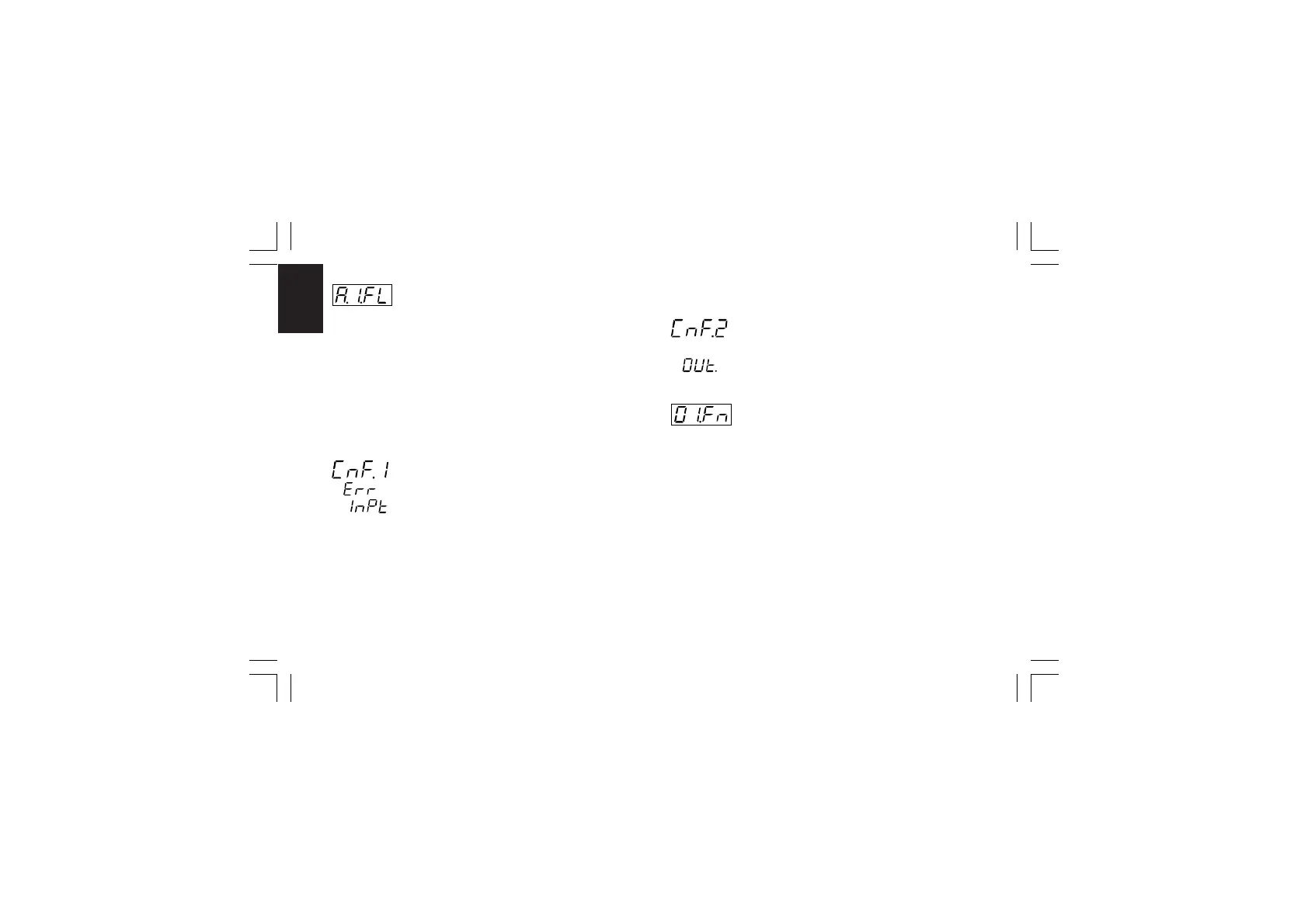
CnF. 2CnF. 2
CnF. 2CnF. 2
CnF. 2
- Filter on auxiliary input - [C.d13]- Filter on auxiliary input - [C.d13]
- Filter on auxiliary input - [C.d13]- Filter on auxiliary input - [C.d13]
- Filter on auxiliary input - [C.d13]
This parameter is available only when auxiliary input is
configured
Ranges: from 0 (no filter) to 8 seconds.
NOTENOTE
NOTENOTE
NOTE: this is a first order digital filter applied to the measured
value made by the auxiliary input.
General note about configuration group 1General note about configuration group 1
General note about configuration group 1General note about configuration group 1
General note about configuration group 1
Exiting from the configuration group 1 the instrument automati-
cally verifies the programmed span for the linear input.
If it is wrong, the device will show:
Push the FUNC pushbutton more times until the "ñ.In.L"
[C.d05] or "ñ.In.H" [C.d06] are displayed and modify their value
in order to respect the minimum read-out span (see NOTE 2 of
the "ñ.In.H" [C.d06] parameter).
CONFIGURATION GROUP 2 [C.Exx]CONFIGURATION GROUP 2 [C.Exx]
CONFIGURATION GROUP 2 [C.Exx]CONFIGURATION GROUP 2 [C.Exx]
CONFIGURATION GROUP 2 [C.Exx]
OUTPUTS CONFIGURATION
- OUT 1 function - [C.E01]- OUT 1 function - [C.E01]
- OUT 1 function - [C.E01]- OUT 1 function - [C.E01]
- OUT 1 function - [C.E01]
Range:nonE =Output not used
ñAin =Time proportional main control output
SECn =Time proportional secondary control output
ALr.1 = Alarm 1 output
Eun.1 =Event 1 output
NOTENOTE
NOTENOTE
NOTE: for Event description see "Event 1
function" [C.H.09] parameter.
XKP-1-D1.pmd 25/05/2006, 11.2836



 To Next Page